

Niwa vs Novamira: Manage WordPress from WhatsApp
Run WordPress from your phone with Niwa. See how its native agent, WhatsApp control and scheduling compare with Novamira and an external agent.
You are away from your desk. A landing page needs a change, a product needs updating and tomorrow’s catalog check still needs scheduling. With Niwa AI connected to WhatsApp, you can send those instructions to the agent already working inside your WordPress installation.
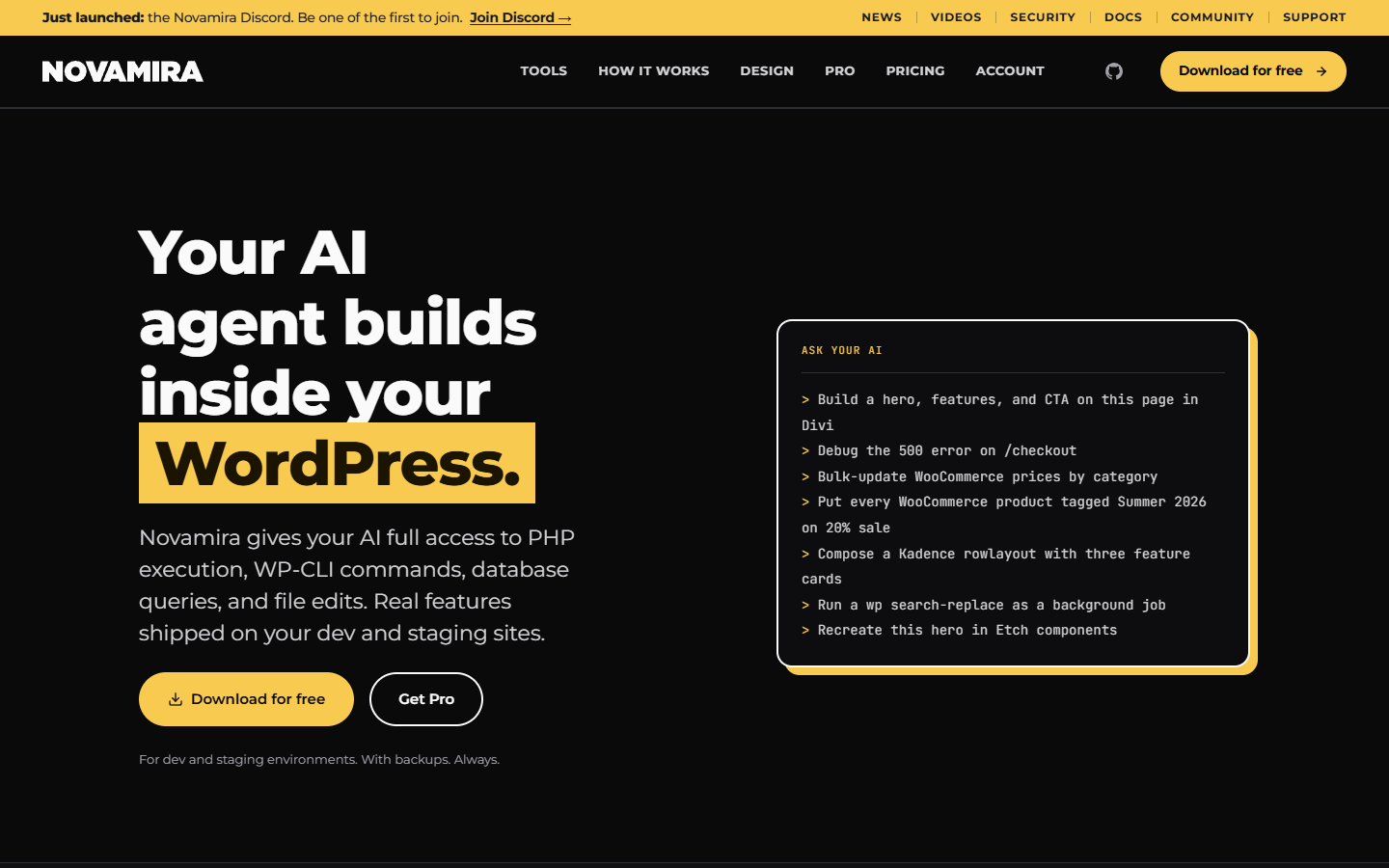
That is the practical difference between Niwa and a connector-led setup. Niwa provides the native agent runtime, site tools and owner messaging as one system. Novamira provides access to WordPress for an external agent, which can bring its own messaging channels.
Reviewed September 15, 2026 by the Niwa AI team. The requests below are illustrative examples, not a transcript of a customer session.
What happens after you send Niwa a message?
- Your connected owner channel receives the instruction. Niwa associates it with the configured owner access.
- The native agent inspects the task. It can read the relevant page, product, settings or code context before choosing tools.
- It carries out the authorized work. That can be a native WordPress operation, a builder edit or a coding workflow supported by the installation.
- It checks the result and responds. Work that needs clarification, access or approval remains identifiable instead of being reported as finished.
Your phone supplies the instruction. Niwa’s runtime coordinates execution on the website. You do not need a desktop coding application to relay every tool call.
Three useful requests from your phone
Change an existing page
Update the delivery section on the product page with the wording I sent. Keep the existing layout and check it on mobile.
Niwa can inspect content and builder data, apply the authorized change and check the result with the available tools. For Elementor, native operations include page structure, widgets, content, styles, images and editable elements. Technical development is part of the workflow.
Work on the catalog
Find the products with missing images. Show me the list before changing anything.
The same owner channel can reach WooCommerce product, variation, category, stock and pricing tools. A request to inspect data does not authorize a price change. Once you approve a concrete update, Niwa can carry it out without asking you to switch to a coding application.
Give Niwa work for tomorrow
Every weekday at 9, check the stock list and send me the products that need attention.
Niwa can use recurring schedules and the configured delivery channel. One-off work, interval jobs, reminders and agent wakeups are also available. Its runtime and scheduler must be healthy, and the first scheduled result should be verified. Your laptop does not have to stay open to drive the task.
How Novamira reaches WhatsApp
Novamira’s September 11 Hermes guide describes an external agent connected to WordPress through the Novamira CLI. Hermes provides its persistent agent and messaging channels; Novamira provides the WordPress connection.
So the honest comparison is between two arrangements:
- Niwa: your WhatsApp message reaches the native Niwa agent, which uses the tools in its WordPress installation.
- Novamira with Hermes: your message reaches Hermes, which works through the Novamira connection to reach WordPress.
Both can support work from a phone. Niwa is the more integrated option when you also want owner administration, the Storefront Agent, product cards, scheduled work and appointment booking from the same WordPress product.
You can still use Codex or another MCP client
Phone administration does not replace your developer workflow. From an external MCP client, you can delegate a complete job to Niwa or call the native tools directly. Use the phone for a brief while travelling and your coding client for a larger development session.
Niwa can also use a configured Codex subscription connection for its own agent. The model connection and the application’s runtime are different parts of the setup: Niwa needs access to an AI model, but it does not require a separate external coding agent to operate WordPress.
Your owner agent and storefront serve different people
WhatsApp owner access lets you manage the site. The Storefront Agent helps visitors with questions, product discovery and shopping actions. Its product cards can bring the catalog into the conversation, while booking and lead forms support service and sales workflows.
The frontend application can be switched on or off. You can use Niwa privately for administration even when you do not want a chat experience on the public site. Customer conversations do not carry the owner’s editing permissions.
What you need to configure
- Niwa installed in WordPress with its agent runtime available.
- A supported AI connection for the native agent.
- The owner identity, access and WhatsApp channel connected.
- The permissions and tools needed for the intended site work.
- Working background execution for scheduled tasks.
Start with a read request, then one small authorized edit. Confirm the saved WordPress data and the visible page. Add recurring work after that basic path is working.
Choose the agent you want running your site
Niwa makes sense when you want the website itself equipped to act on your instructions. Its MCP connection is one entry point. WhatsApp is another. The native agent, development tools, scheduler and optional storefront are the product behind them.
Get started with Niwa AI or book a demo to see the owner and customer workflows together.
- Full Niwa vs Novamira feature comparison
- Novamira alternatives for WordPress
- More about Niwa’s owner messaging
Sources: Novamira’s Hermes guide, How Niwa works, and Niwa’s native agent, WhatsApp, scheduling and MCP implementations. No phone message was sent to a third party as part of this editorial review.

