

AI Product Finder for Ecommerce: Help Shoppers Choose Faster
An AI product finder helps ecommerce shoppers choose faster by turning real buyer context into product recommendations, fewer dead-end searches, and clearer next steps.
Most shoppers do not want another filter menu. They want a faster way to choose. That is the job of an AI product finder: ask a few useful questions, understand the buyer’s intent, and point them to the products that make sense for their situation.
This matters most when your catalog has enough choice to create doubt. Supplements, skincare, fashion, electronics, home goods, B2B parts, and specialty food stores all run into the same problem. The customer is interested, but the next step is unclear.
What an AI product finder does
An AI product finder is a guided shopping assistant for your ecommerce site. Instead of making the visitor search, filter, compare, and guess, the assistant asks plain questions and turns the answers into product recommendations.
For example, a skincare store can ask about skin type, routine, budget, and sensitivity. A WooCommerce electronics store can ask about device compatibility, use case, and delivery deadline. A gourmet food store can ask whether the customer is buying for a gift, a dinner, or personal use.
The point is not to replace the product page. The point is to get the right shopper to the right page faster.
Why filters and search still fail good shoppers

Filters work when customers already know what they need. Search works when they know the right words. Many buyers do not.
Baymard’s ecommerce search research says roughly half of tested shoppers use search as their preferred product finding strategy, while the other half use main navigation. The same research notes that 56% of ecommerce sites have issues with search query support. That is a boring statistic until you watch it happen in a store: someone types a normal human phrase, gets weak results, and leaves.
An AI product finder gives those shoppers another route. They can describe the problem in their own words: “I need a gift under $80,” “I want running shoes for knee pain,” or “I need the safest option for a new puppy.” The assistant can translate that into catalog logic.
Where guided selling has the biggest payoff
Not every catalog needs an AI product finder on day one. It helps most when the buying decision has context behind it.
- Fit matters: size, compatibility, skin type, dietary preference, use case, region, or age range.
- The catalog is crowded: many products solve similar problems, but not for the same buyer.
- Customers ask the same pre-sale questions: support keeps explaining the difference between products.
- Returns happen because people choose badly: the customer bought something reasonable, just not the right thing.
That last one is painful because it looks like a logistics problem. Often it starts earlier, at product discovery.
How the conversation should work
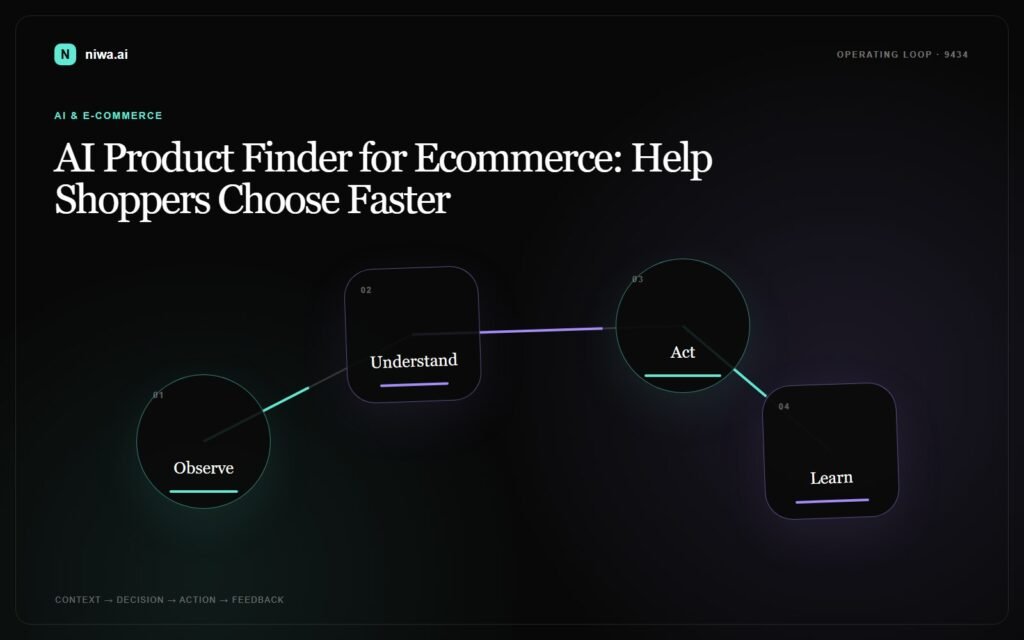
A good product finder conversation is short. Five questions can be too many if the first two are lazy. The assistant should ask only what changes the recommendation.
| Bad question | Better question | Why it works |
|---|---|---|
| “What are you looking for?” | “Who is this product for?” | It reveals the buying context. |
| “What is your budget?” | “Do you want the safest pick, best value, or premium option?” | It avoids making price the whole conversation. |
| “Do you need help?” | “Are you choosing between two products?” | It catches people who are already close to buying. |
The assistant should also explain its recommendation in normal language. “Choose this because it fits your use case” is better than a mysterious ranked list.
Personalization needs trust, not creepiness
Personalized recommendations can help, but only if the customer understands why they are seeing them. Salesforce’s State of the AI Connected Customer report found that 73% of customers say companies treat them like an individual rather than a number, up from 39% in 2023. The same report says 61% of customers believe advances in AI and agents make company trust more important.
That is the line to respect. Do not make the assistant sound like it knows private things. Make it clear that recommendations come from what the visitor just told you, the product catalog, and store policies.
What Niwa AI needs from your store
Niwa AI works best when it can use the store’s real product data instead of giving generic shopping advice. For a WooCommerce store, that usually means product names, descriptions, categories, prices, availability, variants, policy pages, and the questions customers already ask before buying.
Once that data is connected, the assistant can guide product discovery, answer pre-sale questions, and hand off to a human when the customer needs something sensitive or unusual.
If you are still mapping the whole flow, start with how Niwa works. If your bigger problem is turning visitors into qualified conversations, the lead conversion page is the better next step.
Simple setup plan for a WooCommerce store
- Pick one product category where customers hesitate before buying.
- List the five questions support already answers about that category.
- Write the recommendation rules in plain English: “If the customer says X, recommend Y unless Z matters more.”
- Connect the assistant to product and policy data.
- Test the flow with real customer questions, including awkward ones.
Do not launch with a huge decision tree just because you can. Start with one category, make the recommendations useful, then expand.
What to measure after launch
The easiest mistake is measuring only chat volume. More chats do not automatically mean better selling. Track what happens after the assistant helps.
- Product click-through: do shoppers open the recommended products?
- Add-to-cart rate: do assisted shoppers move forward?
- Average order value: do recommendations create better baskets without forcing bundles?
- Support deflection: are repetitive product questions dropping?
- Human handoff quality: does your team receive useful context when the assistant escalates?
Those numbers tell you whether the product finder is helping customers choose, not just keeping them busy.
Conclusion: product discovery should feel like a good salesperson
A strong AI product finder does not push every product. It listens for buying context, narrows the catalog, explains the recommendation, and gives the customer a clear next step.
If your store has good products but shoppers still get stuck choosing between them, Book a Niwa AI demo and see how guided selling could work on your catalog.

