

WooCommerce AI Operator for Work That Shouldn’t Wait
Tell Niwa what needs changing. She inspects the request, checks what is allowed, prepares or executes the work, then verifies the live result. You stay in control without living in wp-admin.
Niwa works inside WordPress and can take owner requests through Telegram or WhatsApp.
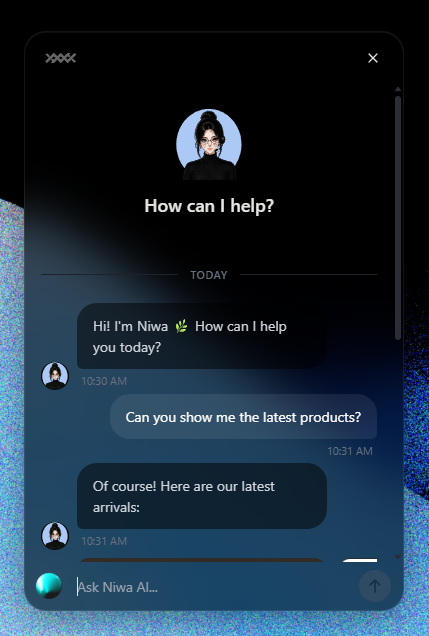
From request to verified result
A useful operator leaves a trail you can inspect.
Request
Ask in plain language: update stock for these SKUs, revise a product page, check why checkout is failing, or prepare this week’s store content.
Safety check
Niwa reads the current state, available tools and permissions before anything changes. If the task needs approval or more context, she stops and asks.
Action
Allowed work can run. Sensitive or broad changes can be prepared as a preview first, with the exact scope made clear before execution.
Live verification
The job is not finished at “saved.” Niwa checks the affected page, record or workflow and reports what actually happened.
One operator, four parts of the store
Hand off the work that keeps dragging you back into admin.
Catalog operations
Inspect product data, stock and prices. Prepare focused updates instead of opening products one by one.
Content work
Draft or update product copy, landing pages and store content with the current site context in view.
Diagnostics
Inspect WordPress state, plugin behavior and available logs. Find the failure point before changing code or settings.
Customer support
Answer recurring product, policy and order questions from store context, then hand off cases that need a person or approval.
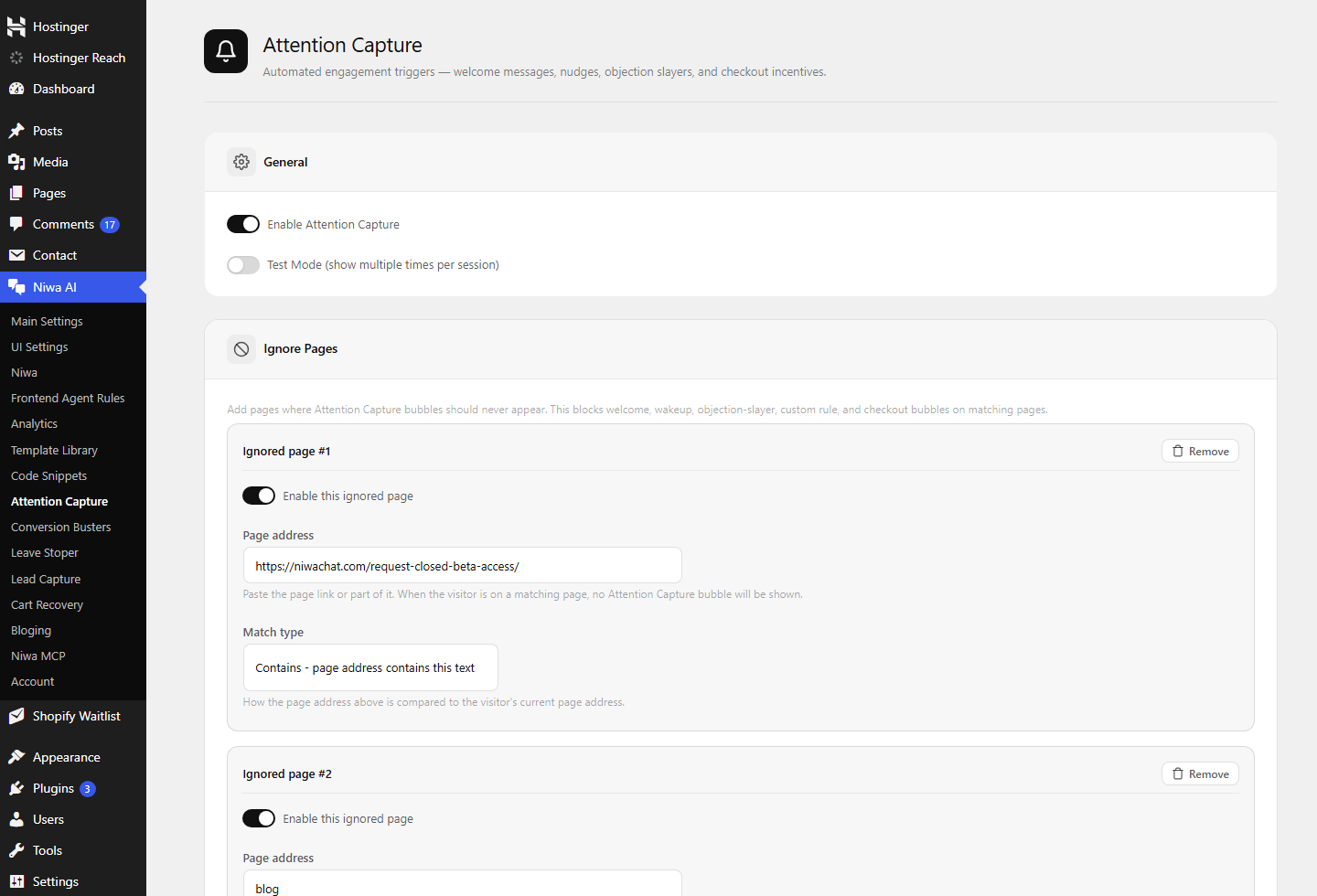
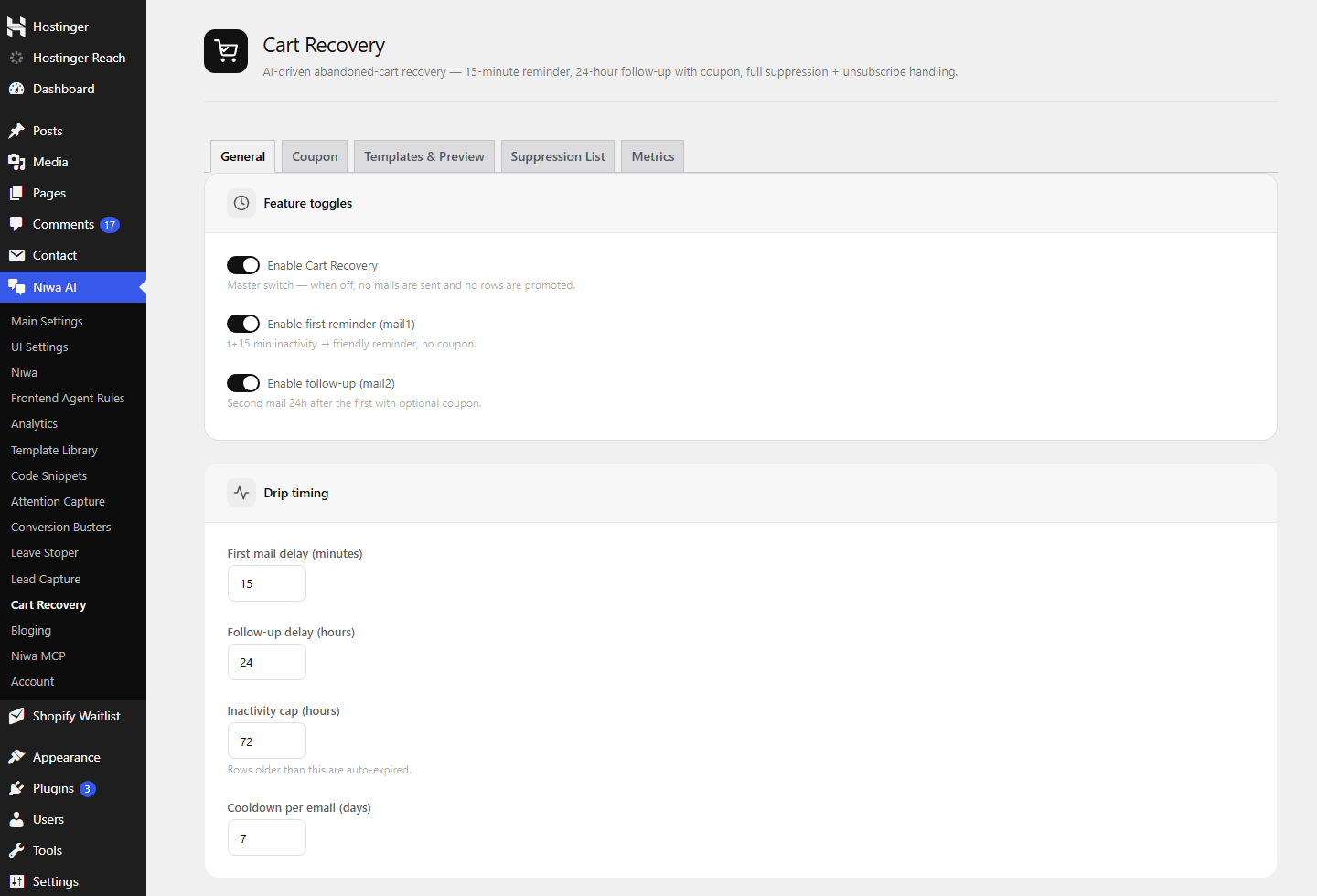
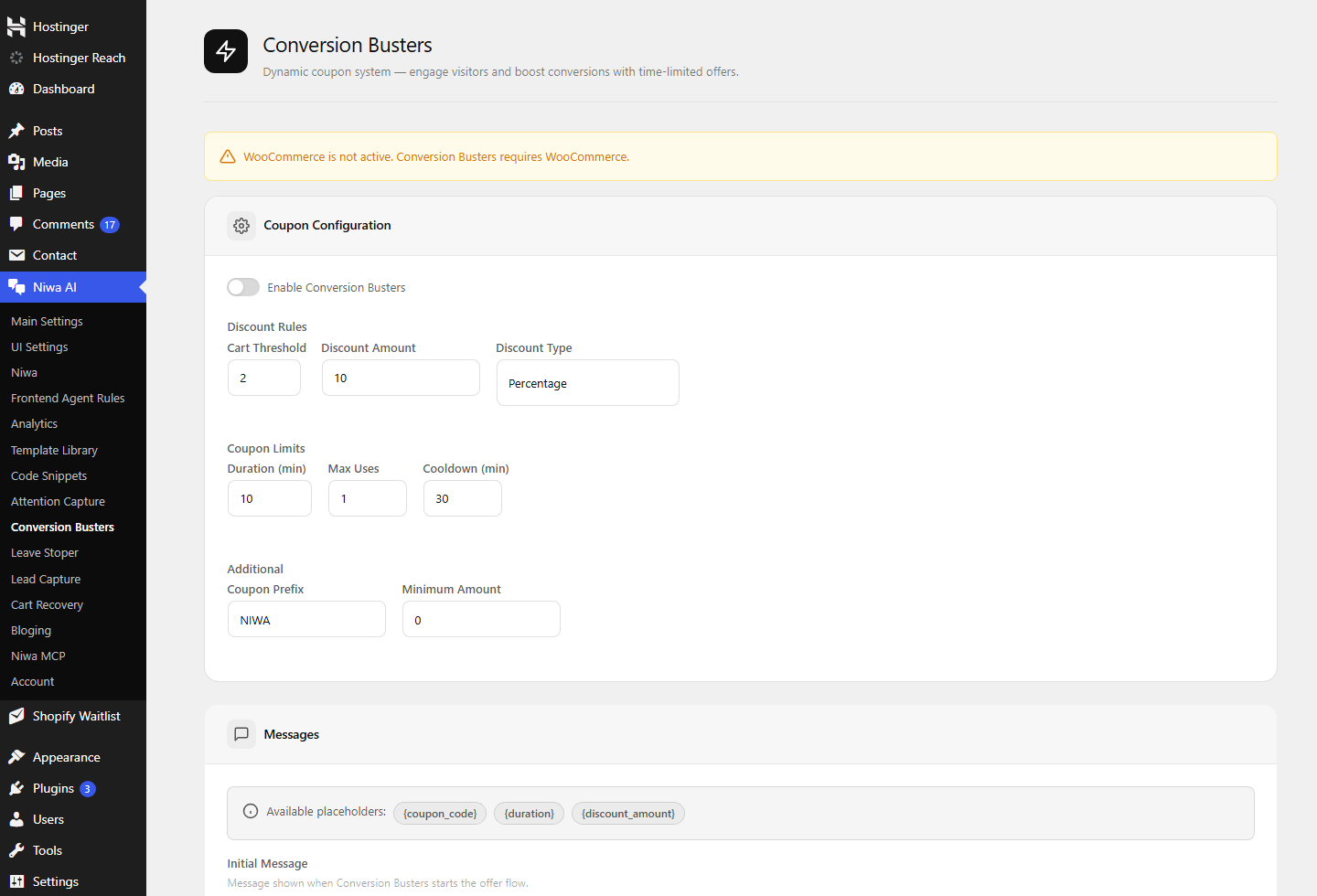
Actions depend on the tools you connect and the permissions you grant. Niwa should never pretend an unavailable action happened.
Control before execution
Fast is useless if it is careless.
Read and inspect
Let Niwa gather the current state before proposing a move.
Prepare and preview
Review the exact content, data or code change before it touches production.
Approve and execute
Grant execution only where it makes sense for the task and the person asking.
Verify and recover
Check the live result. Keep a rollback path for changes where reversal matters.
Operate from your phone
You do not need wp-admin open to start a job.
Send a store request while you are away from your laptop. Niwa keeps the task in the conversation and returns with the result or the approval she needs.
Use the same plain-language workflow from the app your team already checks. Owner access and allowed actions are configured in WordPress.
Messaging access is for authorized owners. Define what Niwa may inspect, prepare and execute. Sensitive work stays behind approval.
Practical use cases
What this looks like on a working store
Check these five SKUs against the supplier sheet. Show me the stock changes before updating anything.
Rewrite this product description around compatibility and delivery. Keep the facts already on the page.
Checkout started failing after the last plugin update. Inspect the current state and isolate the likely break before touching production.
Find the questions customers keep asking about this product and prepare a clearer FAQ section.
Setup
Start with one controlled task.
Install Niwa on WordPress
Add the plugin and open the Niwa settings inside wp-admin.
Connect the model and tools
Choose the AI connection and enable only the store capabilities you intend to use.
Configure owner access
Connect Telegram or WhatsApp, set who can ask for work and decide which actions require approval.
Test and verify
Begin with a real, reversible task. Check the preview, run it and confirm the live result before widening access.
FAQ
Before you hand over the first job
Is Niwa a WooCommerce chatbot?
Niwa can answer shoppers, but the operator side goes further. It can inspect WordPress and WooCommerce context, prepare controlled work and execute permitted actions for the store owner.
Can Niwa change my live store?
Yes, when the required tool is available and you have granted permission. You can keep higher-risk work in read or preview mode until you approve it.
Does every task run automatically?
No. The useful boundary is explicit: inspect, prepare, execute or stop for approval. Niwa should report when a tool or permission is missing instead of claiming the work is complete.
Can I use Telegram or WhatsApp?
Yes. Niwa’s owner assistant can connect to Telegram and WhatsApp so authorized store work can begin from your phone.
What can I use it for first?
Pick one recurring, reversible job: a stock check, a product-copy update, a content brief or a diagnostic review. Prove the workflow before handing over broader access.
How do I know where Niwa fits in my store?
Request the free WooCommerce AI and Conversion Audit. We will review the public buying journey and identify where operator workflows, customer answers or simpler site fixes deserve attention.
Find the work your store should stop doing by hand
Start with the work that costs you attention every week.
The free audit maps buyer friction, recurring store work and the places where a controlled AI operator can help. You get a practical priority list, not a generic automation pitch.
Request your free WooCommerce auditNo purchase required. The initial review uses your public store pages.

