

WordPress chatbot navigation: take visitors to the right service page
A practical service-business guide to linking or opening the right WordPress page in chat, with a fictional fence repair example and clear booking boundaries.
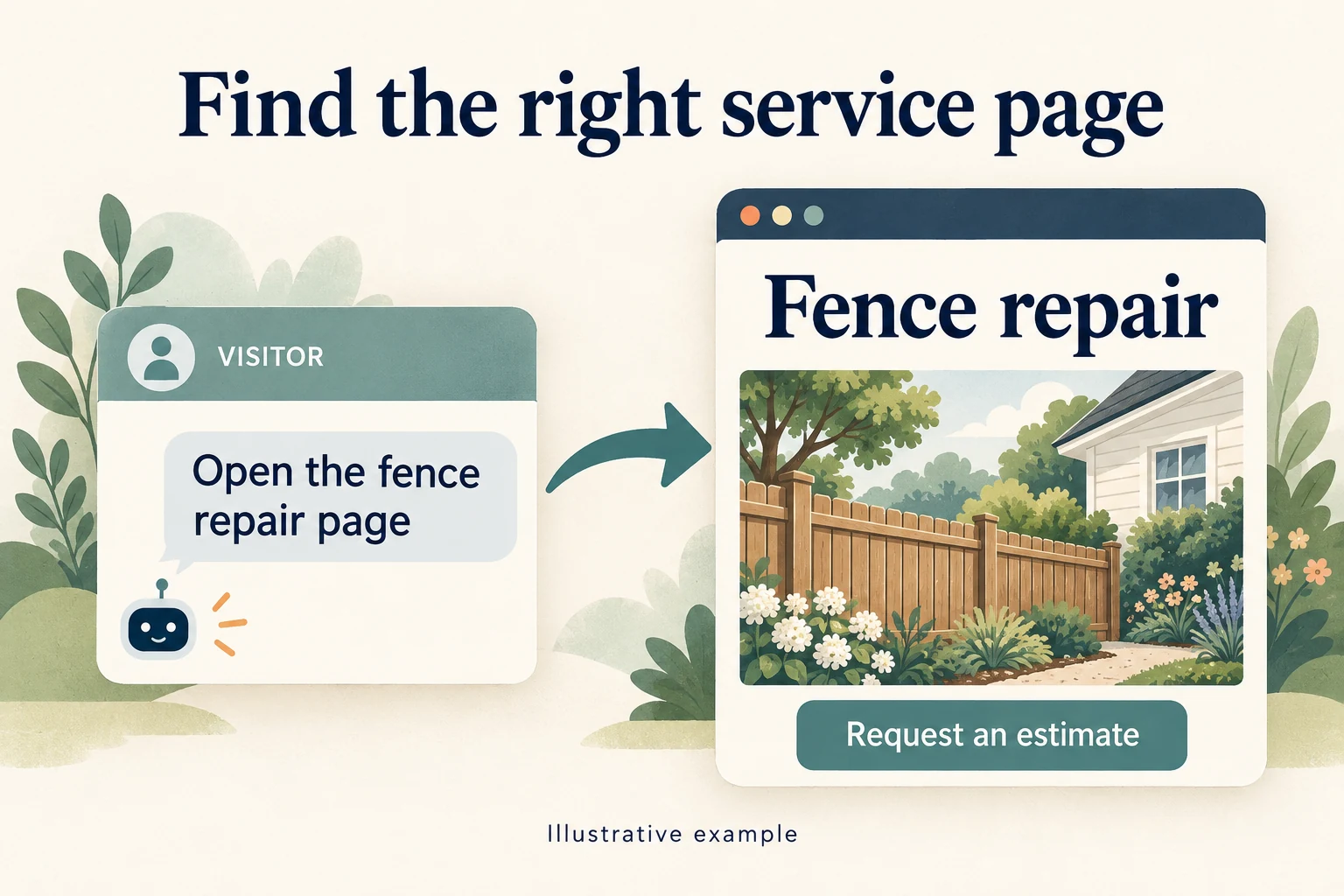
A visitor reaches your WordPress website from a search for fence repairs. Your company also installs decks, replaces gates and builds new fences. The visitor opens the chat and writes, “Take me to the fence repair page.” An answer about everything your company does adds another step. Opening the right page lets that person inspect the repair service and decide whether to request an estimate.
WordPress chatbot navigation connects that request to a real destination on your site. Niwa can provide a page link when someone asks for one, or open an internal page when the visitor explicitly asks to go there. The useful part is matching the next action to what the person actually requested.
A page link and a request to go there need different responses
Someone comparing services may want a link to save for later. Someone who says “open that page” has asked to move. Treating both messages as an instruction to leave the current page can interrupt a visitor who is still reading.
Niwa’s website chat supports this distinction. Its navigation instructions call for a page-link button when a visitor asks where something is or requests a link. An explicit request to be taken to a page can trigger browser navigation after a short confirmation. This applies to the live website conversation; a message on another channel does not give the assistant control of a customer’s website browser.
| Visitor request | Useful response |
|---|---|
| “Send me the fence repair link.” | Show a clearly labeled page link. |
| “Open the fence repair page.” | Open the identified internal page. |
| “Do you repair wooden fences?” | Answer from the service information. |
That last question matters. A service question is not automatically a request to leave the page. The answer may resolve the visitor’s uncertainty before any navigation is needed.
A concrete service-business example
Consider a fictional Chicago-area contractor with separate pages for Fence Repair, New Fence Installation and Gate Repair. The Fence Repair page explains the types of damage the team assesses, its service area and how to request an estimate. These are example pages, not a customer case study or measured result.
A visitor asks, “Can you send me the fence repair page?” The useful result is a link labeled “Fence repair.” If the visitor instead writes, “Take me to fence repair,” Niwa can resolve the published page and direct the browser to it. The visitor then sees the contractor’s actual service details and estimate form.
This is a small but meaningful piece of work. The owner does not have to answer a routine request by copying a URL, and the visitor does not have to work out which menu contains the service. The destination still needs to earn the inquiry: a vague page with no service area or clear next step leaves the original sales question unresolved.
Opening that page does not submit the form, reserve a visit or confirm that the contractor can take the job. Those outcomes require their own completed steps. Keep the assistant’s confirmation specific to the action it performed, such as opening the repair page.
How Niwa finds a WordPress destination
Niwa can use the identity of a page found in the site’s content, an identified internal URL, or a page-name search. When a page has already been identified, using that specific page avoids relying on a broad title search. Published WordPress pages and posts are supported destinations; WooCommerce adds product and store destinations where those are available.
Page-name matching is still something to inspect on your own site. “Repairs,” “Repair Services” and “Fence Repair” may all appear in a search. Niwa’s resolver can ask for a selection in some ambiguous cases, but it does not guarantee a clarification question for every similar set of titles. A plausible match can still be the wrong business destination.
Give distinct services distinct names and explain what each page covers. If two pages sell the same service with conflicting details, first decide which one should remain the main destination. Our guide to consolidating duplicate WordPress landing pages covers that separate cleanup job.
Keep ordinary navigation useful
A chatbot gives visitors another way to reach a page. Keep the site’s menu and visible links clear for people who browse without opening chat. In block themes, the WordPress Navigation block lets you manage menu items, their labels and their destinations. Changing a menu is a separate editorial task from an assistant opening a page for a visitor.
Use a destination label that tells people what they will get. “Fence repair” is more useful here than “Learn more.” W3C’s guidance on link purpose explains why a link’s text and context should make its purpose understandable. That principle applies to chat buttons as well as ordinary page links.
If an old URL still appears in a menu or an article, check where it ends up. A redirect to the home page can technically load while failing the visitor’s request. Use a WordPress broken-link audit to investigate stale destinations beyond the chat itself.
What happens with an external booking website?
Niwa’s direct navigation action is limited to the website’s own host. Do not assume it can automatically take over a separate booking platform or open a different domain through this action.
For a contractor using an external scheduling service, a useful route is an internal Request an Estimate page with the approved booking link and an explanation of what happens next. The visitor can then choose that link. Inspect the final destination separately, including whether it opens the right location or service. An internal page opening successfully says nothing about availability on an external calendar.
Check the destination, then the business outcome
Try the fence repair example on a phone and a desktop with your own real service names. Ask for a link, then separately ask to open the page. Confirm that the final address and page heading match the intended service, and that the estimate form or contact option works. Also try a vague name and a service your company does not offer.
After launch, distinguish a page visit from an inquiry. With your existing analytics setup, look for visits to the intended service page, completed inquiries and recurring requests for the wrong destination. Use those observations to improve the page names and content. A chat response count alone does not show whether visitors found what they needed.
Questions owners ask about chatbot navigation
Does this replace WordPress search or the main menu?
No. It adds a conversational route for visitors who use chat. Keep search and navigation available, and fix unclear service information wherever it appears.
Is opening a page unique to Niwa?
No. Other products also offer visitor actions. For example, the official TWWIM AI plugin listing describes opening articles and navigating to store destinations. Compare the actual service-page journey on your website, including how each assistant handles a request for a link versus a request to move.
Can a page visit count as a confirmed booking?
No. Opening a service or booking page is navigation. A confirmed booking requires a successful booking process and its confirmation. Keep those results separate in the chat and in reporting.
See the route on your own website
Bring a service page, a similar page that could cause confusion and your intended inquiry destination to a Niwa demo. We can examine how the visitor gets from the chat to the right page and what still needs to happen there. During your Niwa demo, Aleksandar covers the license and AI usage. There is no obligation to buy.

