

AI Agent for Real Estate
Niwa answers property enquiries, collects buyer needs and books viewings directly on your website and WhatsApp using your agents’ availability.
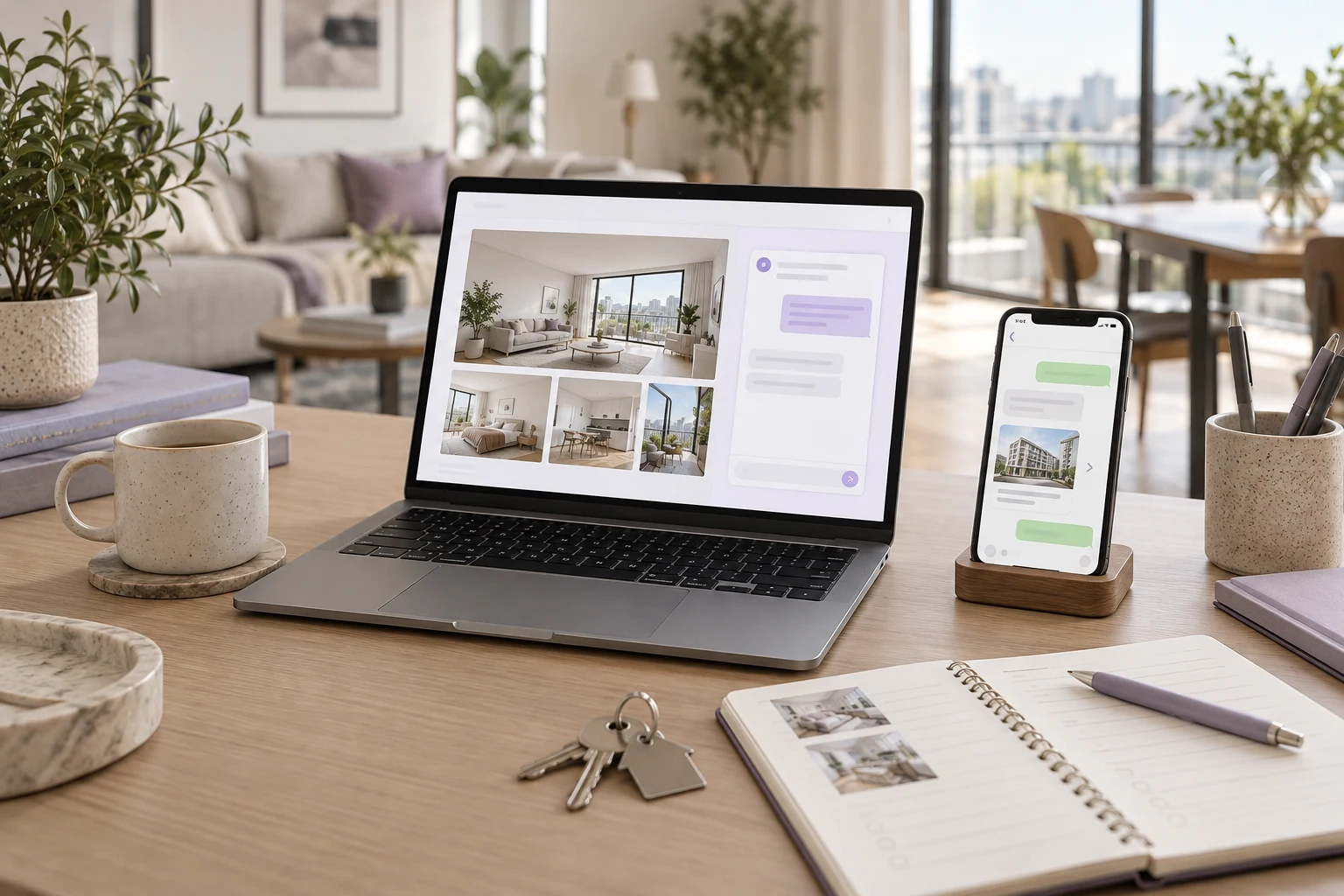
For real estate agents and agencies
Niwa's AI agent for real estate answers property enquiries on your website and WhatsApp using your website's business and listing context. It collects buyer requirements, offers viewing times from your team's availability and records the buyer's chosen appointment directly in the conversation. Your agent gets the property reference, the appointment and useful context before they meet.
Add Niwa to your existing WordPress website as a standalone plugin, or choose Niwa Business for USD 150, including a custom WordPress website or migration, hosting, maintenance and AI tools adapted to your agency.
Discuss your real estate setup
Give buyers an answer while your agents are busy
Someone has found an apartment they like. They want to know whether it has parking, what the asking price is and when they can see it. Your agents may be at another viewing when that enquiry arrives.
Niwa uses your website's property and agency information to answer in the conversation. The buyer can ask on your website or through your connected WhatsApp account, discuss their requirements and book a viewing there. They can also open the listing or use the website booking page if they prefer.
When a detail needs checking, the question goes to your team. Your agent handles the personal advice, property assessment and negotiation, with the routine questions and initial information already covered.
From a property question to a viewing
The conversation starts with the property the buyer is asking about. Niwa uses the listing reference or link to keep the enquiry tied to that home and answers questions from its available description and details.
It then gathers the information that helps your team prepare: budget, preferred area, property type, moving date and essential requirements. Keep this intake short. Someone asking for a floor plan should get help with that before being asked to complete a buyer profile.
When the buyer asks to view a property, Niwa offers times from the availability you have set for your agents. The buyer chooses an appointment and supplies the required contact details; Niwa saves the booking with the assigned agent directly in the website or WhatsApp conversation. Configure the viewing service, appointment length and agent availability around the way your agency operates.
Property access still matters. If a viewing needs the seller's agreement or another access check, record a request for your agent to confirm rather than showing it as a confirmed appointment.
A practical example
Imagine a buyer messaging your agency on WhatsApp about a two-bedroom apartment. Their budget is up to €300,000, they need parking and they hope to move within three months.
Niwa answers the parking question from the listing information and gathers those requirements. When the buyer asks to view on Saturday, Niwa offers available times for the assigned agent in the WhatsApp conversation. The buyer chooses a suitable slot and provides their contact details; Niwa records the viewing once property access is arranged. The buyer can complete that exchange without leaving WhatsApp.
Your agent has the appointment and the buyer's stated requirements before the viewing. If parking information or property access needs checking, the enquiry stays with your team for that decision. This example illustrates the workflow; it is not a customer result.
Keep the buyer's requirements useful
Your agency decides which details to collect. A typical enquiry includes:
- The listing reference and the buyer's questions about it.
- Budget, preferred area and property type.
- Bedroom requirements and intended moving date.
- Essential features, such as parking or step-free access.
- Contact details and preferred viewing time.
These details help your agents choose what to discuss next. They are the buyer's stated preferences, not verified financial information. Keep a clear contact route for anyone who wants to speak to your team directly.
Connect the property information your agency maintains
Prices, listing status and property details need to come from your maintained records. During setup, identify where those records live and how Niwa will read them.
If you use an MLS or IDX feed, a property plugin or a separate CRM, check that connection before enabling property matching. Adding the plugin alone does not connect every listing system.
Test a price change and a sold or withdrawn listing to check how updates reach the assistant. If you want Niwa to suggest alternative properties, it needs readable listings with the fields relevant to the buyer's search.
Choose the Niwa setup that fits your agency
Already have a WordPress website?
Install the standalone Niwa AI plugin. You can keep your site and add the assistant to the enquiry process you already use. Set up your agency information, connect WhatsApp if you want to receive enquiries there, and configure buyer intake and appointment availability.
Need a website or a WordPress migration?
Niwa Business is USD 150. It includes a custom WordPress website or migration, hosting, maintenance and AI tools adapted to your business.
For your agency, the setup should bring together the property information, enquiry questions and booking arrangements your team needs. Discuss your existing listing system and migration requirements when agreeing the service scope and payment terms.
How does AI usage work?
You can connect your own supported AI subscription. On that connection, Niwa adds no extra AI usage charges or Niwa-imposed usage limits. Your provider's own limits still apply, and subscription compatibility is checked during setup.
An AI-powered website helps after launch
A website built with AI uses AI to create its design, code or content. An AI-powered website uses it during everyday work with visitors and customers.
For a real estate agency, that work includes answering a property question, collecting a useful enquiry and arranging a viewing around available agents. Niwa gives those conversations a route into your agency's working process.
Set up Niwa for your property enquiries
Send your website URL and the name of your listing system. Tell us whether buyers contact you through the website, WhatsApp or both, and how your agents currently arrange viewings.
Those details help define the listing connection, intake questions and booking setup for your agency. Choose the standalone plugin for your current WordPress site, or Niwa Business if you also need the website, hosting and maintenance.

