

What Is On-Page SEO?
Learn what on-page SEO includes, from useful service content and page titles to internal links, images and a clear next step for your customers.
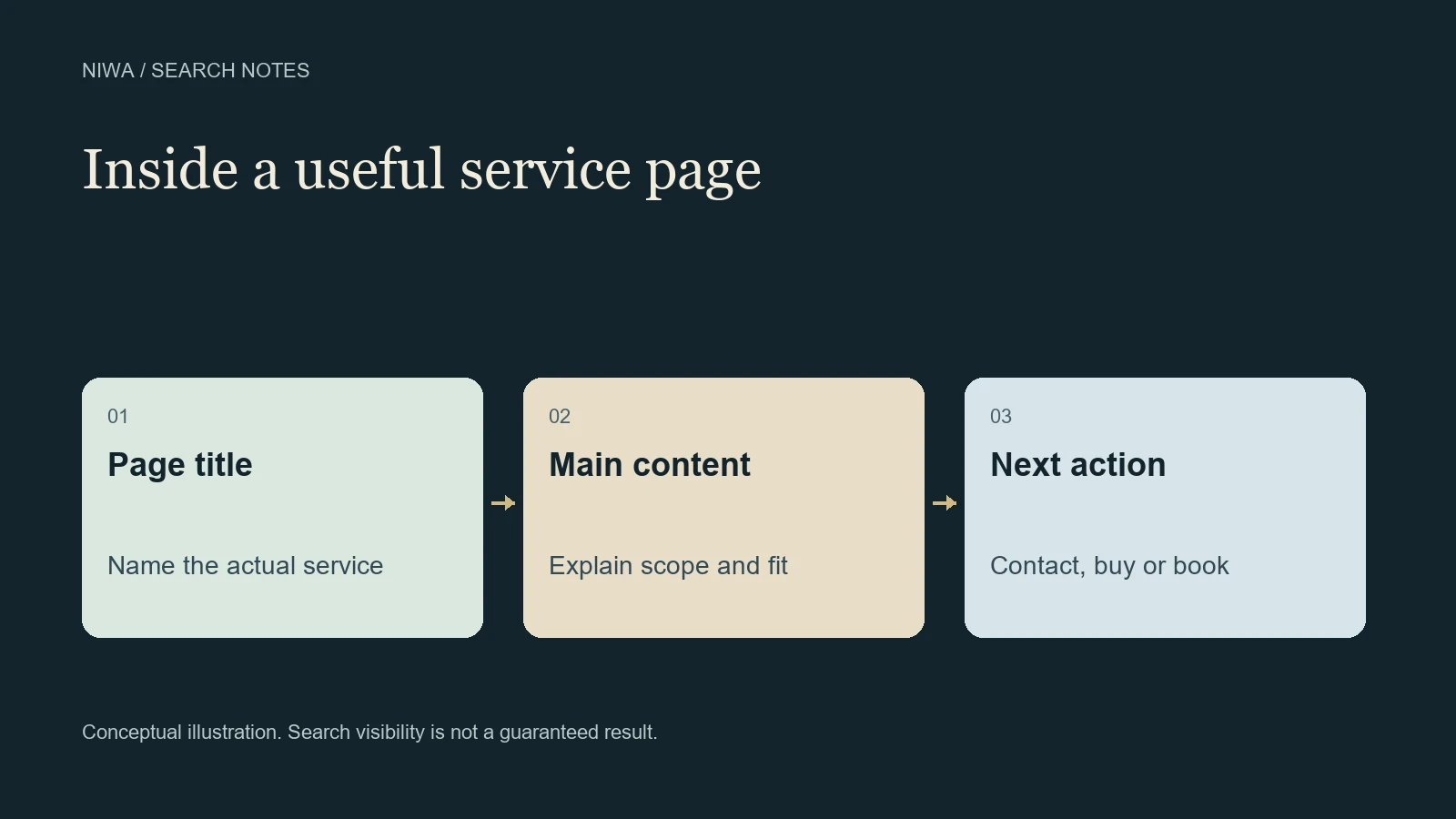
On-page SEO is the work of improving the content and presentation of an individual web page so people and search engines can understand what it offers. It includes the main text, page title, headings, links and useful image descriptions. The starting point is a page that answers the reader's actual question accurately.
For a business owner, the task is often concrete: explain a service properly, replace outdated information or make the next action easier to find. Niwa's website maintenance assistant can help make supported WordPress content changes using the details you approve.
The page needs a clear purpose
A single page can contain several sections, but it should have a coherent job. A fictional upholstery business's sofa repair page should explain sofa repair. Its homepage might introduce the wider business, while a separate guide could explain when reupholstery is worth considering.
Before editing, finish this sentence: this page helps a particular reader understand or do something specific. If the answer combines unrelated products, several locations and every question the company receives, the page may need a clearer structure.
Purpose also determines what belongs near the top. A person checking whether a sofa can be repaired needs the type of work offered, the service area and how an assessment works. A long company history does not answer that need first.
Page titles and headings do different jobs
The HTML title helps identify the page in a browser and provides one source Google may use for a search result's title link. The visible heading introduces the page to the visitor. They should describe the same subject, although they do not have to use identical wording.
For the upholstery example, a title such as Sofa Repair in Bristol | Workshop Name is more informative than Home or Our Solutions. That is a hypothetical editorial example, not a guaranteed ranking template.
Google's title link guidance recommends titles that are descriptive and concise. Google can generate a different search title from available page information, so an owner controls the supplied title, not an immutable search display.
Use section headings to help a reader navigate the explanation. Upholstery repairs, assessment details and collection arrangements are meaningful sections if those services exist. Repeating the main phrase in every heading makes the page awkward without supplying new information.
The body answers the customer's decision
Useful service content is specific enough to support a decision. On the fictional repair page, that could include:
- The kinds of furniture and damage the business assesses.
- What a customer should send for an initial enquiry, such as dimensions and photographs.
- Whether assessment happens remotely or in person.
- The actual collection or delivery arrangements.
- How the quote and approval process works.
Do not manufacture a fixed price, turnaround time or guarantee to make the page look complete. When the amount depends on materials and condition, explain the quoting process honestly. A practical explanation can be useful without pretending every case costs the same.
The owner supplies these facts. An assistant can help organize them into readable prose, but a polished paragraph is still wrong if it promises a service the business cannot deliver.
Descriptions, links and images support the page
A meta description is a short summary supplied in the page's metadata. It can help describe the page in search, but Google often generates snippets from the page's visible content. The snippet documentation explains this distinction. Write a truthful summary rather than treating it as space for an unsupported claim.
Internal links connect the reader to relevant next information. A repair page might link to material choices or a care guide. A link should make sense in the sentence and explain its destination. Google's link guidance covers both crawlability and useful anchor text.
Images should help explain the service. An authentic photograph of a repair, used with permission, can show workmanship. A conceptual diagram can explain the assessment process if it is labeled honestly. Describe informative images for people who cannot see them, and avoid stuffing unrelated search phrases into alt text. Decorative images may need empty alt text instead.
A practical WordPress review with Niwa
Open the actual service page and check it against approved business information. Identify a specific gap, such as an obsolete collection area or missing assessment instructions.
With the plugin configured and owner access in place, ask Niwa to update that page using the exact facts you provide. The Niwa installation and help guide gives the setup route. Keep the task scoped to the affected page and review the saved version, including its links and mobile layout.
For example, the owner could provide current collection areas and approved assessment steps, then request a clearer opening and relevant headings. The change is useful because it removes ambiguity for a prospective customer. It does not establish that Google has recrawled the URL or improved its position.
A score is a prompt to inspect, not a verdict
SEO plugins may offer editorial checks or scores. These can draw attention to a missing description or an awkward passage. They cannot judge every business fact or prove that a page meets the needs of its readers.
Read the complete page after editing. Would a customer know whether the service fits, what they need to provide and how to proceed? A natural answer is more important than reaching a color target by adding unnecessary words.
On-page SEO also has a boundary. If a public page cannot be accessed or has an accidental indexing restriction, the problem needs technical attention. If it needs independent reputation and relevant references, that is off-page work. Content edits do not replace either task.
To make a useful first change, contact Niwa with one page and the information it should explain. Existing WordPress owners can use the standalone plugin. Start with the customer question the current page leaves unanswered, then review the resulting page as a real visitor would.

