

How to Help Customers Choose the Right Product Online
Make online product choice easier with comparable facts, meaningful questions and recommendations customers can verify.
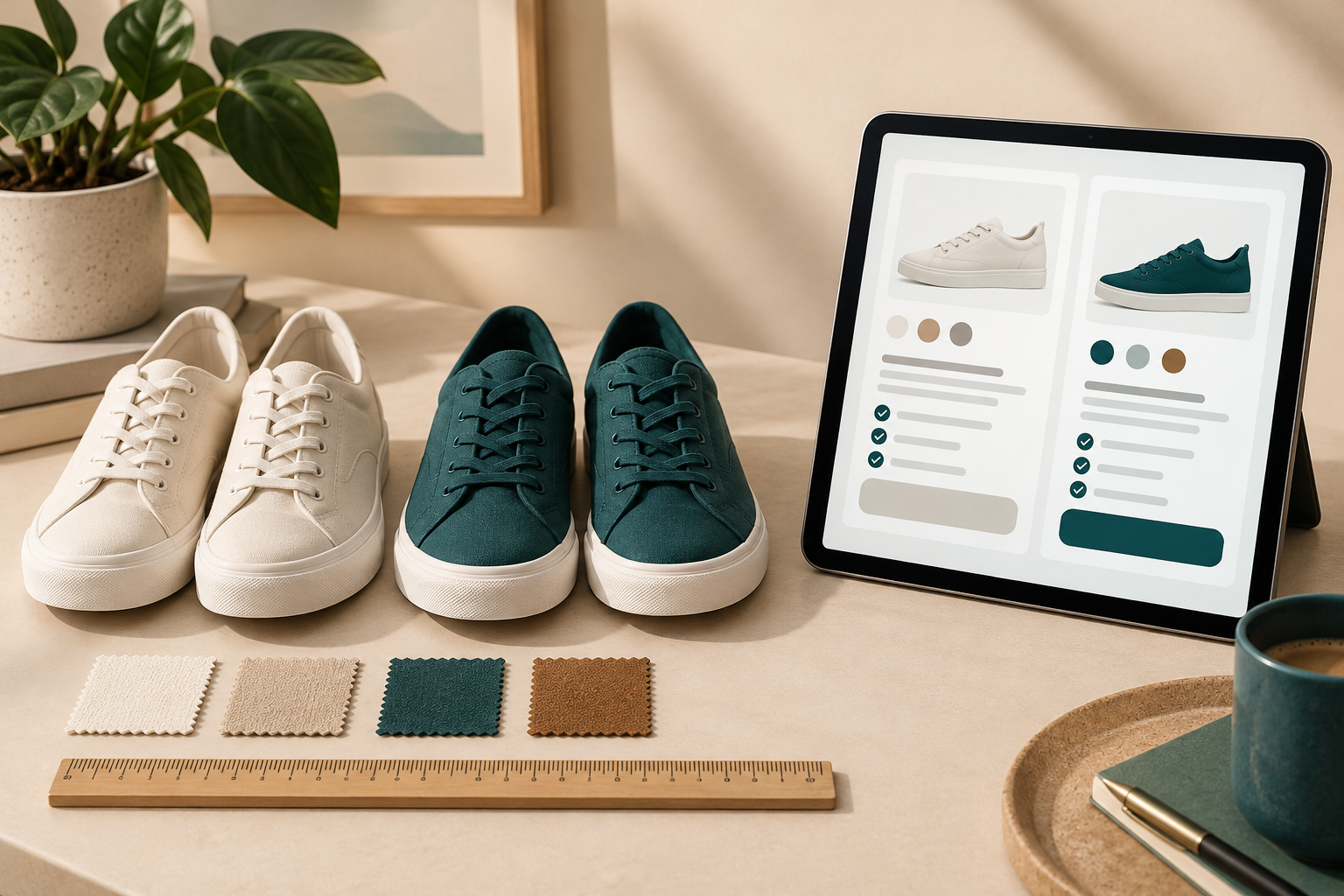
Help customers choose the right product online by making the differences between suitable options clear, asking only for information that changes the choice, and explaining why a product fits the stated need. Start with the catalogue and comparison information. A recommendation is useful when a customer can understand its reason and verify the relevant facts.
For WordPress stores, Niwa's storefront AI assistant answers from the catalogue, explains differences and guides the shopper to a relevant product. Keep clear categories, attributes and product pages available for customers who prefer to browse directly.
Organise choices around the customer's task
List the differences that actually affect suitability. For luggage, those may be external dimensions, empty weight, capacity and the way the handle works. A vague label such as premium gives the reader little basis for a decision.
Use consistent names and units for comparable facts. Distinguish internal from external measurements and state what a capacity figure refers to. If a specification is unknown, mark the gap for correction instead of filling it with an assumption.
Build category filters from useful structured attributes. In WooCommerce, review the attributes and variation settings in the product editor. The variable-product guide explains how attributes connect to purchasable options. A colour choice and a different product specification should not become indistinguishable in the catalogue.
Give the buyer a small comparison they can understand
Choose two or three relevant alternatives and explain the differences that matter to the intended use. Put the shared facts in the same order, using the same units. Include the limitation of each option where it affects the decision.
For example, a hypothetical commuter comparing bags may care about the laptop compartment's internal dimensions, water resistance and empty weight. The lighter bag is not automatically the right choice if its compartment does not fit. Explain the trade-off and link to the full specification.
Use photographs to show scale and access, and text to state the facts that a photograph cannot prove. Do not imply a medical, safety or compatibility benefit without appropriate evidence.
Ask a question when the answer changes the recommendation
"What will you use it for?" can be useful if it leads to different requirements. A long questionnaire is unnecessary when one measurement determines whether the item fits. Explain why you need the detail when the reason is not obvious.
Ask about the constraint before suggesting an upgrade. If the buyer has a fixed size limit, price range or required connection, apply it consistently. Do not present the most expensive item as the default merely because it has more features.
Niwa's guided product-finder article focuses on how assistance can narrow a choice. In a store implementation, the underlying catalogue needs to support the reasoning: facts, available options and a destination where the visitor can verify and buy the selected product.
Make the final option match what can be bought
Check the selected variant's price and stock before calling it a suitable available option. Show the relevant product page and make any required selection clear. An explanation that links to the wrong size loses the value of the comparison.
If no item meets the requirement, say so. Offer a relevant alternative only with its limitation explained, or direct the customer to the business for help. A forced recommendation can lead to returns and disappointment.
Connect accurate product records to Niwa, then test a normal choice, an unavailable variation, a requirement none of the products meet and a request missing a critical detail. The Niwa workflow overview explains the route from a product question to a useful website action. Begin by checking that the recommended product and variation are the ones the visitor reaches.
Improve the source when customers remain unsure
Review permitted conversation and support records for information gaps. If people cannot tell whether a component is included, add that fact to the product page and update the assistant's source. If they compare incompatible items, improve category descriptions and filters.
Keep the store's language consistent across product descriptions, attributes and assistance. Have a native speaker review important comparisons in each served language, including units and local terminology. The same customer need may be expressed in very different words.
Check the quality of the choice as well as completed sales. Returns for poor fit, repeated clarification requests and support complaints can reveal that a recommendation appeared convincing without being useful.
Should every customer use a quiz?
No. Clear product information may be enough. Add a guided conversation when a requirement needs clarification or the catalogue is difficult to compare, and preserve direct browsing for customers who already know what they need.
Can AI decide whether a product is safe for someone?
Do not substitute a general assistant for qualified advice where the decision requires it. Define the scope and the escalation route for those questions.
Contact Niwa with a product category, the differences customers struggle to understand and a few representative questions. Existing WordPress owners can discuss the standalone plugin and the catalogue information needed for grounded product assistance.

