

Should Average Order Value Include Tax and Shipping?
Product-sales AOV usually excludes tax and shipping. Learn how WooCommerce calculates it and when average checkout payment is a useful separate metric.
For product-sales analysis, average order value should generally exclude tax and shipping so that changes reflect the merchandise customers buy. Follow the definition of the reporting tool you use. WooCommerce's native AOV uses net sales, which excludes tax and shipping.
If you want to know the average amount customers pay at checkout, include the appropriate charges in a separate metric and label it average total order payment. Keeping both figures can be useful.
This distinction matters when evaluating Niwa's product recommendations. An increase caused by higher delivery charges does not show that customers bought more products.
Two averages can describe the same orders
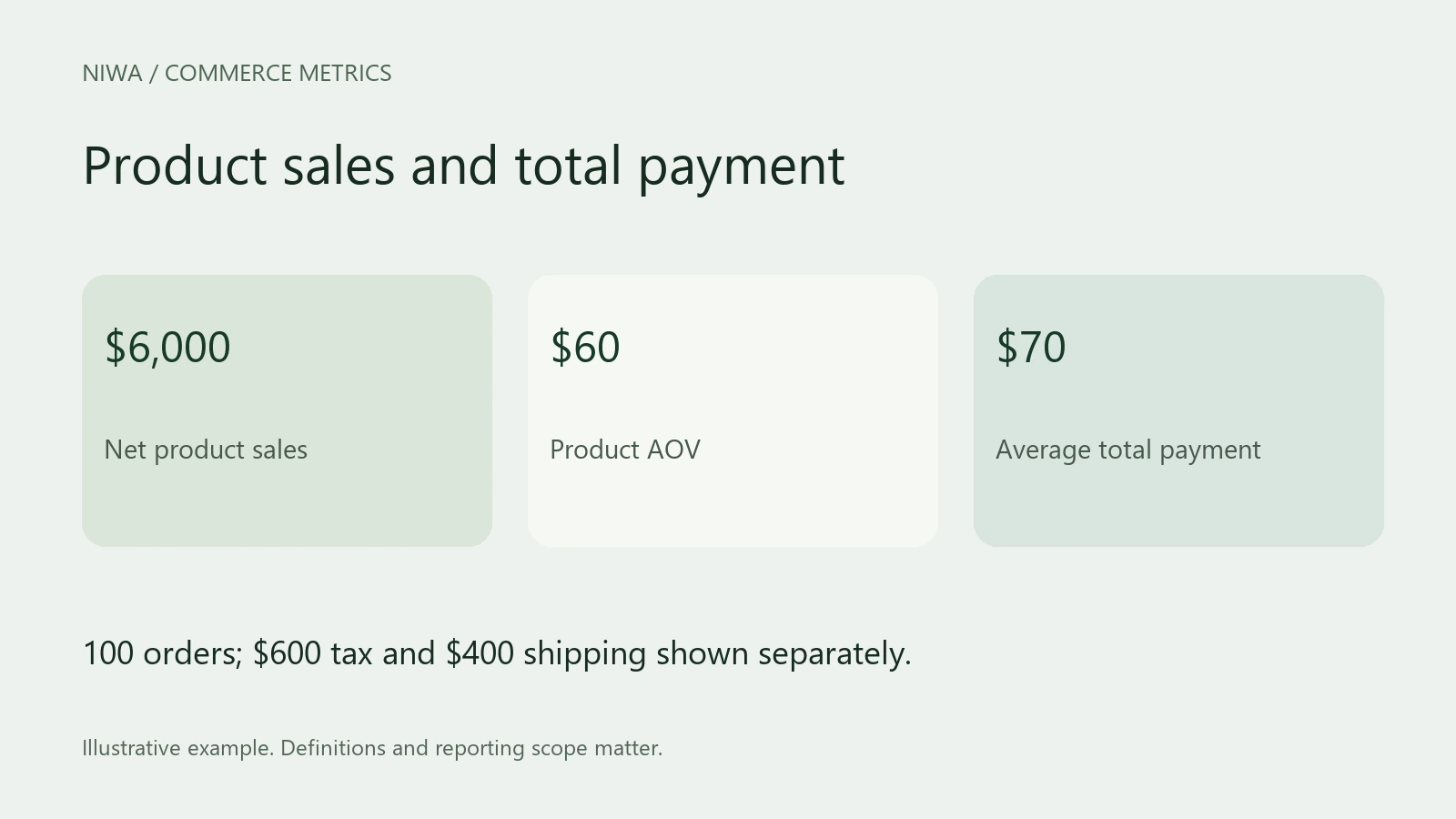
Suppose 100 orders contain $6,000 in net product sales, $600 in taxes and $400 in shipping charges.
- Net product AOV is $6,000 divided by 100, or $60.
- Average total payment is $7,000 divided by 100, or $70.
The customer-facing order total and the merchandise metric answer different questions. Do not describe the extra $10 as improved product selling.
WooCommerce's Analytics definitions keep net sales, tax, shipping and total sales separate. Shopify's sales-report documentation also distinguishes product-based AOV from total sales that include other charges.
Why excluding tax helps comparison
Tax treatment can differ between markets and products. A change in the proportion of orders from different locations may change the amount collected even when the merchandise mix stays stable.
For store analysis, use the sales basis your platform defines and apply it consistently. If your prices display tax inclusively, do not assume that the displayed price is the same figure used for net product sales in Analytics.
This article concerns operational reporting. It does not determine your tax obligations or accounting presentation. Use the relevant records and professional advice for those tasks.
Shipping charges are not shipping profit
A $5 delivery charge can increase the checkout total, while the carrier costs your business $8. Conversely, free shipping can reduce the charge collected while adding a cost the business bears.
Track both sides when evaluating an offer: shipping revenue and the actual delivery cost. A shipping-inclusive average cannot reveal that margin on its own.
A free-shipping threshold should therefore be evaluated with product contribution and fulfillment costs. Copying another store's threshold can be expensive when your products have different weights or margins.
Which definition should you use for a promotion?
Use net product AOV to assess basket size after discounts and the chosen refund treatment. Also track order volume and conversion so that bigger baskets do not conceal lost purchases.
Then calculate contribution after product and variable fulfillment costs. Review returns after an appropriate observation period. Keep the average checkout payment only where it helps understand customer spending or payment totals.
Write these definitions into your reporting notes before the promotion starts. Changing from net product sales to total checkout payments halfway through makes the comparison unreliable.
Configure Niwa with accurate delivery information
Prepare clear delivery prices, thresholds and exceptions alongside accurate product descriptions. Test questions such as whether an item is available in a suitable variant and what delivery conditions apply to the basket.
Niwa can explain configured business information and relevant products. Keep any companion-item recommendation grounded in a genuine use, with a visible price and an optional choice. Measure its effect using the same merchandise-based AOV definition you recorded at the start.
Existing WordPress owners can install the standalone plugin. Ask Niwa about your store workflow and include the product category, delivery rules and question customers need answered.

