

How to Cross-Sell Products in an AI Conversation
Let the customer's task lead to a relevant accessory, explain its fit and verify the chosen item in the cart after the customer accepts.
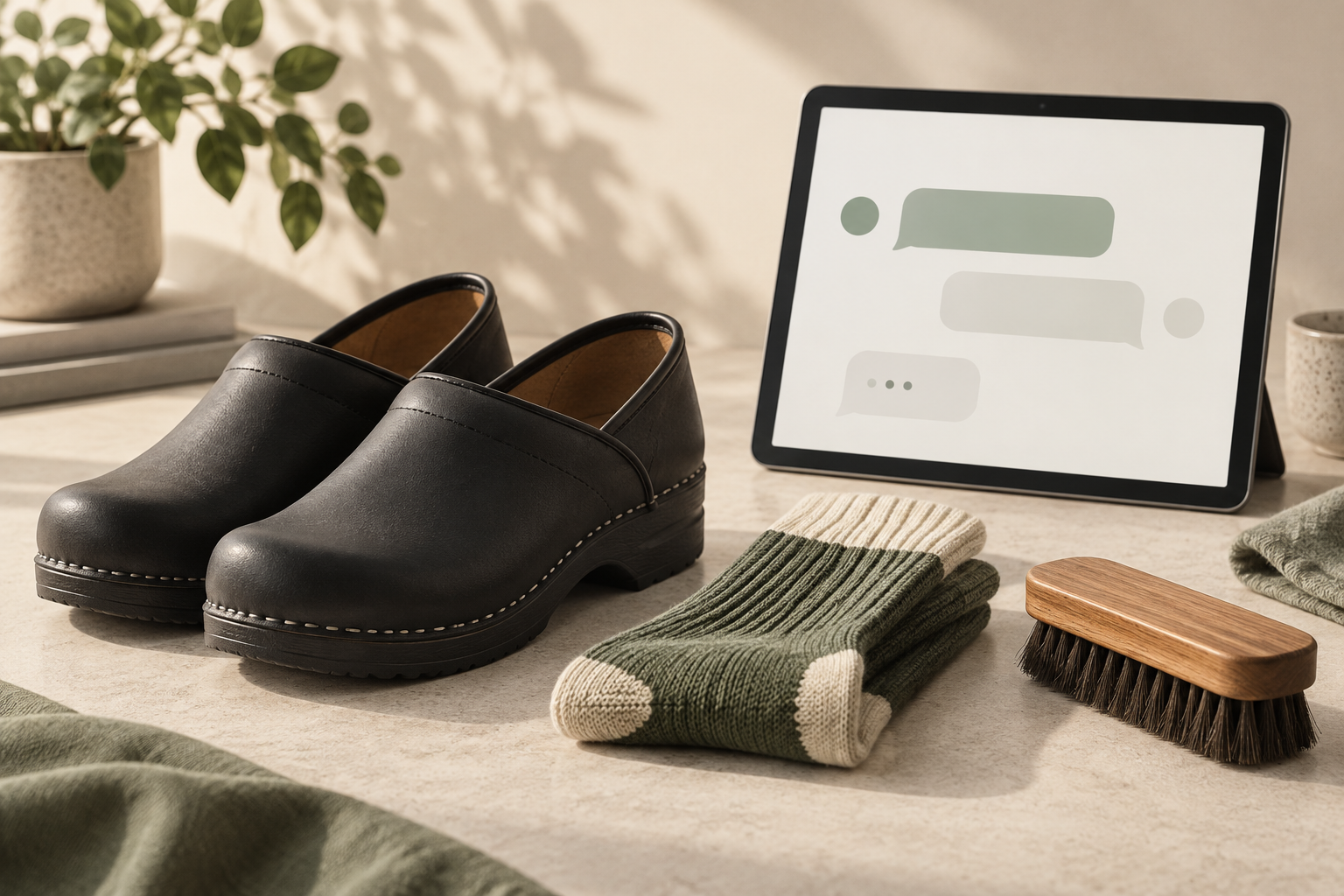
Cross-sell products in an AI conversation by first helping the customer choose the main item, then offering a complementary product for a specific reason. Verify the accessory against catalog information, explain its price and purpose, and add it only through the supported shopping flow after the customer chooses it.
Niwa can connect this conversation to a WooCommerce catalog and its linked products. The useful sequence is a customer need, an accurate recommendation, an optional choice and a verifiable cart result. A suggestion alone is not a completed sale.
Prepare the relationship before the conversation
Choose one main product and an accessory that genuinely fits it. Record the information needed to explain the match: material, model compatibility, dimensions or a documented care requirement. Keep prices, variants and availability current.
Configure the relevant WooCommerce product links. Its linked-products documentation distinguishes complementary cross-sells from alternative upsells and automatic related products. These relationships give your assistant a useful starting point, but they do not justify an accessory that conflicts with the customer's needs.
Set business guidance for the conversation. The assistant should clarify missing information, acknowledge undocumented specifications and help the customer continue if they decline an addition. It should not invent offers or product compatibility.
Solve the main selection first
A buyer asking which work clogs to choose is still making the original decision. Niwa can help compare the described characteristics, present products and identify an available size or colour. The main item should not become a pretext for a long list of accessories.
Ask a follow-up only when it changes the recommendation. A question about size, intended use or material may help. A generic preference question that leads to the same add-on every time does not.
Once the customer chooses a product, continue from their actual next question. Care instructions can naturally lead to a suitable care product. A question about what is included may show that an extra purchase is unnecessary.
Make the cross-sell specific and optional
Here is a hypothetical conversation pattern. It illustrates the sequence, not a real customer exchange or a claim about a particular shoe material.
Customer: I have chosen this model. How should I clean it?
Assistant: The product's care instructions recommend the method listed here. The store also carries a care item connected to this model. Would you like to see what it includes and its current price?
Customer: I already have a suitable brush.
Assistant: Then you may not need another one. Here are the instructions for the product you selected.
If the customer wants the accessory, the assistant can show the actual item so they can inspect it. The reason should come from the product data. Avoid claiming a care item is suitable for every material simply because it sits in a related category.
Niwa's storefront workflow grounds assistance in available catalog information. Accurate descriptions matter more than a persuasive sentence when the customer will use the products together.
Verify what the customer selected
Use the connected installation's supported product presentation and cart controls. Let the customer choose the appropriate variant, then inspect the cart after the action. Confirm that the intended item, quantity and price are present.
If an item becomes unavailable, explain that and show a verified alternative only when one fits. If the cart action fails, do not claim the item was added. Help the customer use the actual product page or another working route.
Keep the original purchase available throughout. Removing a proposed accessory should not remove the main item or repeatedly restart the sales offer. See the Niwa WordPress and WooCommerce workflow for the product-selection context.
Keep discounts separate from product relevance
A cross-sell does not need a discount. A suitable accessory at its normal price may be enough. Adding a coupon should be a separate commercial decision with defined costs and conditions.
Niwa Conversion can check owner-configured basket value and item-count conditions, then create a time-limited WooCommerce coupon when the shopper accepts. That is an enabled offer workflow, not permission for the assistant to improvise a price reduction whenever someone hesitates.
Test the coupon independently from the product suggestion. Otherwise you may learn only that customers respond to a discount, without knowing whether they value the accessory.
Test the situations that change the answer
Try a customer who wants the accessory, one who already owns it and one who declines. Ask about an incompatible variant and an item with incomplete data. Test a different language as a real conversation, rather than writing language-specific word triggers.
Also examine the phone layout. Product cards and messages should leave the choice, price and next action readable. Too many suggestions can make a simple decision harder; Baymard's research on recommendation relevance explains this risk.
Measure eligible conversations, accepted additions, completed purchases, returns and contribution. Do not compare customers who chose to chat with all silent shoppers and call the difference a proven AI effect.
Existing WordPress owners can install the standalone Niwa plugin. Send Niwa a product and a common follow-up question to discuss a catalog-grounded cross-sell workflow for your store.

