

How to Transfer a GoDaddy Website to WordPress
Transfer GoDaddy Website Builder content to WordPress, distinguish it from GoDaddy-hosted WordPress, and plan products, appointments, media and domain changes.
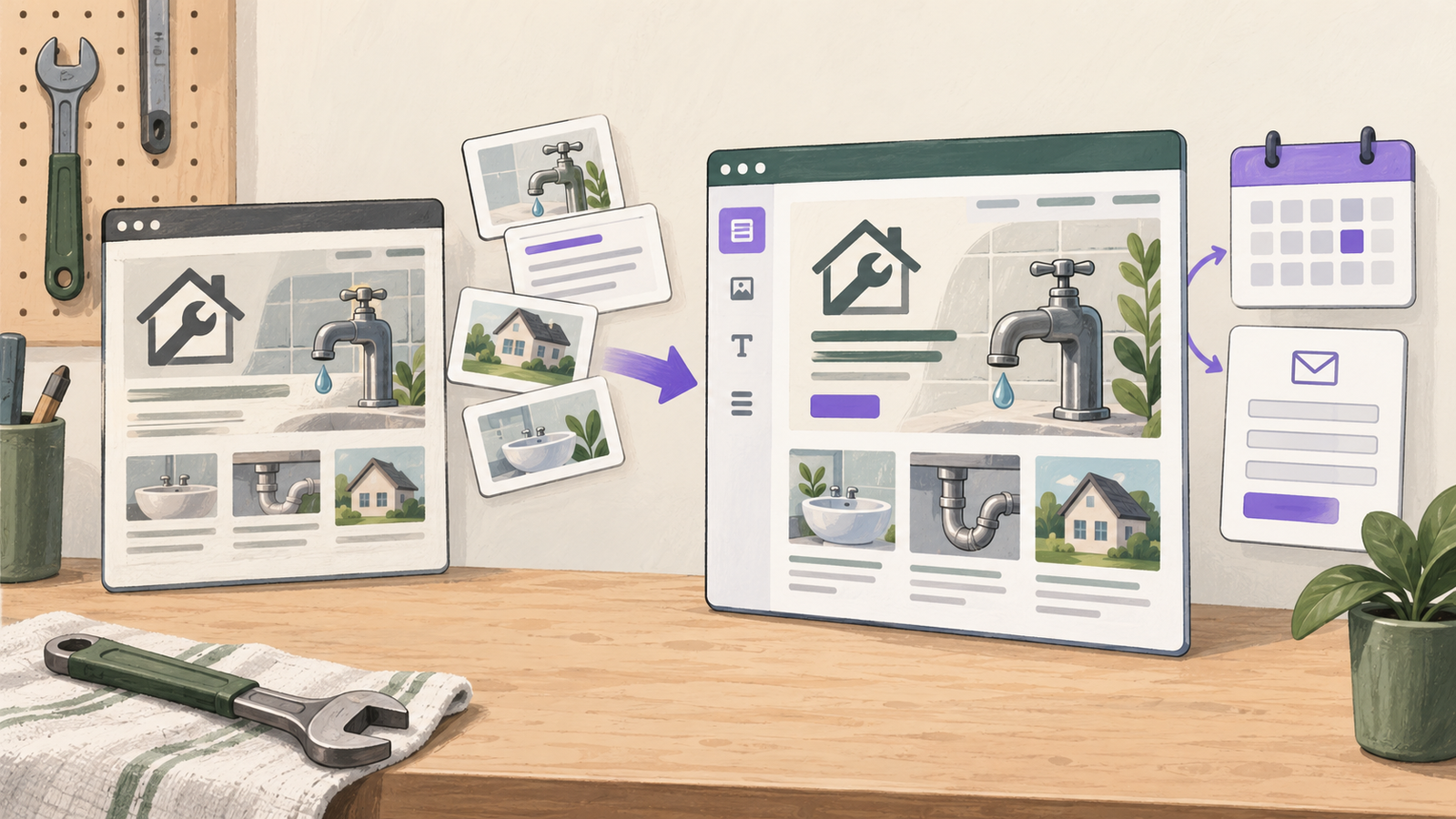
To transfer a GoDaddy website to WordPress, first identify whether it uses Websites + Marketing or is already a WordPress installation hosted at GoDaddy. A builder site needs its content and design rebuilt in WordPress, with products and other functions handled separately. An existing WordPress site uses a WordPress migration route instead. Owning a domain at GoDaddy does not determine which kind of website you have.
Niwa Business includes a custom WordPress site or migration, hosting, maintenance and business-specific AI tools for USD 150. Send Niwa your current address and a list of forms, products, appointments and connected services. The team can confirm the scope and billing terms before implementation.
For a local repair company, Niwa uses the migrated service information to answer repair questions, check availability and book a visit directly through WhatsApp. Configure visit durations and working hours, then verify the saved appointment and confirmation against the company’s schedule.
Identify the source before choosing an export
Open the GoDaddy product dashboard and inspect the website management interface. A Websites + Marketing editor is different from a WordPress dashboard with posts, plugins and Tools → Export. Record the product name and who has access before following a migration tutorial.
This guide focuses on moving a Websites + Marketing site. If your site is already WordPress, go directly to the WordPress route below. Avoid rebuilding an existing WordPress installation merely because the host also sells a separate website builder.
Inventory the domain registration, DNS, email, website and any commerce or scheduling services separately. They may be managed through the same account but do not have to move together. You can change the website host while retaining a domain registration, provided the DNS is configured correctly.
Save the source, including material outside site history
GoDaddy’s website backup documentation describes Settings → Site History → Create Backup in the builder. This creates a recovery point for supported site sections, text and settings. It is not a downloadable WordPress theme or a complete transfer package.
The documented backup excludes items such as blog posts, marketing emails, products, appointments and images. Plan separate copies or exports for those records. A successful site-history backup does not prove that a booking calendar or product catalog is recoverable elsewhere.
Record every public page and its address. Copy editable text, save reusable original images and note downloads, headings and navigation. Capture screenshots of important layouts so you can compare the rebuild. Obtain authorization for assets held by a previous designer or agency.
Write down what each interactive element does. A button labelled “Book” may link to an external service, while another may use a function inside the builder. That distinction determines the migration work behind an identical-looking button.
Export products if your site has a store
GoDaddy provides a separate product CSV export. Open the Websites + Marketing management area, go to Commerce → Products, select the products and use the export action. Preserve the original CSV before making destination-specific edits.
Compare the exported records with the live catalog. Check product counts, identifiers, variants, prices and image references. A CSV can be useful input for a compatible store importer; it does not establish that checkout, customer accounts or historical orders have moved.
Choose the destination store and agree its field mapping before uploading. Run a limited import on staging and inspect the result. If a required field or record is absent, identify another supported recovery route rather than filling the gap with invented data.
| Website component | What to prepare for WordPress |
|---|---|
| Builder pages and layout | Editable text, media and a rebuilt design |
| Products | Available CSV, field mapping and catalog checks |
| Blog archive | Separate capture or a verified compatible extraction route |
| Appointment service | Existing reservations and a tested destination workflow |
| Contact forms | Recipient settings, submissions plan and delivery tests |
| Domain and email | DNS inventory and an explicit decision about what stays |
If you have a substantial store, agree a separate commerce migration scope. The builder-to-WordPress page rebuild is only part of that project.
Rebuild an editable WordPress site
Set up the destination on staging while the builder remains live. Choose a theme and editing method around the people who will maintain it. Create shared navigation, header and footer, then rebuild the pages from the inventory.
Upload media to WordPress or a deliberately retained media service. Update image and download links so the site does not silently depend on assets that will disappear with the builder account. Review alt text, image credits and licensed fonts.
Create repeatable layouts for services or articles. A repair company should be able to update an opening time or add a service without reconstructing the whole homepage. Preview the mobile navigation and contact controls early, before copying every page.
Keep content import separate from functionality. A paragraph describing a service can be copied; a form that sends a request requires its own configuration and test. Store and appointment functions should have named acceptance checks and responsible owners.
Use the WordPress route when the source is already WordPress
For an existing WordPress installation, GoDaddy’s WordPress export guide describes Tools → Export. That export contains content data and media references, not the complete theme, plugins or media files.
A full host migration needs the appropriate files, database and configuration as well. Choose a complete migration or backup method that fits the hosting account. A content-only XML export is suitable for a different task, such as importing selected posts into another site.
Back up both source and destination before replacement. Confirm whether existing destination content will be overwritten, and test the copied site before switching DNS. If you only want Niwa’s AI tools, its standalone WordPress plugin does not require a website rebuild or host change.
Test the business workflow before switching the domain
Open each service page on desktop and phone. Submit a real test inquiry to a controlled inbox, inspect any saved record and verify the confirmation. Test booking availability and the resulting reservation in the destination system. For a store, use its supported test-payment process and inspect confirmations and order records.
Build an old-to-new URL map. Preserve useful paths and set permanent redirects for changes. Carry over relevant SEO titles and descriptions, check canonical URLs and internal links, and confirm the destination sitemap. Redirects preserve useful routes; they do not guarantee unchanged search rankings.
Create a launch backup, then update the website DNS according to the new host’s instructions. Leave email records intact unless the email migration is authorized. Check HTTPS and redirects on the live domain and remove development indexing restrictions.
Keep the source available until you have resolved missing-content and service checks. Do not cancel a bundle without knowing which retained services it includes.
Prepare Niwa for work after the migration
Give the assistant approved service information, business hours and the correct booking or contact destination. Test representative customer questions against that information. This makes AI part of the site’s daily operation, separate from an AI-generated design or first draft.
Ask Niwa to review your GoDaddy site with the product name visible in your account. That first distinction prevents a builder rebuild from being confused with a WordPress host transfer and gives the team a concrete scope to assess.

