

How to Transfer a Google Sites Website to WordPress
Move Google Sites content to WordPress using a data archive and editable rebuild. Check embedded-file permissions, public URLs, forms and the launch separately.
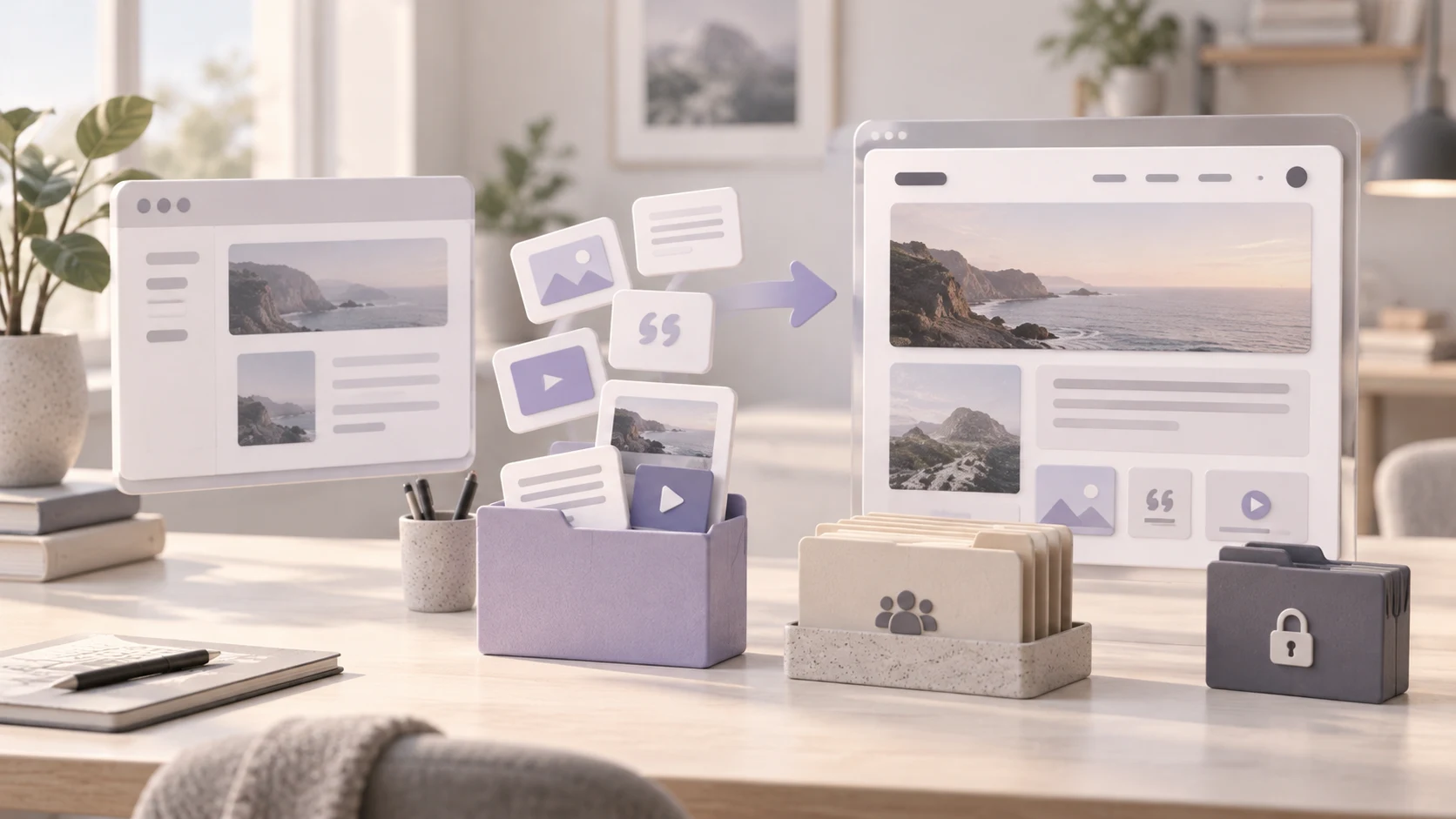
To transfer a Google Sites website to WordPress, save the site content and assets, rebuild the pages in WordPress, and reconnect any Google documents, forms or other embedded services you intend to retain. Check permissions separately from the website design, then test URLs and switch any custom domain. Google Sites data export is an archive, not a WordPress theme or a ready-made WordPress import file.
Niwa Business includes a custom WordPress site or migration, hosting, maintenance and business-specific AI tools for USD 150. Send Niwa the Google Sites address and identify whether the destination is public, private or a mixture. Agree the content access, migration scope and billing terms before work begins.
For a public workshop website, the rebuild could organize course information and provide an assistant that answers approved questions. Niwa’s customer assistance tools should use the information intended for that audience. A private document embedded elsewhere in the site is not automatically appropriate assistant content.
Separate the public site from its connected files
Open the source with the account that owns or can edit it. Record the published address, custom domain if present, page paths and people responsible for the content. Note any work or school account restrictions before choosing an export route.
Inventory embedded documents and services separately. A Google Sites page may contain a Drive document, spreadsheet, slide deck, form, video or external page. Those items can remain separate resources even when their content appears inside the website.
Google’s embedded-file guidance explains that Drive file permissions still apply. A visitor who can open the website may be unable to open a restricted embedded document. Moving the surrounding page to WordPress does not grant access to the file.
For a community organization, the public event description and an internal volunteer spreadsheet therefore need different handling. Copying both into ordinary public WordPress pages would change their audience, regardless of whether the visual layout looks correct.
Save an archive and editable originals
Use Google’s data export instructions to obtain the available Sites archive through Google Takeout. The documented data includes published and draft content, site images and information about embedded URLs, navigation and custom paths. Work or school accounts may restrict what is available to export.
Keep an untouched archive. Inspect its contents and compare them with the source inventory. An export completing is not proof that every connected document, private record or external service has been copied into it.
Also save approved editable text and original media for the WordPress rebuild. Retain useful image descriptions and credits. Record page titles, headings and download links while the original pages are accessible.
If an account policy prevents export, resolve access with the responsible administrator. Rebuild only from material you are authorized to use. Do not interpret a publicly visible navigation link as authorization to copy a restricted file.
Decide what will be copied, embedded or restricted
Make the destination plan before building pages:
| Source item | WordPress decision |
|---|---|
| Public page text and site images | Rebuild as editable WordPress content |
| Public Drive document | Retain the embed or copy approved content intentionally |
| Restricted document or internal page | Keep its access boundary and test authorized access |
| Google Form | Retain a working embed or choose a separate form migration |
| External service | Reconnect it and test its destination |
| Source navigation and custom paths | Recreate navigation and map relevant URLs |
Retaining a Google Form may avoid moving its operating setup immediately. Verify the new embed and a controlled submission. If you replace it, plan how any required existing responses will be retained; changing the page does not migrate those responses.
Avoid creating two independently edited copies of the same document by accident. Decide which system remains the source of truth and tell the person responsible for updates.
Build WordPress on a separate address
Set up a staging or temporary WordPress installation while Google Sites remains available. Choose an editing approach suited to the team, then create navigation, the header and footer.
Rebuild the content with native pages, posts and appropriate reusable patterns. The exported archive can be a recovery reference, but it does not become a WordPress theme simply by being uploaded. Keep text editable rather than reproducing entire pages as screenshots.
Upload images and downloads that need to move. Update their links and verify actual destination storage. Add embeds deliberately, with permissions tested for the intended visitor. Preview longer pages, menus and embedded content on a phone.
For private areas, select an appropriate WordPress access-control approach and test it independently of page appearance. Hiding a menu item is not a substitute for protecting the underlying page or file. Check access from a logged-out browser and from each intended user role.
Check publishing and permissions from the visitor’s side
Google’s publishing and sharing guide distinguishes the published site from its sharing settings. Keep that distinction during the move: the new page’s visibility and a connected file’s visibility are separate checks.
Test public pages in a browser that is not signed into the owner’s Google account. Then test restricted resources with an authorized account and with an account that should be denied access. Record which result is expected for each resource.
Review the page content, not just whether the embed frame appears. A frame containing a permission request is a failed public-content check when visitors are supposed to read the document immediately.
If customer information is collected, define the intended submission destination and responsible team. Keep restricted responses out of public pages and assistant reference material unless their use is explicitly authorized and appropriate.
Plan the address change around what you control
A default address on sites.google.com is controlled by Google’s platform. You cannot assume that you can configure your own server-side redirect for that address. Where available and appropriate, leave the old site with a clear link to the replacement so existing visitors can find it.
A custom domain gives you control over its DNS and the destination that serves it. Map the old paths, preserve them where practical, and configure redirects at the new host for changes on that domain. A domain change and a page-path change are different migration decisions.
Recreate relevant SEO titles and descriptions, check canonical URLs and internal links, and inspect the destination sitemap. Do not promise that changing platform will improve rankings. Remove staging indexing restrictions only for the production content that should be public.
Launch and configure the useful work after launch
After content, access and functional checks pass, back up the destination and update any custom-domain website records. Preserve email settings unless they are part of the migration. Verify HTTPS and the public site from an independent browser.
For a public service website, Niwa’s booking workflow connects customer conversations to the schedule. Niwa uses the approved public service information to answer questions, check availability and book directly through WhatsApp. Keep restricted documents outside that customer context and test the saved reservation and confirmation.
If your destination is already WordPress, the standalone Niwa plugin does not require another rebuild. For a Google Sites move, request a scope review with the page inventory and access decisions. That gives the migration team the information needed to preserve content without accidentally changing who can see it.

