

What Is the Difference Between WhatsApp Quick Replies and an AI Assistant?
WhatsApp quick replies reuse saved messages. An AI assistant responds using context and can support connected business actions. Compare when each is useful.
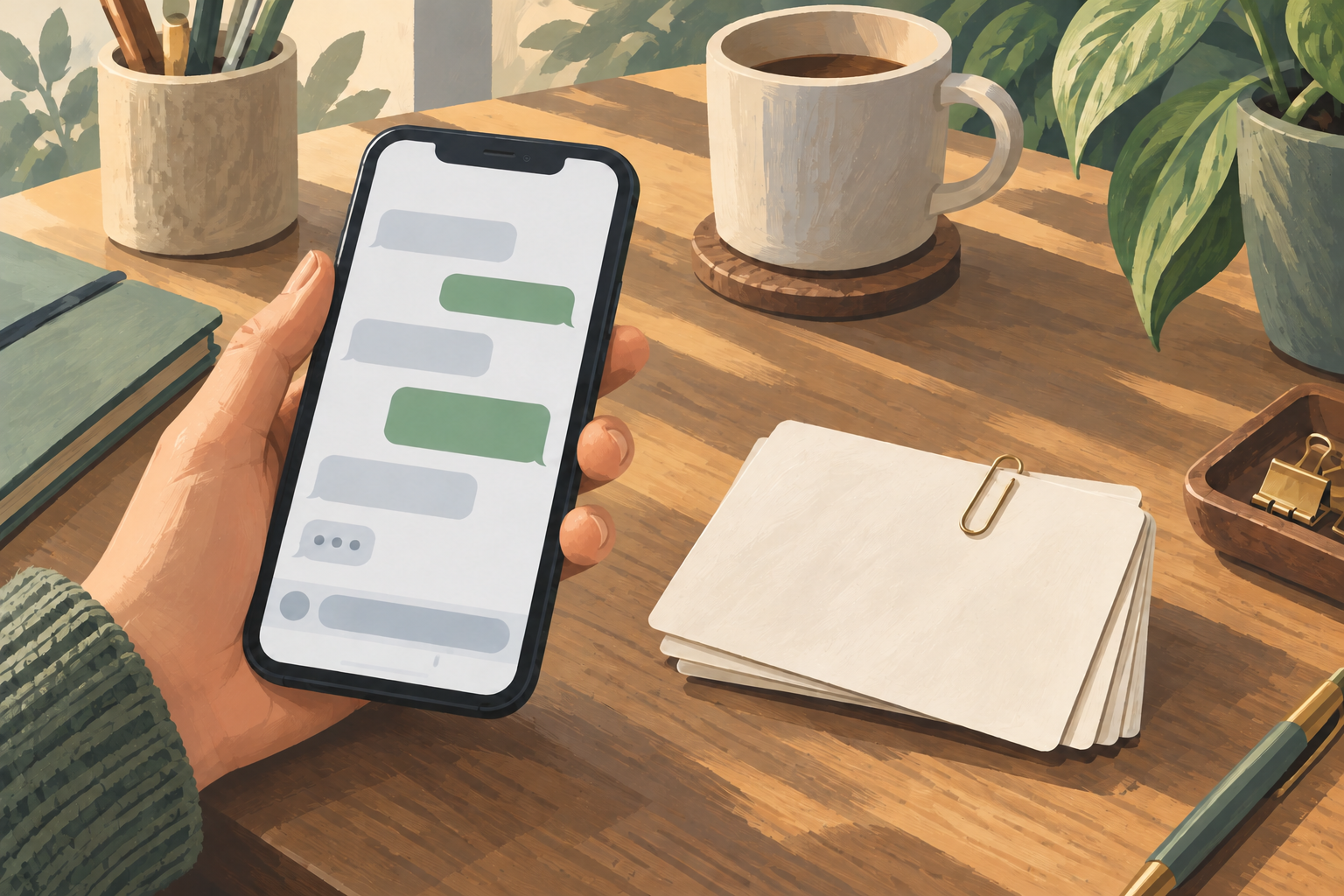
WhatsApp quick replies let staff reuse saved messages through shortcuts. An AI assistant prepares a response using the customer's question, previous messages and the business information it can access. With Niwa, that conversation can also continue into connected sales and booking workflows through WhatsApp.
The useful choice depends on the work your team needs to do. Sending the same address repeatedly is different from helping someone choose between two services and reserve a suitable appointment. Compare those actual tasks before replacing a simple tool that already works.
How quick replies work
The WhatsApp Business app features page describes quick replies as reusable responses for common messages. Staff prepare the text and choose the appropriate shortcut while replying to a customer.
This gives the team control over the wording. A saved address, opening-hours message or delivery-policy link can be useful when the colleague already knows what the customer needs. Update the saved message when the fact changes.
Quick replies are distinct from automatic greeting and away messages. Those tools serve their own purposes, such as acknowledging a first contact or explaining staff availability. Do not count a greeting as a substantive answer to every later question.
How a contextual AI reply differs
An AI assistant works with the request rather than selecting only from finished messages. Someone may ask whether a bag will fit their laptop, then follow up about materials. The answer depends on the item and what the customer has already explained.
The Niwa WhatsApp assistant uses business and website context for those conversations. It can explain relevant products or services, ask a clarification and help the customer take a supported next step.
That capability needs accurate inputs. An assistant cannot reliably explain a service duration that the business has never supplied. Prepare the content, permissions and workflows, then review its answers rather than treating generated wording as evidence of accuracy.
Compare the amount of variation in the question
For recurring questions with a largely fixed answer, a saved reply can be sufficient. A customer asking where the shop is located can receive the saved address and map link. There is little reason to generate a fresh description each time.
AI is useful when the answer varies with several details. A customer comparing two repair services may need to explain the problem, understand what each service covers and clarify whether an assessment is required first. One standard paragraph may leave the important question unanswered.
Look at the follow-up burden as well as the first reply. If staff must routinely rewrite a shortcut to fit the product, explain an exception and answer another question, contextual assistance may be worth configuring. This is a decision based on your workload, not a guarantee that AI always saves time.
Check whether the next step requires an action
A saved message can send a useful product or booking link. It does not itself establish that an appointment or order exists. The customer may still need to complete the next step after reading it.
Niwa can perform configured business workflows through the conversation. For an appointment, it can explain the service, offer available times and collect the required details. The Niwa booking setup supplies services, duration and staff availability behind that action.
Confirm success from the saved record. A generated response that says an appointment is booked should follow the successful booking operation. Similarly, a sales conversation can lead to an order, but its payment status needs its own evidence.
Customer actions remain separate from private administration. A customer should be able to book their service without receiving permission to change your website or access other customers' information.
Understand the maintenance each option needs
Assign a colleague to keep the saved wording current. If opening hours change, update the shortcut before staff continue sending it. The simplicity of the tool does not prevent an outdated message.
An AI assistant needs reliable source pages and practical instructions. Refresh indexed information when the business changes, check the live data used for changing facts and review questions that need a person. Niwa's setup guide covers the knowledge and connection settings.
The AI provider and the messaging setup also affect the operating cost. A supported own-subscription connection has no added Niwa AI usage fees or Niwa-imposed usage caps; the provider's terms still apply. An API connection has separate provider billing. Compare that arrangement with the work your team needs, rather than assuming every answer has the same price.
Use both where each has a clear job
You can retain quick replies for staff while Niwa handles contextual customer assistance. For example, staff may still use a saved store-address message when they take over an enquiry. The important point is to coordinate who is responding.
Review greetings, away messages and any other automation already on the number. Avoid several systems replying to the same question without coordination. When a person takes over, keep the conversation with that person until the agreed handoff back.
Explain the assistant's role and provide a real route to the team. Customers should not have to guess whether a fixed message or AI answer has resolved their particular request.
Make the decision with your own enquiries
Take a few recent question types: one with a fixed answer, one requiring a clarification and one that should end in a booking or sales action. Compare the work needed to handle each with saved replies and a configured Niwa conversation.
Assess accuracy, follow-up effort and the completed business outcome. Keep quick replies where they are sufficient, and use AI where context and actions add value. Discuss that WhatsApp workflow with Niwa using the enquiries your team handles most often.

