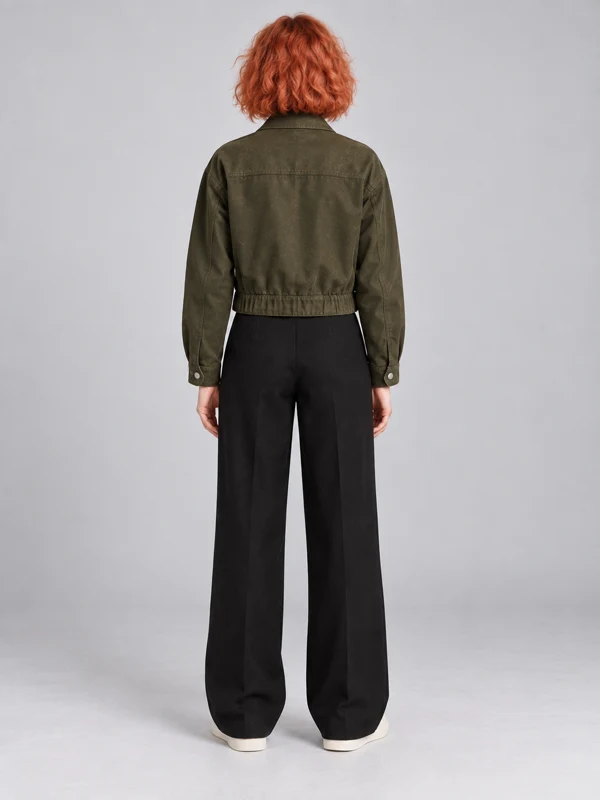
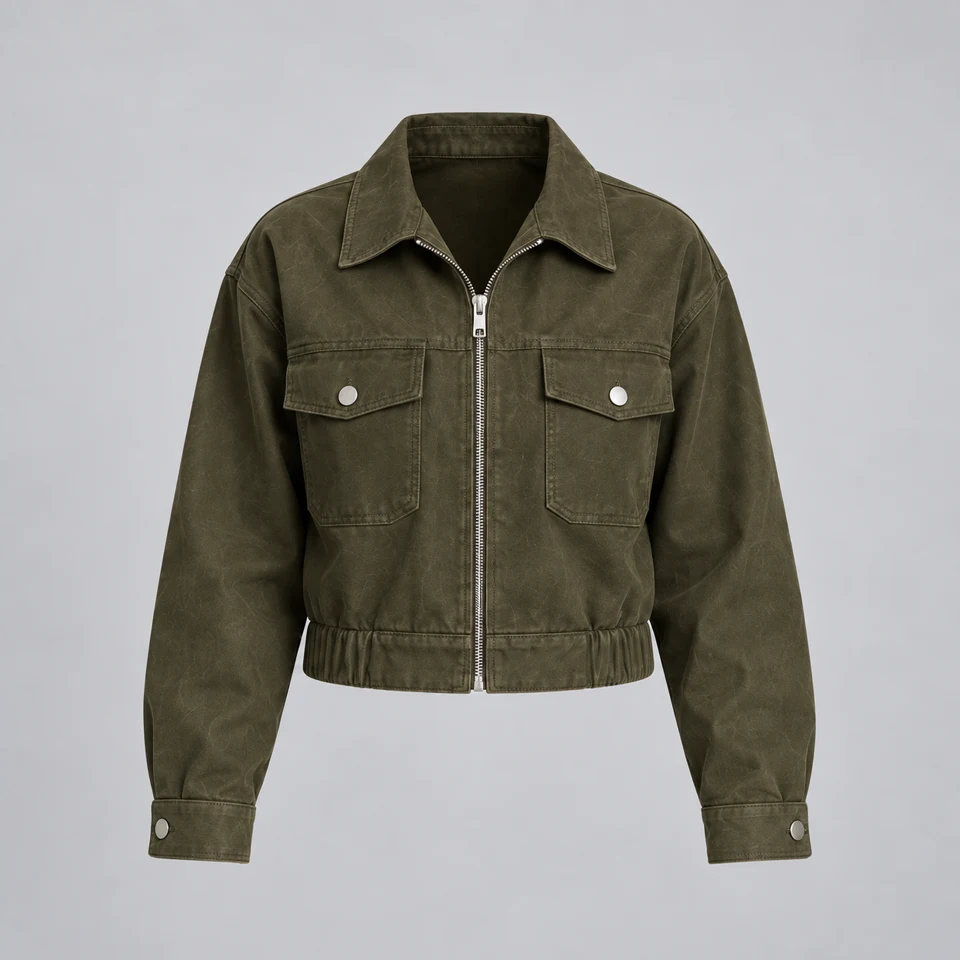
Your visitor is looking at three products and wondering which one fits their day. Niwa can join that moment with a useful question, a relevant recommendation and a clear route to the product.
Yes. Here are the side and back views so you can see the fit.
Great. Is medium in stock?
Medium is available. You can choose it here, and check the measurements before adding it to your basket.
Olive jacketMedium · In stock
Ask Niwa…↑
Begin where the visitor gets stuck.
A store can have good photographs and detailed product pages, yet leave someone unsure which item to choose. A service business can explain every appointment and still receive the same questions. Niwa gives visitors a way to ask in their own words while they are on your site.
She can draw on the business information and tools you have configured. The first reply should help establish the need: intended use, a preferred size, an important constraint or the service someone is trying to understand. A useful conversation is more specific than a generic welcome message.
Show the product behind the answer.
For a WooCommerce store, Niwa can work with the actual catalog to find relevant products and use the available price, variant and stock information. A recommendation can then lead to a real product page where the visitor can inspect the details and continue shopping.
The quality of that help depends on the catalog. Clear attributes and accurate descriptions give Niwa something reliable to work with. If the visitor needs a feature that is not documented, the reply should acknowledge that gap. It should not invent a specification just to keep the conversation moving.
Stay useful after the first answer.
The next question is often where the decision happens. Someone wants to compare two options, understand a delivery condition or find an available appointment. Niwa can continue with the tools and business rules you have enabled, rather than sending every visitor to the same destination.
Some installations also use configured attention prompts, lead capture or cart follow-up. Those features should support the visitor’s situation and your business rules. Discounts need a valid offer. Follow-up needs an appropriate channel and permission. A helpful recommendation does not require pressure or a made-up deadline.
Give the website a way to listen.
A conversation can reveal what a product page leaves unanswered. Niwa helps visitors move forward, while the questions they ask show you where your descriptions, navigation or offer need more work.
The same conversation can serve different businesses.
In a shop, Niwa may help someone compare products and select a variant. On a service website, she may explain what is included, collect the context for an inquiry or guide someone toward a bookable appointment. The website supplies the knowledge; your configured tools determine the actions.
Give the agent a clear role. Explain what a good inquiry looks like, which details matter and when a visitor should speak to your team. Keep the tone close to how you actually help customers. A friendly answer is useful when it contains the information the person came for.
Improve the store through what people ask.
Review the conversations for patterns you can act on. If visitors repeatedly ask whether a jacket is waterproof, the description may need a clearer statement. If they ask where to find a service, navigation may be getting in the way. If the same uncertainty appears before a purchase, the page itself can often answer it sooner.
Niwa can help you examine available conversation and site data, then prepare the relevant content changes. Measure the outcomes you can actually observe, such as product visits, useful inquiries or completed appointments. Conversation volume alone does not establish an increase in sales, and attribution depends on the tracking you have in place.
Before you get started
Will Niwa recommend products that are not in my store?+
The storefront workflow is designed to ground product answers in the connected catalog and available product data. Keep that data current and test representative questions, including products and variants that are unavailable.
Can it help with services as well as products?+
Yes. Website knowledge can explain your services, and enabled lead or booking tools can support the next step. Service details, schedules and business rules need to be configured first.
How should I introduce it on my website?+
Start with accurate business information, a clearly defined role and a visible launcher. Test common customer questions, incomplete information and handover situations before broadening the agent’s responsibilities.
Let visitors ask the question that would help them decide.
Bring one real task from your business. We’ll walk through the setup, the work and the result together.