

WordPress chatbot business hours: handle holiday closures
A practical guide to answering opening-hours questions across locations and holidays, with a fictional showroom example, clear source pages and checks for missing dates.
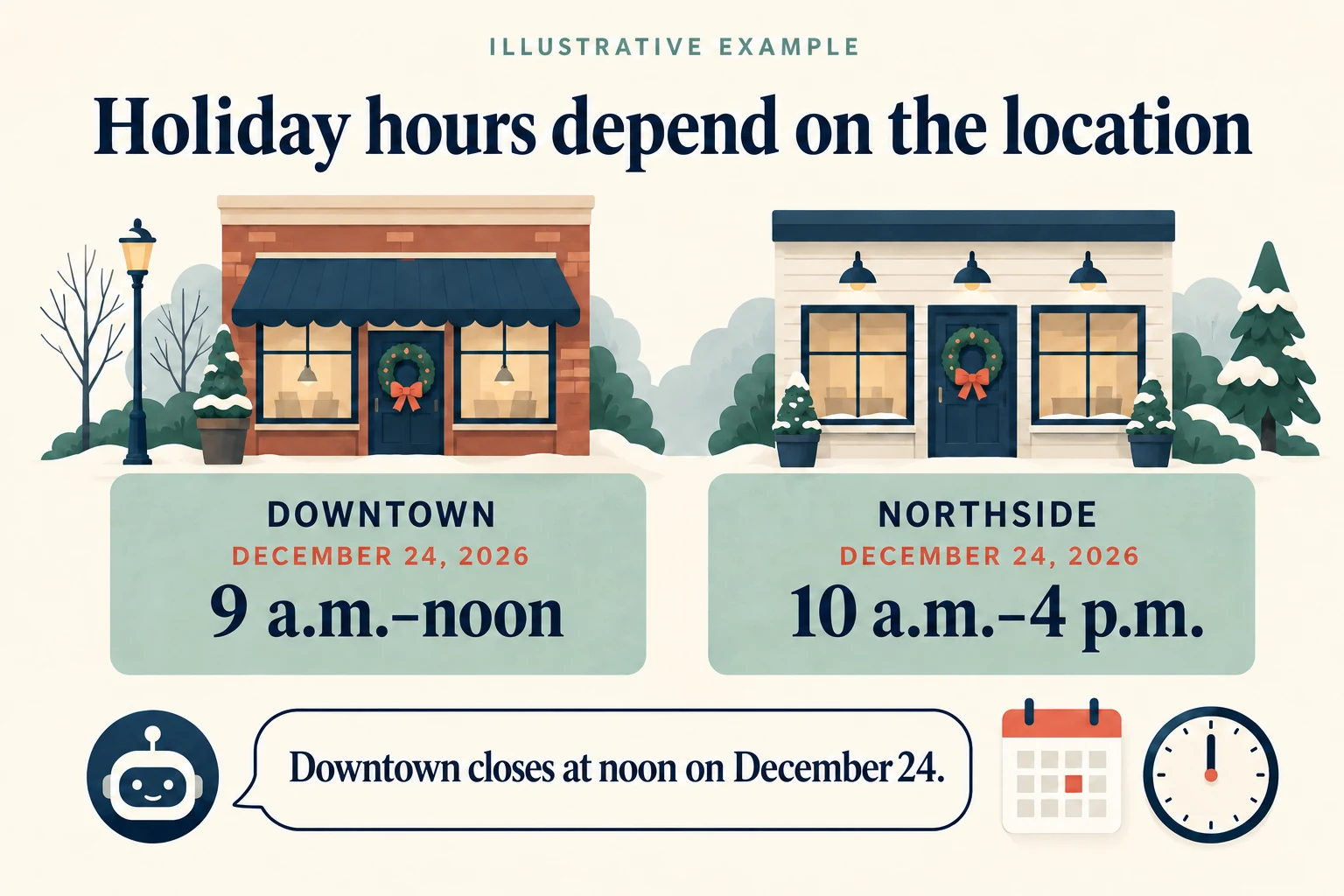
“Can I visit your Downtown showroom at 4 p.m. on December 24?” A reply that quotes the usual weekday hours can sound perfectly helpful and still send someone to a locked door. The answer needs the right location, the full date and any exception that applies to that visit.
For a WordPress chatbot, business hours work best as clear, maintained information that both visitors and the assistant can read. Start with the public schedule, then test the questions people will actually ask. A holiday closure is a useful first test because a plausible answer is not enough.
Give each location its own dated exceptions
Consider a fictional furniture business with two Boston showrooms. Downtown usually opens at 9 a.m.; Northside opens at 10 a.m. Both have special hours on December 24, 2026. These are illustrative hours, not a real business schedule.
| Schedule | Downtown | Northside |
|---|---|---|
| Regular Monday to Friday | 9 a.m. to 6 p.m. | 10 a.m. to 6 p.m. |
| December 24, 2026 | 9 a.m. to noon | 10 a.m. to 4 p.m. |
| December 25, 2026 | Closed | Closed |
In this example, both locations also open from 10 a.m. to 4 p.m. on Saturdays and close on Sundays. The dated December exceptions replace the regular hours for those dates only.
A suitable answer to the original question is: “Downtown closes at noon on December 24, 2026, so 4 p.m. would be too late. Its special hours that day are 9 a.m. to noon.” On your own website, the reply should also point to the relevant hours page so the visitor can check the details.
Notice what the answer leaves open. Northside’s later closing time does not change Downtown’s hours. Neither location’s December 24 schedule establishes its hours on December 25. Carrying over either assumption would give the customer bad directions.
Put the schedule where the assistant can read it
A useful location page names the branch, gives its address, states the time zone and lists the complete weekly schedule. Place current exceptions alongside that schedule, with the month, day and year. “Closing early this Thursday” becomes unclear as soon as the week changes.
For a closure, write “Closed on December 25, 2026.” A blank row can mean missing information. For a shortened day, give both the opening and closing times. If a showroom has a lunch break, list the two opening periods instead of implying that it stays open through the gap.
Niwa’s website chatbot can use business information from the site. Its current public-page reading tools can read text from published WordPress pages. Keep the essential hours in ordinary page text and check that the assistant can retrieve the relevant location page. A timetable displayed only inside an image, embedded third-party widget or shortcode needs separate verification; seeing it in the browser does not establish that the assistant has read it.
Keep a large directory manageable. Give important locations descriptive page titles, place their hours near the beginning and test each branch you intend to support. Do not assume that publishing a large collection of location pages makes every schedule available in every conversation.
Ask which branch and which date when either is missing
“Are you open late?” has no single answer for our two showrooms. The assistant should first establish the location and day. A short question such as “Which showroom and date are you planning to visit?” is more useful than selecting the branch with the longest hours.
“Are you open now?” adds a time-zone problem. A visitor traveling from another state may be looking at a different local clock. Treat “today” and “tomorrow” as dates that must be established for the business location. If the assistant cannot reliably determine the relevant date and local time, it should ask for them or provide the dated schedule without guessing an open-or-closed status.
Closing time deserves care too. Northside closes at 4 p.m. on the example date. That does not support a promise that a visitor arriving at 4 p.m. can browse the showroom. Quote the closing time, and explain any last-entry rule only if the business has actually published one.
Keep opening hours separate from staff and appointment availability
A repair shop might accept walk-ins until 5 p.m. while its phone team finishes at 4 p.m. A showroom can be open all afternoon while every design consultation is booked. Website chat may remain accessible after both teams leave.
Label those schedules separately. “Showroom opening hours,” “Phone support hours” and “Consultations by appointment” tell a visitor what each time window means. An answer about the building being open should not become a booking confirmation or a promise that a staff member will reply immediately.
When someone wants a consultation, the next step is to check the configured booking availability or use the business’s published inquiry route. Ordinary opening hours alone cannot establish a free appointment. The same distinction matters when a customer asks about pickup, delivery or access to a particular department.
Resolve conflicting hours before expecting a clear answer
Suppose Downtown’s location page says noon on December 24, but an old holiday banner says 2 p.m. Check with the person responsible for that location and correct the public information. Do not ask the chatbot to choose the more convenient time or treat a page’s recent edit date as proof that its hours are correct.
A dated, branch-specific exception can explain why the regular weekday schedule differs. Two incompatible exceptions for the same branch and date need a human decision. Until that conflict is resolved, the useful response acknowledges the uncertainty and directs the visitor to a published contact route.
Check the business’s other public listings as a separate task. Google Business Profile supports special hours for particular dates without replacing the regular schedule. Updating WordPress is not evidence that the Google listing changed too. This workflow does not assume automatic synchronization between them.
Test the holiday questions before a customer relies on them
Use the fictional schedule above as a model for a short acceptance check on your own site. Start a fresh conversation for each question so earlier answers do not supply missing context.
- Exact visit: “Can I visit Downtown at 4 p.m. on December 24, 2026?” The answer should explain that Downtown closes at noon that day.
- Different branch: “What are Northside’s hours on December 24, 2026?” It should give 10 a.m. to 4 p.m., without borrowing Downtown’s exception.
- Full closure: “Is Downtown open on December 25, 2026?” It should say closed, even though the regular Friday schedule shows opening hours.
- Missing context: “Are you open tomorrow?” Check that the answer establishes the relevant branch and date rather than assuming them.
- Unpublished period: Ask about a future holiday for which you have posted no exception. The answer should identify that information gap, without recycling last year’s schedule as a confirmed plan.
Compare each answer with the public page it refers to. After changing an exception, repeat the affected questions and confirm that the new information appears. This is an acceptance test to run on your installation, not a claim that any assistant will always get every date right.
Maintained sources matter across products. Tidio’s guidance for Lyro also recommends updating its FAQ sources and testing troublesome questions again. When evaluating an assistant, include that maintenance work in the demonstration.
Give holiday information an owner and a review date
Assign one person to confirm each location’s exceptions, update the website and check the resulting answers. After the holiday, remove expired banners and review any future dates still displayed. Keep historical hours clearly labeled if they must remain accessible. Niwa’s guide to time-sensitive WordPress content covers the broader problem of information that stays published after its useful date.
For a focused Niwa demo, bring one location page, one holiday exception and a question that currently gets an unclear answer. During your Niwa demo, Aleksandar covers the license and AI usage. There is no obligation to buy.

