

Should I Build My Website with AI?
Choose between an AI builder, professional help and WordPress with Niwa based on the customer task your business website needs to complete.
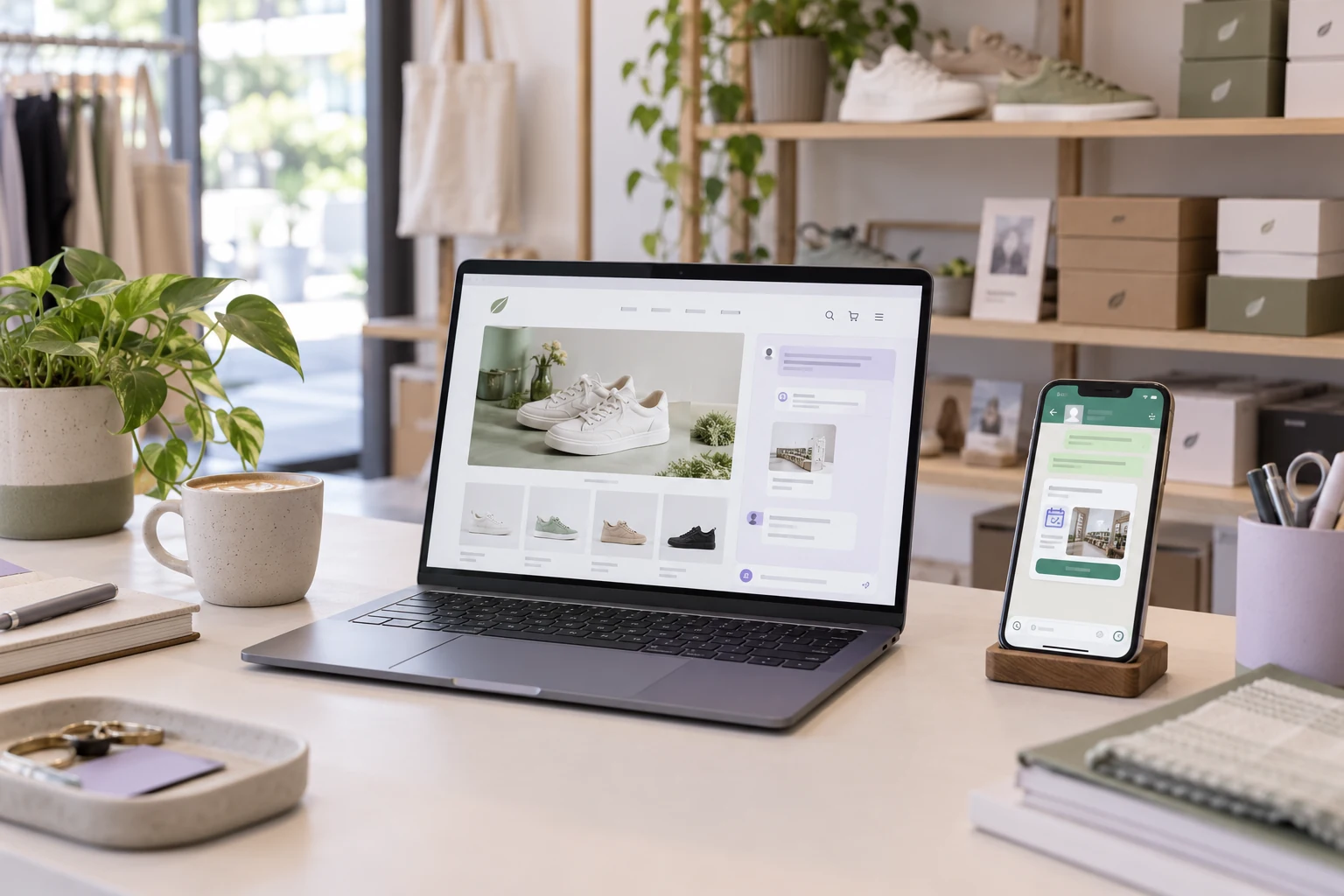
Yes, if the tool can handle what your website needs to do and you are prepared to check the result. An AI builder can be a useful choice for a straightforward business site, portfolio or early version of an idea. Get professional help when you need complex integrations, custom design or someone to take responsibility for delivery and maintenance.
WordPress with Niwa is another route, especially if you want the website to help with customer questions and appointments after launch. You can install the standalone Niwa AI plugin on an existing WordPress site. If you need the site built or migrated as well, Niwa Business includes a custom WordPress website or migration, hosting, maintenance and AI tools adapted to your business for USD 150.
Start with the task your website must complete. That will help you choose both the building tool and the support you need once the site is live.
What should a visitor be able to finish?
A website for a local gardening service might need service descriptions, photographs, an area covered and a working quote form. An AI builder may be enough for that, provided the owner checks the content and confirms that inquiries arrive.
A studio that takes appointments needs a different workflow. A customer asks which service to choose, checks an available time and books. The service duration, business availability and contact details all need to reach the booking system correctly.
With Niwa, customers can ask about the studio's services on the website or WhatsApp. Niwa uses the studio's business information to explain services, offer available appointment times and complete bookings directly in the WhatsApp conversation or on the website. The customer chooses a time and supplies the details needed to book. Before launch, the studio checks that the appointment is saved and the team can find it in the schedule.
The owner can also use Niwa to update the service description in WordPress through an authorized conversation. A change to the business should be reflected in the information customers receive.
For a property website with live listings, price filters and data feeds, test the most demanding feature before committing to a platform. One working search filter will tell you more about suitability than five polished sample pages.
Write down your main customer action, the services it depends on and the changes you expect to make yourself. Use that list to compare options.
Choose the approach that fits the work
| Approach | When it can fit | What to check |
|---|---|---|
| Hosted AI website builder | A straightforward site using features the platform already supports | Editing, integrations, plan limits and export options |
| AI coding tool | A custom site or application with someone able to review and deploy the code | Hosting, security, data storage and future maintenance |
| Developer or designer using AI | Tailored design, complex workflows or help delivering the finished site | Scope, handover, access and ongoing responsibilities |
| WordPress with Niwa | An editable business site with AI assistance for customer questions, sales or appointments | Accurate business information, the required workflow and who manages the site |
You can hire a professional who uses AI. Design judgment, configuration and testing still have value when a tool helps produce the pages.
Building with AI and running an AI-powered website are different decisions
A website built with AI uses AI during creation, perhaps to draft pages, generate layouts or write code. It can operate after launch without an AI assistant.
An AI-powered website uses AI while the business runs. The studio's appointment conversation is one example. Niwa works inside WordPress and connects customer questions with business information and actions such as booking. It also helps approved owners make website changes. Explore Niwa's capabilities.
Decide whether you need help creating the website, help operating it, or both. A site you already have may only need the plugin and a well-configured customer workflow.
Check the finished website before publishing
AI-generated code deserves the same scrutiny as other code you put online. GitHub's responsible-use guidance calls for reviewing and testing generated work, including checking for security problems. Read GitHub's guidance.
Before you publish, complete these checks:
- Verify the information. Use accurate services, prices, credentials, photographs and genuine customer feedback.
- Test on a phone. Read each important page, open the menu and complete the main customer action. Check keyboard navigation, visible focus and readable contrast too.
- Follow the form submission. Submit a test inquiry and confirm it reaches the person or system that should receive it. A success message alone does not prove delivery.
- Check transactions and bookings. Confirm the amount or appointment time, the saved record and the confirmation. Use the relevant test environment for payments.
- Review access and data. Keep secret keys out of public pages. Check who can see customer information and who can change the site.
- Prepare recovery. Save a usable backup and establish how to restore it. For WordPress, the database and files both matter. WordPress explains what to back up.
- Assign maintenance. Decide who handles failed integrations, software updates and future changes.
If a form fails, check its destination and delivery service. If a booking appears successful but no record exists, trace the booking connection. Fix and repeat the affected workflow before relying on it.
Make sure you can edit and move the site
Try changing a service, image and contact detail before choosing your platform. Wix describes a process that continues into its editor, and 10Web offers editing for its WordPress builds. Wix's creation guide, 10Web's builder.
Moving a website is a separate question. Wix says your content belongs to you, but its site technology needs Wix hosting. Hostinger's documented manual-mode content export to WordPress leaves out elements such as layout, forms and store functionality. Wix hosting limitations, Hostinger export scope.
Lovable documents code portability, while explaining that live data, uploaded files and connected services need separate attention during a move. Lovable's ownership and deployment guide.
Ask who controls the domain account, what you can export and whether someone can run that export elsewhere. For WordPress, keep backups of the files and database, along with access to any services the site depends on.
Compare the cost of running the website
Include hosting, domain renewal, paid integrations and maintenance. Count your own time spent correcting content or debugging. Check renewal terms as well as the initial price.
For Niwa, customers can connect their own supported AI subscription without extra Niwa AI usage charges or usage limits imposed by Niwa on that connection. The AI provider's own subscription terms and limits still apply, so check that your account and connection are supported.
A builder can be a reasonable choice when its standard features fit. Professional help becomes useful when you spend substantial time working around a requirement the platform does not support, or when you want someone to handle the website's upkeep.
Use Niwa on your existing site or choose Niwa Business
If your WordPress site already does what you need, install the standalone Niwa AI plugin and configure the customer task you want it to handle. Prepare accurate business information and, for appointments, your services and availability. Read the Niwa installation guide.
If you need a new site or want to move an existing one to WordPress, Niwa Business includes a custom WordPress website or migration, hosting, maintenance and AI tools adapted to your business for USD 150.
To ask about the right route, email niwa@niwachat.com with your business type, your existing website address if you have one, and the main action customers should be able to complete. That gives the conversation a concrete starting point, whether you need the plugin or the full website service.
Questions to settle before you choose
Can an AI website builder replace a designer?
It can generate layouts and reduce the work involved in a simple site. A designer can still help decide what to show, how visitors will use it and how the site should reflect your business. Choose based on the work you need someone to finish.
Who owns a website built with AI?
Check the provider's terms, third-party licenses and your agreement with anyone building the site. Control of your domain, content, code and hosting can differ. Ask about each one.
What happens if the builder shuts down?
Recovery depends on what you saved and which services the website still needs. Keep your account access, content, supported exports and backups current. If continuity matters to your business, arrange a test of moving or restoring the site while the provider is still available.

