

How to Increase Online Appointment Bookings
Increase online appointment bookings with clear service choices and available times. Niwa answers questions and books on your website or through conversation.
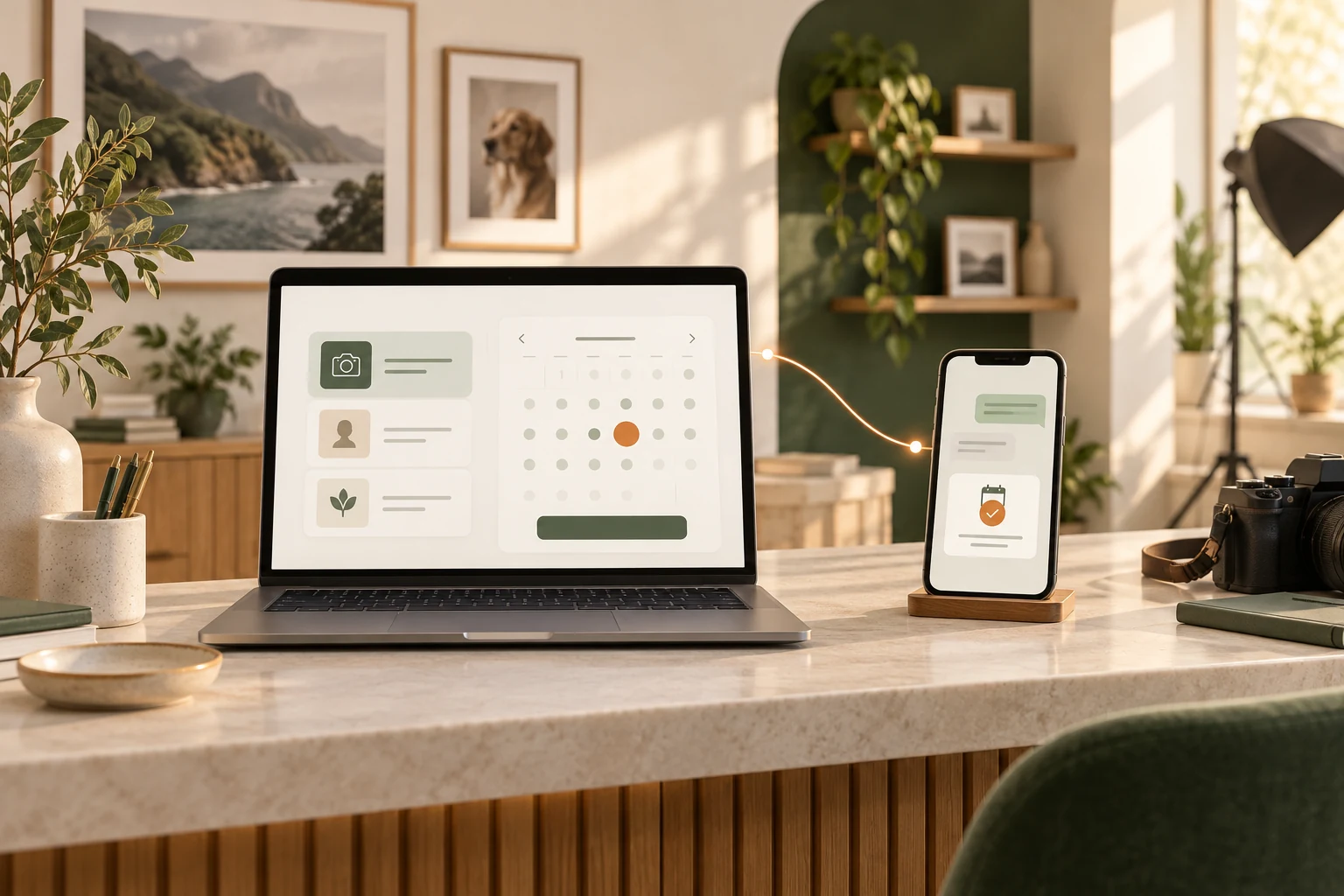
To increase online appointment bookings, help customers choose the right service, show times they can actually reserve and make the booking easy to finish. Track where visitors stop, then improve that part of the journey before bringing more people to the same page.
Niwa uses your website's business information to answer service questions and book appointments on your WordPress website or directly in WhatsApp. The customer can clarify the service, choose an available time and provide the details needed to save the reservation through the connected workflow. Your team receives a recorded appointment with the service, customer and time.
For a salon, studio, tutor or consultant, that is the practical goal: a suitable appointment your team can deliver. Here is how to build the journey around it.
Help customers choose a service before they choose a time
Someone may be ready to book but unsure which appointment they need. A long service menu does little to resolve that uncertainty, especially when its names make sense only to your team.
Give each service a clear description, duration, location and price, or explain how a variable price is determined. Include preparation requirements and cancellation terms where they affect the decision. Niwa can use that information to explain the choices and help the customer select a relevant appointment. The Niwa Booking Agent connects this service discussion to the booking flow.
Consider an illustrative photography-studio example. A visitor needs a photograph for a professional profile but is unsure whether to select a headshot session or a wider personal-branding session. Niwa can ask what they need the photographs for and explain the difference using the studio's published descriptions. Once the customer chooses the headshot service, the conversation can move to its available times.
For a request outside your standard services, give the customer a route to your team. A job that needs an estimate should reach the person who can assess it.
Keep direct booking visible too. Customers who already know which service they want should be able to select it without a compulsory conversation.
Take the customer from their question to a recorded appointment
Set up your services, appointment lengths, team members, working hours, breaks and exceptions in Niwa. Add the information customers need before committing, including where the appointment happens and what it covers.
The connected booking journey can then follow a simple sequence on the website or through conversation:
- The customer explains what they need or selects a service.
- Niwa clarifies the service choice and checks its configured availability.
- The customer chooses an available date and time.
- Niwa collects the contact information required for that reservation.
- The booking is saved with the service, time and staff member, and the customer receives the configured confirmation.
Continue the studio example: after choosing the headshot service, the visitor asks about Friday morning. Niwa checks the schedule and offers available options. The customer selects a time and provides the necessary details. The result is a headshot appointment in the studio's schedule.
You supply the business information and availability rules. Keep them current so the service Niwa explains matches the appointment your team will provide.
Book an appointment through a WhatsApp conversation
A customer who messages your business on WhatsApp can choose and book an appointment through the conversation. They might ask, "Which headshot session should I choose?" Niwa explains the options using your studio's information, offers available times for the selected service and collects the required contact details. When the reservation is saved, the customer receives the configured confirmation and your team can find the appointment in the connected schedule.
Connect WhatsApp and enable customer access as part of your setup. Give Niwa current service information and configure the booking schedule and required details. The WhatsApp AI Agent can answer questions and perform connected booking actions while your team is busy with someone else. Keep a website booking link available for customers who prefer that route.
Use the same configured capacity record for website and conversational reservations. Record appointments taken by phone or in person there too, or establish a supported synchronization process for a separate scheduler. The available times should reflect work already booked through any of those routes.
This is an AI-powered website: AI helps with an ongoing business task after launch. A website built with AI describes how the site was created. For appointment businesses, the useful distinction is whether the customer's question can lead to a completed reservation.
Make the booking entry point easy to find
Put a booking action beside the information for each service. A visitor reading about headshots should be able to book that service from its page, with a clear label such as "Choose a headshot appointment." Carry the selected service into the booking flow where your setup allows it.
Check links from business profiles, emails and social profiles. Send people to the relevant service or booking page so they do not have to search your homepage again.
On a phone, make sure the calendar, chat and booking controls are easy to reach. Check that a banner or sticky navigation does not cover the form. Keep a contact route available for people who need help or cannot use the online process.
Remove unnecessary work from the form
Review every required field and decide why it is needed before the appointment can be reserved. A straightforward service may need a name, a suitable contact method and the chosen service and time. Other appointments may need more information to determine suitability or prepare the visit.
Collect what the booking needs. Move optional background questions to a later step, and offer guest booking where an account serves no necessary purpose. In Niwa, configure the required contact fields to match those needs.
The number of screens is only one measure of effort. A short sequence of clear choices can be easier than a crowded form. Preserve entered details when someone goes back, show errors beside the affected field and explain how to correct them.
Niwa should help resolve uncertainty about the service. Extra chat questions that do not contribute to the reservation can create the same friction as unnecessary form fields.
Keep available times aligned with your team's capacity
Check service duration, staff hours, holidays, preparation time and booking notice periods. A slot needs to account for the people and resources that deliver the service.
Niwa has its own scheduling and appointment records. Google Calendar is optional. If your team uses it, connect the appropriate account and test how busy events affect the member's availability and how new bookings appear in the calendar.
Google's own appointment-schedule settings include scheduling windows, date exceptions, buffers and daily limits. Its conflict checks also depend on selected calendars and busy events. Google's availability guide and calendar conflict documentation explain these controls for Google's booking pages.
Test the calendars your business actually uses. Add a busy period that should block a staff member, then check the offered times. Make a test reservation and confirm that the relevant capacity is no longer offered.
Two staff members may legitimately provide the same service at the same time. If both need one shared room, check how your booking setup accounts for that room as well as their individual schedules.
When no suitable time is available, offer a clear next option, such as another date or a request to contact the team.
Check the complete result before sending more traffic
Test a representative appointment from the customer's perspective on your phone. Ask about a service, choose a time and finish the reservation in a test environment or with a designated test appointment. Check the saved record and the confirmation. Then start with a question to your connected WhatsApp number and complete the conversational booking workflow. Verify the saved appointment and the resulting availability. If you also offer a website booking link, test that route separately.
Include an unavailable time and an unclear service request. These show whether the customer gets a useful alternative or a route to your team. Check Cherry's testing guidance also distinguishes a page preview from a walkthrough of the complete client experience.
After confirmation, the customer should have the service, date, time, location and next step. Include the timezone when it matters. A saved appointment and a delivered notification are separate outcomes; check both during setup.
If an error appears after submission, check whether the appointment was saved before asking the customer to submit again. Make the distinction between a confirmed reservation and a request awaiting staff approval clear.
Useful reminders and a workable cancellation or rescheduling route help customers attend. Configure them in the booking tools you use and check delivery. If you use a waitlist, offer a cancelled slot to an appropriate customer with enough notice to attend. Track attendance separately from reservations.
Measure completion, then improve one part at a time
Track the journey from the booking page to the saved appointment. Useful stages include service selection, time selection, required details and successful completion. A funnel report helps show where people stop; Google Analytics' funnel documentation explains how ordered stages can be examined.
Choose a counting method and keep it consistent. For a session-based booking-page conversion rate, use:
Sessions containing a confirmed booking ÷ sessions that viewed the booking page × 100.
For example, if 1,000 sessions viewed the page and 30 of those sessions contained a confirmed appointment, the rate is 3%. This is an illustration, not a target or a Niwa result. Counting raw appointments instead can give a different answer when one session contains several bookings.
Exclude test activity. Count a completion after the scheduler saves the appointment, and check that refreshing the confirmation does not create another conversion. Compare mobile and desktop results and reconcile recorded completions with your scheduler. Analytics funnels may count users rather than sessions, so check your tool's definition before comparing reports.
Track answered questions and saved reservations as distinct stages. Count successful direct WhatsApp bookings in the appropriate channel report using the saved appointment record. A conversation without a saved reservation remains an enquiry. For the website rate, include a booking in the numerator only when it belongs to a qualifying session in the denominator; direct messaging reservations without that visit belong outside this calculation. Compare confirmed appointments and attendance by source using the same definition.
Use consistent campaign tags on external links when you want to compare website booking sources. Check that the source survives the journey into any external scheduler; a tag on the first page does not automatically establish the source of a completed appointment. Google's campaign URL guide explains the basic source, medium and campaign fields.
Change the clearest problem first. For example, clarify two commonly confused services, then compare completion using the same definition. Consider changes in traffic, prices and available capacity when interpreting the result. With very little traffic, prioritize observed failures and customer questions rather than declaring a winning variation from a handful of bookings.
Common questions
Do I need a new website to use Niwa?
If you already use WordPress, you can install the standalone Niwa AI plugin and configure it for your services. A new website is not required. The installation guide covers setup.
Can I keep my existing booking system?
Start by checking whether it meets your operational needs. Niwa can explain your services and guide customers toward your existing booking process. If you want Niwa to create reservations inside a particular external system, establish that connection's supported actions during setup.
Should I remove deposits to get more bookings?
Look at the reason for the deposit and where people stop. Make its amount and terms clear before commitment. Removing it may increase completed bookings while creating a different attendance problem, so compare both outcomes.
Why are there no appointments when my team has time?
Check notice periods, booking windows, service duration, staff assignment, busy calendar events and daily limits. Test the specific person and service rather than relying on general opening hours.
Set up Niwa for your appointment business
Use the standalone Niwa AI plugin on your existing WordPress site, or choose Niwa Business for USD 150. Niwa Business includes a custom WordPress website or migration, hosting, maintenance and AI tools adapted to your business.
Tell us your website address, the services customers book, appointment lengths, team hours and current booking setup. Include whether customers usually ask questions on your website, WhatsApp or both, and which booking routes you want to offer. Those details give us the context to discuss the setup that fits your business.

