

AI Website and Booking for Clinics
Niwa answers clinic questions and books appointments on your website or directly on WhatsApp. Use your WordPress site or choose Niwa Business for USD 150.
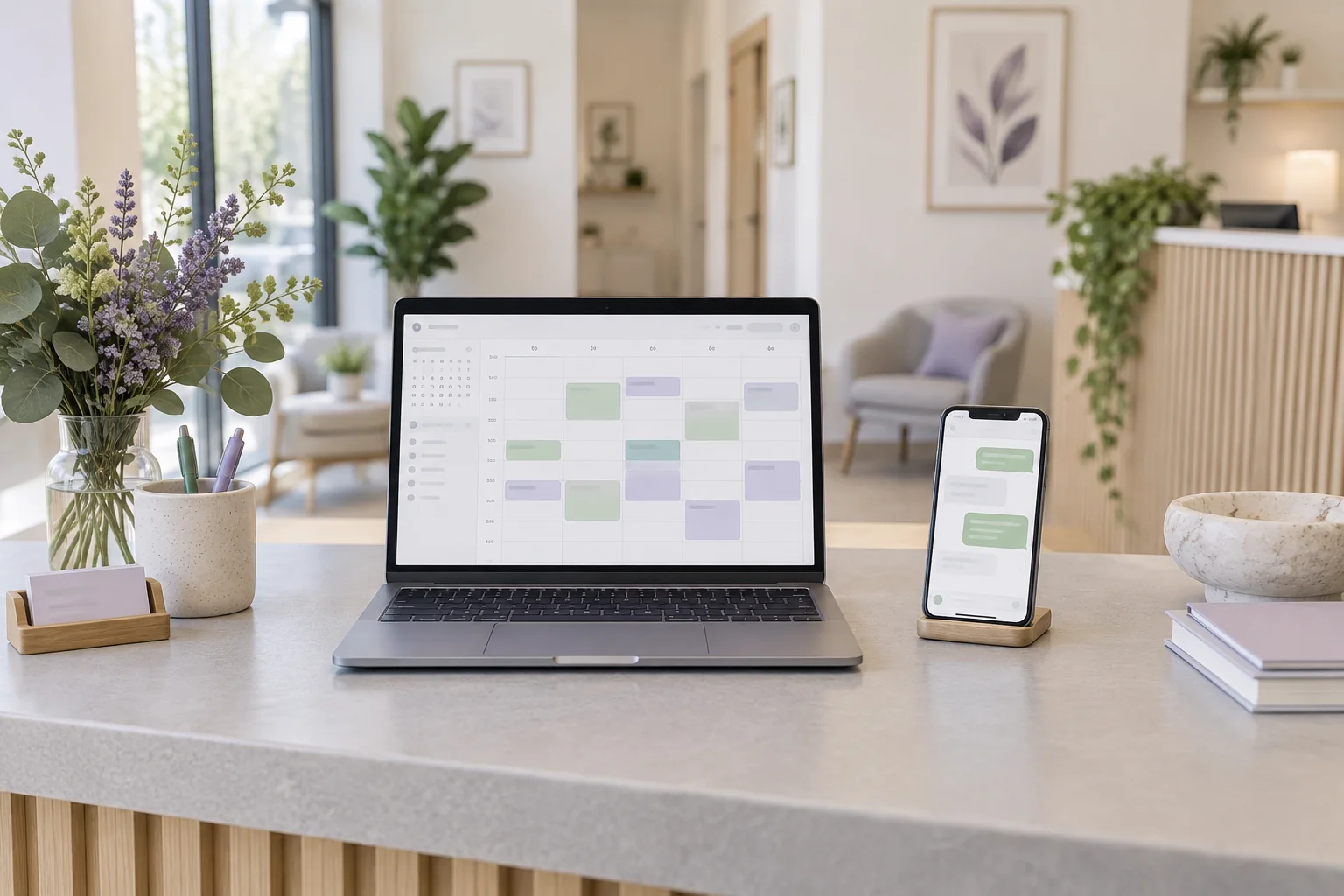
Niwa gives clinics an AI-powered WordPress website that answers practical patient questions and books appointments using the clinic's availability. Patients can ask about a service and reserve an available visit on your website or directly in a WhatsApp conversation. Niwa uses your website's clinic information and connected schedule to turn the enquiry into a recorded appointment. Your clinical team remains responsible for medical assessment and advice.
Niwa Business costs USD 150 and includes a custom WordPress website or migration, hosting, maintenance and AI tools adapted to your clinic. If you already have a WordPress website, you can install the standalone Niwa AI plugin and use it on your existing site.
Discuss your clinic website and booking
A practical question can lead to a booked appointment
Someone looking for an appointment may need to check your opening hours, the published consultation fee or whether a service is available at a particular location. Niwa answers from the clinic information you provide and helps the patient take the next step.
Consider a routine enquiry: "Can I book a first physiotherapy appointment on Saturday?" With your services, appointment durations and staff availability configured, the journey works like this:
- The patient starts a conversation on the website or sends the clinic a WhatsApp message.
- Niwa explains the clinic's first-visit service and answers practical questions using your approved information.
- Niwa offers eligible appointment times for the service. The patient chooses a time on the website or in the WhatsApp conversation.
- Niwa collects the required contact details and records the chosen appointment in the connected schedule.
- The patient receives the booking details, and staff can see the recorded appointment in Niwa's schedule.
This example shows the administrative booking process. Questions about symptoms, treatment suitability or medication belong with the clinical team. Give patients a clear contact route for those questions and explain when staff respond.
The same distinction matters after reception closes. Niwa can answer practical enquiries and book available visits on the website or WhatsApp, while the clinic's published information makes staff response hours and approved urgent-care directions clear.
Use Niwa on your existing WordPress site or choose a new clinic website
If your clinic already has a WordPress website, install Niwa AI, connect a supported AI account and add your clinic information. Configure the services, team availability and booking details around the way your practice operates.
You can keep the website your patients already know. A new site is useful when your current pages need replacing, or when you want to move to WordPress.
Niwa Business covers that website work alongside hosting, maintenance and AI adaptation for USD 150. Your proposal sets out the website and booking scope and the billing terms. Bring your current site address and service list so the setup can be planned around your clinic.
Keep clinical records in the system your practice uses
Niwa has a built-in appointment system with services, staff schedules and recorded bookings. Its agent can check available times and save a patient's chosen appointment on the website or directly through WhatsApp, using the same clinic information and booking rules.
If your existing scheduler already works well, Niwa can explain the booking process and direct visitors to it. For example, Cliniko provides booking links and website embeds that clinics can use on their own websites.
A booking link does not synchronise two schedules. Decide which system will hold appointments and confirm any connection before using it. Patient records, treatment notes and billing history remain a separate part of your clinical software.
Where your existing process sends an appointment request to reception, describe it as a request until staff confirm the time. A recorded booking, a request awaiting approval and a delivered confirmation are different results.
Give Niwa current information patients can rely on
Start with the administrative questions reception answers regularly:
- Opening hours, locations, parking and contact details.
- Available services and published consultation fees.
- How appointments are booked and your cancellation policy.
- What patients should bring, using the clinic's approved instructions.
Keep those sources current when services, fees or hours change. If an answer requires information the clinic has not provided, staff should supply it. Preparation instructions also need clinical approval rather than an AI-generated assumption.
Collect appointment details with a clear purpose
For routine booking, Niwa needs the chosen service, an available time and the contact details your clinic requires. Its booking fields can be configured for a name, telephone number, email address or the combination your process needs.
Keep medical history, test results and photographs in the clinic's approved clinical-intake process. Even an appointment type can reveal health information, so review how booking and conversation data are handled, including retained summaries, staff access and the connected AI provider.
The UK's ICO guidance on data minimisation explains why each detail collected should serve a defined purpose. Apply the privacy requirements relevant to your practice and location when configuring the workflow.
Check the appointment journey before patients use it
Test a booking from a phone on the website, then complete another through a patient conversation on the connected WhatsApp account. Check that the service and available time are correct, each appointment appears in the chosen schedule and the patient receives accurate booking details.
Include an unavailable slot, an unclear appointment type and a question that needs staff. For an existing booking link, follow the whole route into that system. These checks help establish that the conversation leads to the result your patient expects.
Questions about an AI clinic website
Is a website built with AI the same as an AI-powered website?
A website built with AI uses AI during design, coding or content creation. An AI-powered website gives patients assistance after launch. Niwa answers practical questions and helps complete appointments through the booking workflow you configure.
Can we use our own AI subscription?
Yes, you can connect your own supported AI subscription. Niwa adds no AI usage charges or Niwa-imposed usage limits on that connection. Your provider's limits and account terms still apply, and the account must support the connection you choose.
Does Niwa replace our clinical-record system?
Your clinical-record and billing software continue to serve those roles. Niwa supports patient enquiries and administrative booking. Any connection to an existing system needs a defined scope; the website offer does not imply an EHR integration or migration of clinical records.
Plan the website around how your clinic books patients
Bring your website address, services and the name of your current scheduling tool. We can discuss using Niwa on your existing WordPress site or the USD 150 Niwa Business offer for a custom site or migration, hosting, maintenance and AI adaptation.

