

How to Find Out Which Ads Bring Sales
Connect ad and creative identifiers to paid orders or invoices. Compare revenue, refunds and customer acquisition without confusing leads with sales.
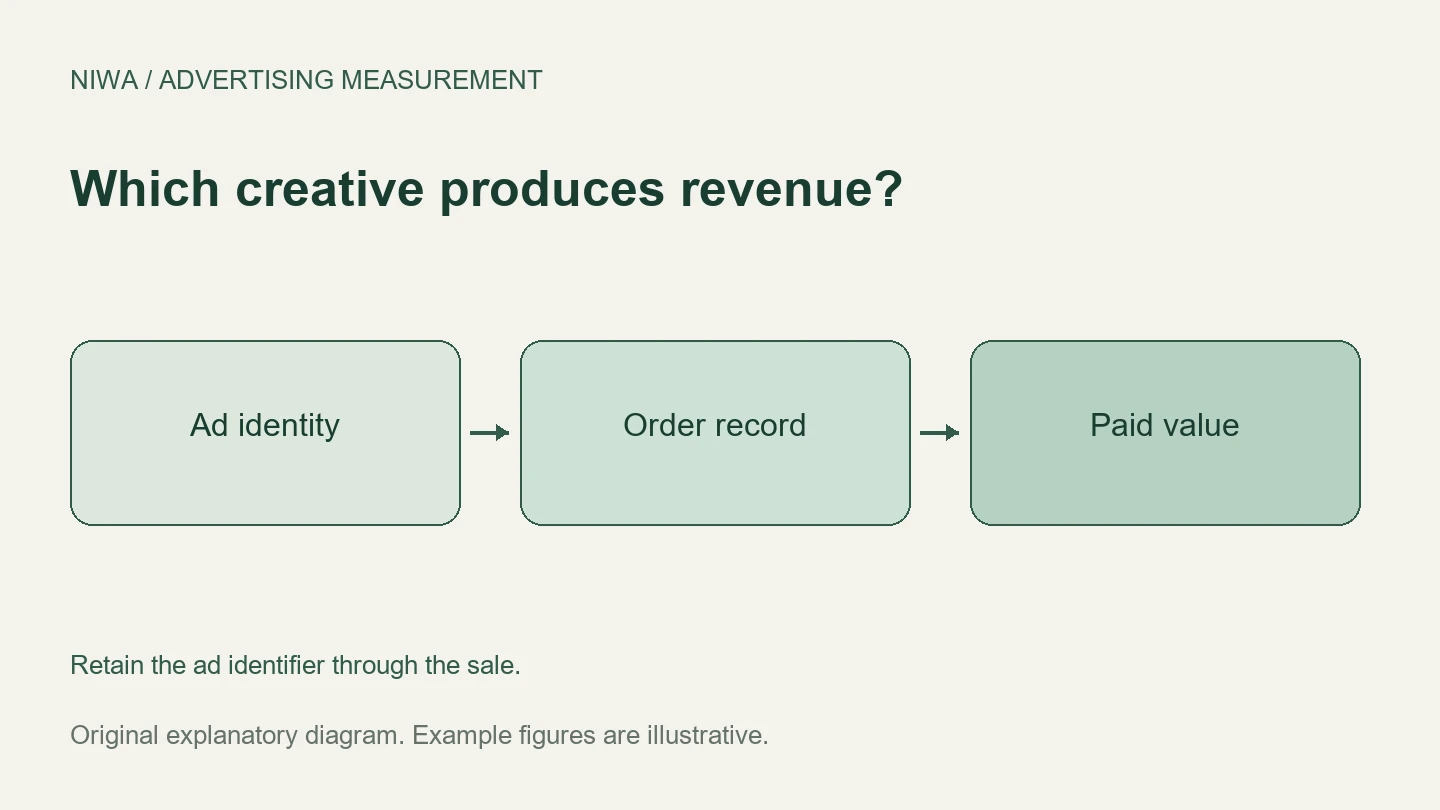
To find out which ads bring sales, keep an ad identifier with each visitor’s enquiry or order, then match that record to a confirmed payment. Compare paid revenue and advertising cost by ad, using a consistent attribution rule. A report showing the most clicks or leads does not answer which creative produced paying customers.
Niwa can help a WordPress visitor understand a product or service and move toward an enquiry or purchase. Use that assisted journey as something to measure, with the original ad identity retained by your measurement setup. How Niwa works explains the customer assistance; your order or sales records establish whether a sale followed.
Give every ad a stable identity
An ad name is readable, but it may change. Retain the platform’s ad ID where your tracking setup provides it, and keep a naming register that connects the ID to the creative, campaign, destination and launch date. Record revisions so an edited ad does not silently become a different test under the old description.
For manually tagged links, use utm_content to distinguish creatives and utm_campaign for the campaign. For example, two ads can share campaign autumn_service while content values are video_01 and image_02. Google’s campaign URL documentation explains these fields. Preserve platform click identifiers as well when your integration needs them.
Do not rely on a screenshot of the creative as the only record. Your sales team needs a stable value it can match to the reporting row weeks later.
Follow online orders to their actual status
For ecommerce, connect the purchase event to an order using its transaction ID. Send a real value and currency. Then check whether the order was paid, cancelled or refunded before assigning its final commercial value. Google’s ecommerce guide provides the event implementation details.
WooCommerce’s native order attribution can show the source and UTM information recorded for an order. Enable and test it before relying on new data. Its session-based attribution does not reconstruct a customer’s journey across separate visits or devices, and it does not recover source information for orders placed while the feature was disabled.
For a longer journey, combine appropriately configured analytics with your controlled customer records. Do not interpret a missing source as proof that advertising had no role.
Use a lead-to-invoice match for service sales
A service business usually needs two joins: the enquiry to a lead record, then the lead to the invoice or job. Save the campaign and ad identity when the enquiry arrives. Give the lead a stable ID and carry it through quotation, follow-up and payment.
Ask staff to mark the outcome using the same definitions. A booked consultation is not yet a paid customer. A signed contract may also differ from cash received, depending on what your report is intended to measure. Name the revenue basis explicitly.
If the sale completes after a phone conversation, record the original enquiry and call against the same lead. Do not create a fresh source-less customer record just because the conversation moved offline.
Choose a credit rule before comparing ads
One customer may click a social ad, later click a search ad, and finally return directly. First recorded paid touch and last recorded paid touch answer different questions. A data-driven analytics report can allocate fractional credit among eligible interactions. Google’s attribution guidance explains how report scope affects that credit.
Keep a single business-ledger view for budget comparisons and platform-specific views for campaign operation. Do not add every platform’s attributed revenue and call the sum total business revenue. Several platforms may credit the same payment.
Compare the cost of paying customers
Consider this illustrative example:
| Ad | Spend | Genuine leads | Paying customers | Paid revenue |
|---|---|---|---|---|
| Video 01 | $300 | 30 | 2 | $600 |
| Image 02 | $300 | 12 | 4 | $1,600 |
Video 01 has a $10 cost per lead; Image 02 has a $25 cost per lead. But the second ad has a $75 advertising cost per paying customer, compared with $150 for the first. The creative producing fewer enquiries can still produce more valuable business.
Check contribution margin and refunds before declaring a winner. A few unusually large sales can also make a small sample unstable. Compare cohorts with enough time to convert, and avoid changing several creative variables while you are trying to understand the result.
Test the connection with one known journey
Open a tagged link in a fresh browser session, submit a clearly marked test enquiry, and move that record through a test outcome. Confirm the ad identifier survived. For ecommerce, use the store’s agreed test-payment process and verify one purchase record, not a duplicate caused by refreshing confirmation.
Niwa setup also needs accurate services, prices and product information. Use the installation and configuration guidance to prepare the assisted journey, then judge it by actual outcomes rather than chat volume.
Existing WordPress businesses can add the standalone Niwa plugin. Niwa Business is USD 150 for a custom WordPress website or migration, hosting, maintenance and AI adaptation. Contact Niwa with an example ad and the way you currently record paid sales to discuss the relevant website workflow.

