

Do I Need an SEO Plugin for WordPress?
You do not need a plugin just to appear in search. Check what WordPress, your theme and existing tools already handle before adding SEO controls.
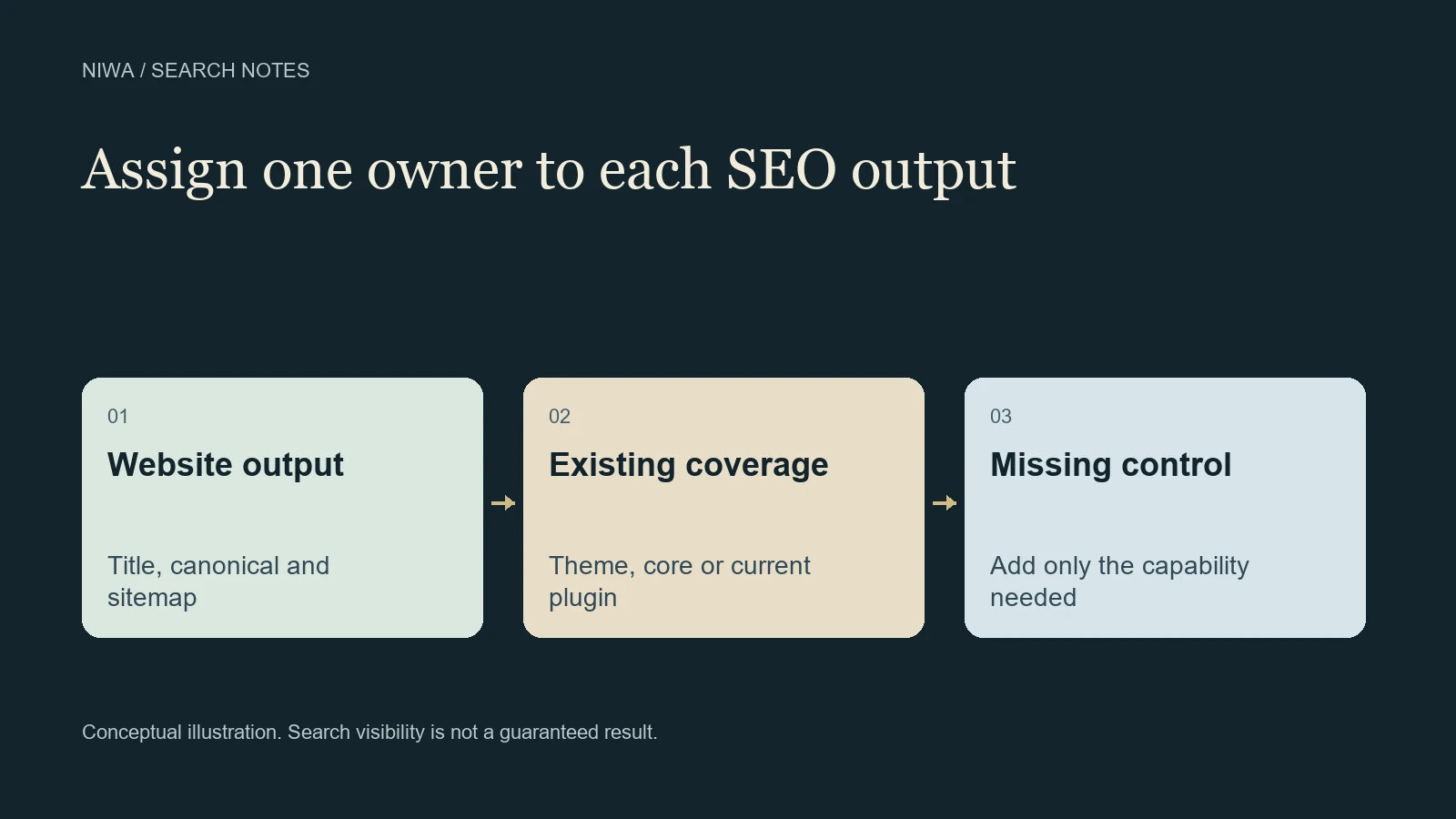
You do not need an SEO plugin simply for a WordPress page to appear in search results. Search engines evaluate the accessible content and implementation of the website. An SEO plugin is useful when it supplies controls your current setup lacks or makes important work easier to manage consistently.
The decision should follow an inspection of what WordPress, your theme and existing tools already output. Adding a second tool for the same job can create conflicting titles, indexing instructions or structured data instead of improving the site.
Niwa serves a different purpose from a dedicated SEO control panel. Its WordPress maintenance workflow supports content and site tasks through the available tools. Choose it for the work you need, rather than assuming any assistant label removes the need to inspect SEO output.
What does WordPress already provide?
WordPress includes a native XML sitemap system introduced in version 5.5. The official WordPress core announcement describes the implementation. A plugin can alter or replace sitemap behavior, so verify the live sitemap rather than assuming every installation uses the same URL.
Modern themes normally integrate with WordPress's document-title support, but the actual title output still needs checking. Site-specific functionality may also handle metadata, canonical URLs or structured data. Those capabilities vary across installations.
Google's technical requirements do not specify a WordPress SEO plugin as a condition. The important question is whether the public page meets the requirements and contains useful information.
What can an SEO plugin add?
A dedicated plugin can provide an editor interface for search titles, descriptions and indexing controls. Depending on the product and plan, it may also manage sitemaps, structured data, social previews, redirects or other functions.
Those controls are useful when the site lacks a reliable way to manage them. For example, an owner may want different search descriptions for individual service pages without editing code. A plugin can make that task easier to maintain.
It still cannot certify every business claim, make poor content useful or command Google to index a page. A green check reflects the tool's assessment, not a ranking contract.
Compare the actual controls you need
The official WordPress directory provides current descriptions for several established options:
- Yoast SEO offers metadata controls and editorial analysis, with additional commercial features.
- Rank Math combines SEO controls with configurable modules. Check which features belong to the relevant plan.
- All in One SEO provides an SEO configuration and editing workflow with free and commercial functionality.
- SEOPress covers metadata and sitemap-related work, with commercial additions.
- The SEO Framework emphasizes automated metadata and technical defaults, with extensions available for further tasks.
These are alternatives to inspect, not a universal ranking. Your editor, site language, existing schema output and maintenance preferences matter. Compare the exact version and plan you intend to use. You do not need to buy every feature a product offers.
Inspect the website before installing another tool
Choose a public service page, a blog article and, if relevant, a product page. Check what each currently outputs for its document title, meta description, canonical URL and robots instructions. Confirm the active sitemap and the structured data on those pages.
Then identify who manages each output. It might be core, the theme, a current plugin or a site-specific component. If two components both produce the same function, investigate the overlap before adding a third.
A public SEO Framework support discussion shows why reading the actual output matters. The owner saw a noindex instruction despite expectations about settings and attempted to add a separate index directive. The reported situation required investigation of the source of the instruction, rather than assuming another tag would repair it.
That account is one installation's troubleshooting history. It is not proof that the plugin generally fails, and its code examples should not be copied into an unrelated site.
If you switch plugins, preserve the useful data
Changing SEO tools can affect metadata, indexing defaults, redirects, schema and sitemaps. Back up the site and identify what the old tool currently manages. Review the replacement's supported import route before disabling the old component.
Use a test environment when the change affects a significant site. Inspect representative pages and compare their output before and after the switch. Preserve intentional exclusions and verify any redirects the previous tool supplied.
Do not assume import success means every public result is correct. A migration receipt and a browser inspection answer different questions. Finish by checking the live pages that matter to the business.
How Niwa fits alongside your SEO setup
An SEO plugin can expose metadata controls. Niwa can help an authorized owner act on supported content or maintenance tasks within WordPress. Those roles can coexist when responsibilities are clear.
Using the Niwa installation and help guide, configure the plugin, provider connection and owner access. Start with a particular task, such as replacing an inaccurate service section with approved details. Review the saved result and its public display. Do not change unrelated SEO components merely to complete that content edit.
A website built with AI uses AI during creation. A website powered by AI uses an assistant afterward. Neither description establishes that every canonical, sitemap or indexing instruction has been checked.
If you are unsure whether the site needs another plugin, contact Niwa with your current WordPress setup and the missing control. Inspect the output first. Add a tool when it closes a real gap, and keep one clear owner for each SEO function.

