

How to Track WooCommerce Purchases from Meta Ads
Track WooCommerce purchases from Meta ads with a verified purchase trigger, Pixel and CAPI deduplication, accurate values and order-level source checks.
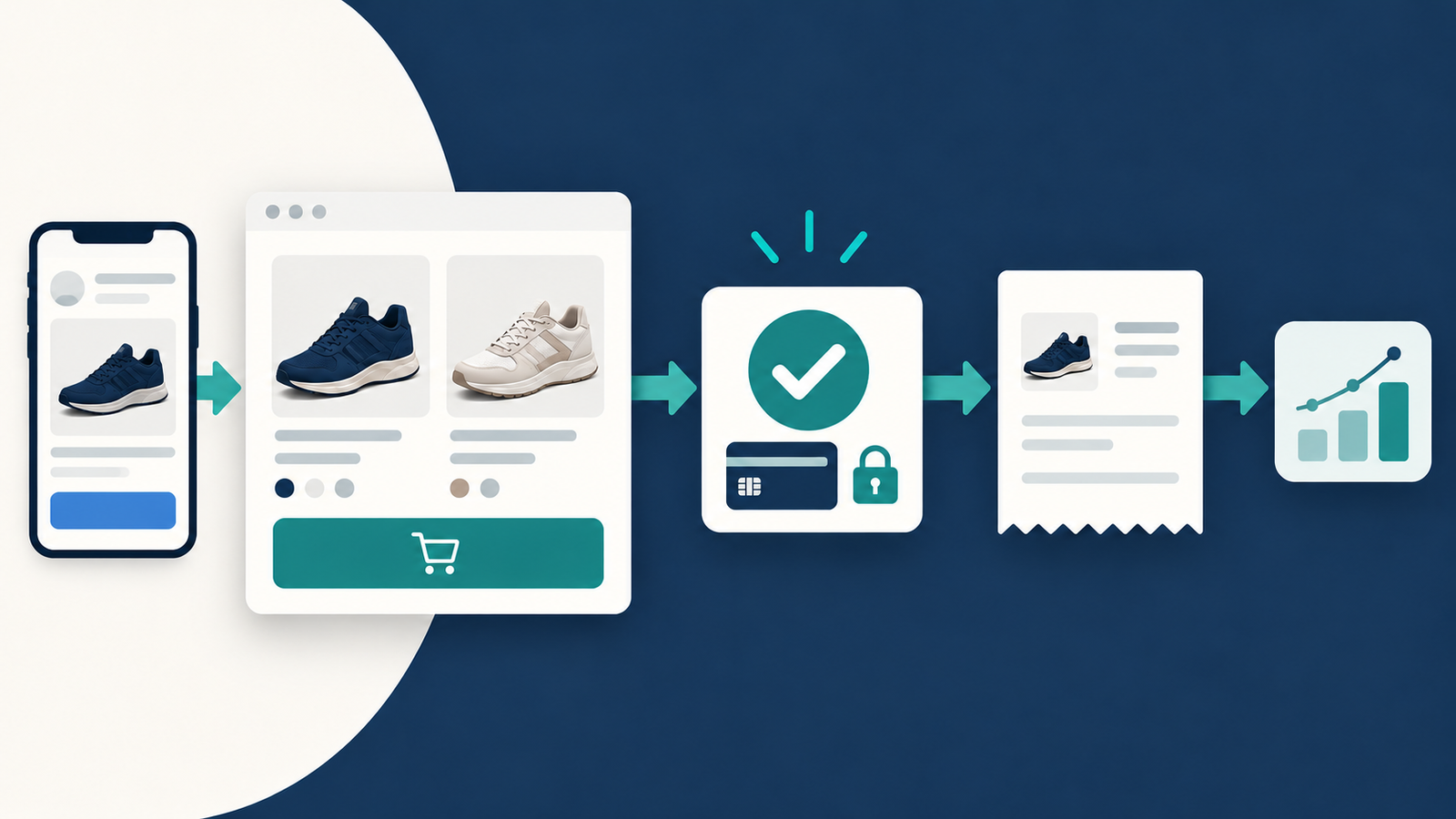
Track WooCommerce purchases from Meta ads by connecting your store to the correct Meta data source, sending a Purchase event for a completed purchase, and verifying the event against the saved order. If your integration sends browser and server events, deduplicate them with matching event names and identifiers. Keep campaign source information with orders so you can compare attributed sales with actual store results.
The order record matters more than the appearance of a tracking signal. A checkout attempt, draft order or failed payment can produce activity without producing paid revenue.
For purchases completed on your website, Niwa's storefront assistance helps customers compare products before they buy through your store's checkout. Track the saved order rather than counting the chat interaction as a sale.
Inspect the tracking integration you already have
Check installed plugins, your tag manager and any theme-level Pixel settings. Choose one owner for the browser event and one coordinated server path. Multiple integrations sending purchases for the same data source can make diagnosis difficult.
Meta for WooCommerce is listed in the WordPress plugin directory. Its older WooCommerce documentation describes built-in Pixel and Conversions API support, but that documentation is now marked as no longer updated. Use the current plugin's own setup and support information, and verify its behavior on your checkout.
You can also use another maintained integration that supports your WooCommerce version, checkout format, consent setup and payment methods. Product catalog synchronization and purchase tracking are different functions; a catalog connected successfully does not prove purchase measurement works.
Decide when your store has completed a purchase
Review WooCommerce order statuses. Pending payment, failed, processing and completed do not mean the same thing. Do not require every order to reach Completed before measuring payment, because a paid order awaiting fulfilment can be Processing.
For immediate online payments, verify that the integration reports the successful purchase rather than merely the order being created. For bank transfers or cash on delivery, an accepted order and received payment are separate facts. Define your advertising milestone and financial reporting consistently.
Check every payment route you offer. A customer may return from an external payment screen, close it before returning or receive a delayed status update. A browser thank-you-page trigger alone may not cover those cases correctly.
Check the purchase value and product identifiers
Meta's event reference requires value and currency for Purchase. Compare the transmitted number with the saved order, including your chosen treatment of shipping, tax and discounts.
For catalog advertising, confirm that the event's product identifiers correspond to the products or variants in your catalog. An internal WooCommerce ID and the catalog's expected identifier must represent the same item. The exact mapping depends on the integration.
An illustrative discounted order might contain USD 80 of products plus USD 10 shipping. If your purchase value is USD 90, compare it with a report using that same basis. Do not compare it with product-only net revenue and call the difference a tracking error.
Confirm browser and server reports describe one order
When both channels report a purchase, use the same event name and event identifier for that order. Meta describes the Pixel's eventID and Conversions API's event_id in its deduplication documentation.
A retry should retain the original identifier. A second genuine order should receive a distinct identifier. Matching the customer's email or the order value alone is not the recommended event-ID deduplication method.
Keep the source of each signal visible while testing. Seeing one browser entry and one server entry is not by itself proof of double-counting. Check their relationship and processing outcome.
Preserve your own view of the ad source
WooCommerce's order attribution feature can retain source information with new orders when enabled. Its session-based last-click approach differs from Meta advertising attribution, so the reports can legitimately disagree.
Use consistent campaign parameters in ad links and inspect their saved order context. Do not expect attribution to appear retrospectively on orders created before collection was enabled. Keep customer details out of campaign URLs.
Run a controlled order test
Confirm a successful order in WooCommerce and inspect the corresponding Meta event. Compare the event name, identifier, value and currency. Then test a failed payment and revisit the order-received page. Neither should create another completed purchase.
Check mobile checkout, an external payment return and the relevant consent choices. For a server connection, follow Meta's Test Events procedure. Keep test orders clearly labelled in your business records and use an appropriate test environment where possible.
Review refunds separately. Do not assume sending a purchase event means later returns are automatically deducted from Ads Manager's reported purchase revenue. Your accounting and payment records remain the source for money actually retained.
Give the customer a useful path to checkout
Niwa can help with product information and supported store operations through its WooCommerce tools. Accurate prices, variants and availability help customers make a buying decision; measurement then records the completed purchase.
An AI-powered store continues assisting customers after launch. That differs from a store whose design was built with AI, and neither is proof of advertising attribution or sales uplift.
Niwa Business is USD 150 and includes a custom WordPress site or migration, hosting, maintenance and AI adaptation. Existing WordPress stores can use the standalone plugin. Contact Niwa with your checkout, payment methods and the customer task you want the assistant to support.

