

What Is Meta Conversions API?
Meta Conversions API sends business events from a server to Meta. Learn how it differs from Pixel, what data it uses and what a working connection must verify.
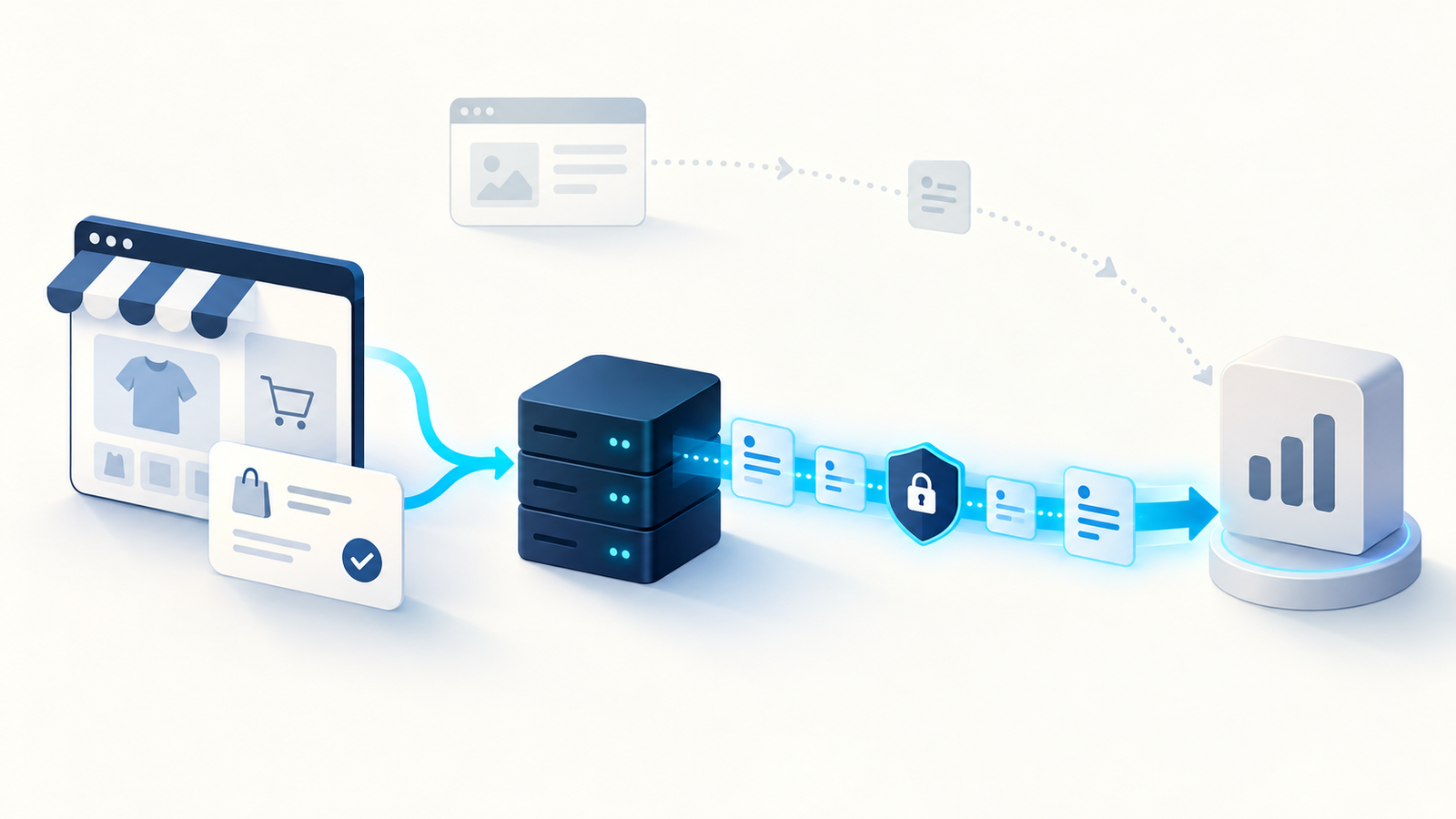
Meta Conversions API is a connection that sends business events to Meta from a server or supported integration. Those events can describe website purchases, leads and other customer actions. Meta can use the signals for advertising measurement, optimization and matching. The API complements browser tracking; it is not a payment system, a customer database or a guarantee of complete attribution.
"API" means application programming interface. In this case, your business system submits an event describing something that happened, rather than relying only on a script running in the visitor's browser.
For a WordPress business using Niwa, a customer might ask a product question and complete a WooCommerce order. The order provides the business outcome. Conversions API is one possible route for reporting that outcome to Meta through a separately configured tracking integration.
How the server connection works
A typical sequence starts when your website saves a valid result. The tracking integration prepares the event's name, time and permitted matching information, then sends a request to Meta. Meta validates the request and processes the event.
For a purchase, the payload also includes the appropriate value and currency. For a website action, the declared action source should describe the website journey accurately.
Meta's server-event parameter documentation explains the available fields. The integration needs to supply truthful data; labelling a failed order Purchase does not turn it into a sale.
How it differs from Meta Pixel
Meta Pixel runs in the browser and can report activity such as page views, product views and successful customer actions. Conversions API sends a signal through the business system's server path.
Browser restrictions, blocked scripts, connection problems or a visitor leaving before a confirmation screen loads can affect the browser route. A server connection can report a known outcome through another path, subject to the configuration and permissions applicable to that data.
The server route can fail too. An expired credential, missing parameter, unavailable queue or incorrect business trigger can stop or distort its events. Neither route automatically measures everything.
Meta's Conversions API overview describes using these signals with advertising tools. It does not establish that every installation produces the same performance improvement.
Why one conversion can appear on two paths
Many businesses use both Pixel and Conversions API. The same purchase can then generate a browser report and a server report.
Meta needs to know that those reports describe one result. The recommended method uses matching event names and an identifier shared between Pixel's eventID and the API's event_id. This is called deduplication.
For example, a made-up event ID such as order-4721-purchase could identify one completed order on both paths. A different order needs a different ID. The exact ID format is an implementation choice, not a requirement to expose customer information.
What information belongs in an event
The event should describe the action and carry the fields necessary for the intended measurement. Matching information and event identity have different jobs: matching helps associate a signal with a person, while an event ID distinguishes one action from another.
Follow the current parameter requirements for any matching fields you use, including normalization or hashing where specified. Hashing is not the same as removing privacy obligations, and not every field is handled identically.
Do not include full chat transcripts, form messages, private appointment reasons or unsupported sensitive details. Keep access tokens on the server and restrict access to event logs.
Where consent is required, the server integration must respect the relevant choices. The ICO's UK guidance explains device-tracking requirements; other markets can have different obligations. CAPI is not permission to bypass them.
Do you need to write the connection yourself?
Often, a maintained platform integration can provide the connection. WooCommerce users can check their existing tracking extension before building another route. Verify its current support for checkout, payment methods and consent handling.
A custom implementation can be appropriate when the business outcome occurs in a separate system or the existing integration cannot represent it accurately. It also creates maintenance work: credentials, request failures, retries, monitoring and API changes need an owner.
The API connection is separate from ad spend. Integration software, hosting or technical maintenance may have their own costs. Check those terms for the route you choose rather than assuming every server implementation is free or has the same price.
What a working connection must prove
Use Meta's testing procedure to check delivery in Events Manager. Then compare the event with the real lead, booking or order record.
A successful response confirms something about delivery. It does not by itself prove the event was attached to an ad, represents a paid order or is deduplicated correctly. Verify the event's meaning and identifiers as well as its arrival.
Where Niwa fits
Niwa's WooCommerce tools help with supported store work and customer information. Its website assistant can guide people toward a purchase or booking. Tracking reports the outcomes of those journeys; it is a separate layer.
An AI-built site uses AI during creation. An AI-powered site keeps assisting the business after launch. Niwa Business is USD 150 and includes a custom WordPress website or migration, hosting, maintenance and AI adaptation. Existing WordPress sites can use the standalone plugin. Contact Niwa with your current workflow and the outcome you need to support and measure.

