

How to Turn More Website Visitors into Enquiries
Build a service-page enquiry route that collects useful context and reliably reaches the person who can respond.
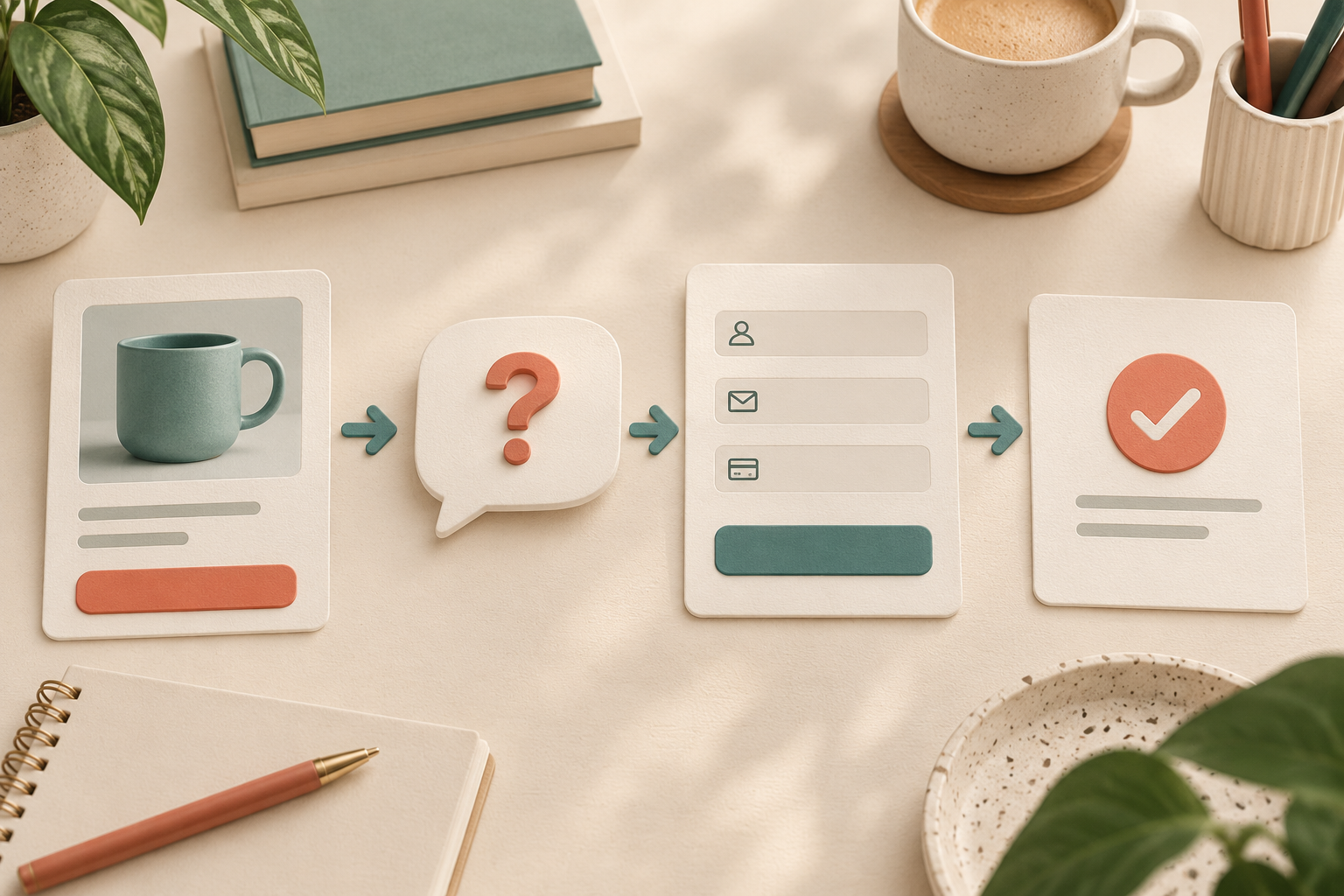
Turn more website visitors into enquiries by explaining which problems your business handles, making contact worth the visitor's effort, and ensuring the enquiry reaches someone who can respond. Aim for suitable enquiries with enough context to act on. A larger form-submission count is not useful if most requests concern work you do not provide.
For a WordPress service business, Niwa's website assistant answers from your service information and helps the visitor reach the appropriate contact route. Begin with clear page information and a reliable enquiry process, then add assistance where people need clarification.
State the service and its boundaries
Tell visitors what you do, who you work with and where the service is available. Explain an important limitation before they spend time preparing a request. If you serve commercial premises rather than private homes, make that distinction visible.
Give enough information to recognise a suitable project. Describe the work included, what you need to assess it and whether the price depends on a survey or other details. If you cannot quote a fixed amount from the page, explain how a quote is prepared instead of using an unsubstantiated starting price.
Support the explanation with evidence the business can substantiate. A real project photograph and a specific description can help a visitor assess fit. Do not invent testimonials or imply that a conceptual illustration shows a client's completed work.
Explain what happens after an enquiry
Use a relevant action such as requesting a quote or asking about a particular service. Describe who receives it and the next step you can actually provide. Promise a response time only when the business has approved and can meet it.
Put this action near the service details, and give the visitor a practical way to return to it after reading. An enquiry button should open the appropriate form or contact route, rather than a generic destination that asks the visitor to find the service again.
For a hypothetical office-cleaning business, the page might explain its service area, the kinds of premises it covers and which details help the team assess the work. The form can then ask about the premises and provide a contact method. This is a setup example, not a measured lead result.
Ask for the information needed to begin
Use a form supported by your existing WordPress setup. Ask for a workable contact method, the service involved and the minimum context needed for the first response. A site address may matter for a local service; a long account-registration process usually does not belong before an initial enquiry.
Keep visible field labels and useful instructions. Mark required information clearly and make validation errors easy to correct. The W3C forms guide explains how labels and feedback support completion.
Explain why you need an unusual detail. Where the visitor is only exploring, offer helpful service information without demanding contact details first. Use the business's applicable information-handling notice and collect no more than the workflow needs.
Use assistance to clarify fit before collecting contact details
Connect accurate information about the services and areas you cover. Niwa can then explain the relevant service, ask a useful clarifying question and point the visitor to the enquiry route.
Niwa's workflow overview explains how a conversation leads to a website action. When using enquiry capture, send a test request and check the saved information and its destination. That gives the team a confirmed request they can continue.
When a request needs assessment by a person, preserve the context the visitor has chosen to share. Tell them the next step without implying the business has accepted the project or confirmed a price. Niwa's lead-capture guide discusses context in conversational handoff; the service enquiry still needs a tested destination and a person responsible for it.
Prove that the enquiry reaches the business
Send an authorised test from the public page. Check the visible confirmation, the saved submission if your setup stores one, and the configured notification or destination. Confirm that the responsible person can identify the service and contact the sender.
Test the phone route with the keyboard open and correct an invalid field. Check the alternative contact method too. If delivery fails, fix it before inviting more enquiries. Adding another button will not repair a missing notification.
Assign responsibility for responding and recording the outcome. Review unsuitable requests for a page clarification rather than treating all of them as a success. Separate valid enquiries, qualified opportunities and completed sales in your reporting.
Should I make the form as short as possible?
Make it short enough to complete and informative enough to act on. Removing the service area from a local-service form may increase submissions while making qualification harder. Choose fields for the actual first response.
Does every visitor need to book a call?
No. Some need a written answer or quote assessment. Use a calendar when scheduling is the appropriate next step and verify a completed reservation separately from a calendar click.
Contact Niwa with your service page, the enquiries you want and the information needed to respond. Existing WordPress owners can discuss the standalone plugin. Niwa Business is USD 150 for a custom WordPress website or migration, hosting, maintenance and business-specific AI adaptation; confirm billing terms and scope before ordering.

