

How to Measure Sales from an AI Chatbot
Connect chatbot assistance to verified orders and report coverage, refunds and attribution limits before claiming a sales increase.
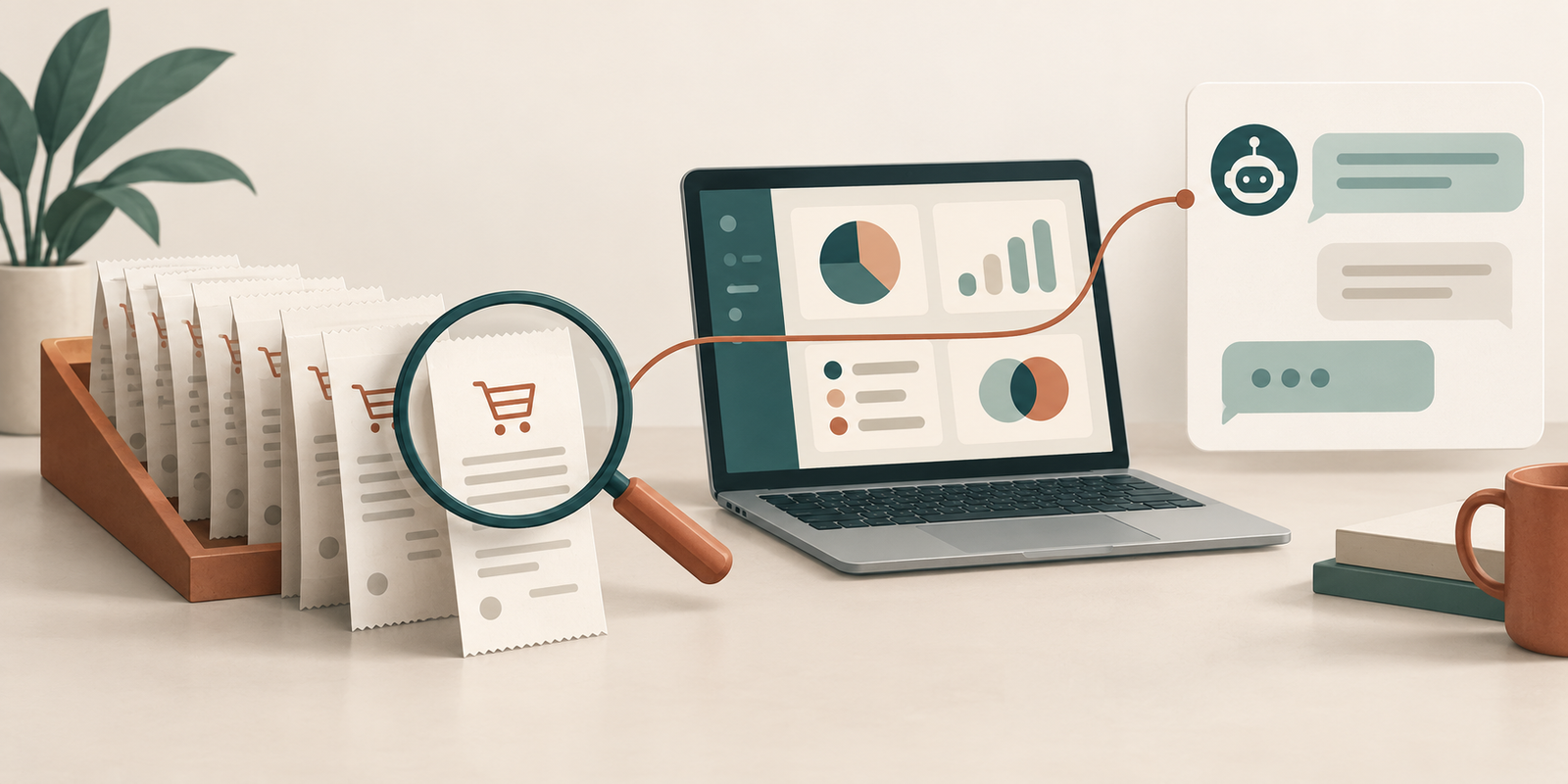
Measure sales from an AI chatbot by linking a recorded assistance interaction to a verified order, reconciling the order's value and status, and reporting how much of the journey you could observe. Keep chatbot-assisted revenue separate from additional revenue caused by the chatbot. The first can be measured with a documented linkage; the second needs a credible comparison.
Niwa's storefront AI assistant explains products from your catalogue and guides customers to relevant pages. Connect those assistance actions to verified order records to build a useful sales report.
Define which interaction counts as assistance
Choose an explicit rule your business can explain. Opening the widget is weaker evidence than receiving a product answer and following its relevant product link. A conversation that ends with a staff handoff is a different interaction again.
Record the rule and the reporting period. If you change it, identify the change in the report so the two periods are not silently compared. Keep supporting counts, such as chats opened and product links followed, separate from sales.
Do not determine assistance or buying intent through a small list of English words. Use recorded product actions and the meaning of the conversation where review is appropriate. Visitors can ask the same useful question in many languages.
Keep chat context separate from acquisition attribution
Store a non-personal assistance marker or conversation reference in an authorised measurement setup, then associate it with the order when the purchase succeeds. This is a recommended instrumentation design, not a claim that every Niwa installation already stores that reference.
Preserve the customer's original acquisition source. Adding campaign parameters to internal assistant links can change how another system attributes the visit. A chat-assistance signal should usually be a separate field or event rather than pretending that the chat is a new external marketing campaign.
WooCommerce's order-attribution feature records traffic-origin information for orders. Its documentation explains that the feature's cookies expire with the session and it does not track visitors across sessions. Those source records do not automatically tell you that an AI conversation assisted an order.
Decide whether your chat linkage covers only the same session or a wider period, using the access and information-handling controls appropriate to your setup. State the limit. A purchase on another device may be unlinked even when the person used chat earlier.
Use completed orders as the source for sales
Connect the purchase signal to a stable transaction or order identifier. In a GA4 setup, Google's ecommerce documentation describes events including add_to_cart, begin_checkout, purchase and refund. Product clicks and checkout starts are intermediate actions.
Test a successful order, a page reload after purchase, a failed payment and a refund. Confirm that an order is not counted twice because the confirmation page loads again. Reconcile the measurement event with the store's actual record rather than assuming the browser event proves payment succeeded.
Define the order statuses included in your sales report. Payment methods and fulfilment processes can make this differ between stores. State whether the reported amount includes tax, shipping or discounts, and account for cancellations and refunds consistently. WooCommerce Analytics provides the store-side reporting context.
Report coverage alongside the number
Use a compact report that includes verified assisted orders, their value under the stated definition, refunds or cancellations, and unlinked orders. Explain the observation window and known gaps, such as blocked analytics, an interrupted browser session or a cross-device purchase.
Keep customer message text, email addresses and other unnecessary personal details out of analytics events. An opaque reference can link records for authorised investigation without copying the conversation into every reporting tool.
For a hypothetical example, a store might record ten verified orders associated with product assistance in a week and later refund two of them. The report should reflect the refund and the chosen value definition. It should not describe all ten as ten extra orders created by AI. These figures illustrate reporting, not a Niwa customer result.
Separate association from commercial impact
People who use chat may already be more interested in buying, or may need more help than other visitors. Comparing their purchase rate with everyone else's does not remove that selection difference.
To estimate incremental impact, use an appropriate comparison with consistent measurement and account for changes to traffic, promotions and stock. Detailed experiment design is a separate task. Until that evidence exists, label the report as assistance attribution and avoid a causal sales claim.
Niwa's workflow overview explains how the conversation leads to website actions. Build the measurement plan around the actions your store uses, such as a product link or enquiry handoff, and check that the event records the action correctly.
Can I use a coupon to identify chatbot orders?
A dedicated coupon can provide a signal, but people can share it or receive it elsewhere, and some assisted buyers will not use it. State those limitations and the discount's cost. A coupon is not proof that chat caused the sale.
Can I begin with order attribution alone?
Yes, for understanding acquisition sources. Add a separate verified chat signal when you need an assistance report, and avoid relabelling source data as chatbot revenue.
Contact Niwa with your store's order system and the assistance actions you want to measure. Confirm the available records and any integration work before relying on a chatbot-sales dashboard.

