

How to Do SEO for a WooCommerce Store
Improve WooCommerce SEO with useful categories, accurate product pages, crawlable links and checked product data. Follow a store-specific implementation guide.
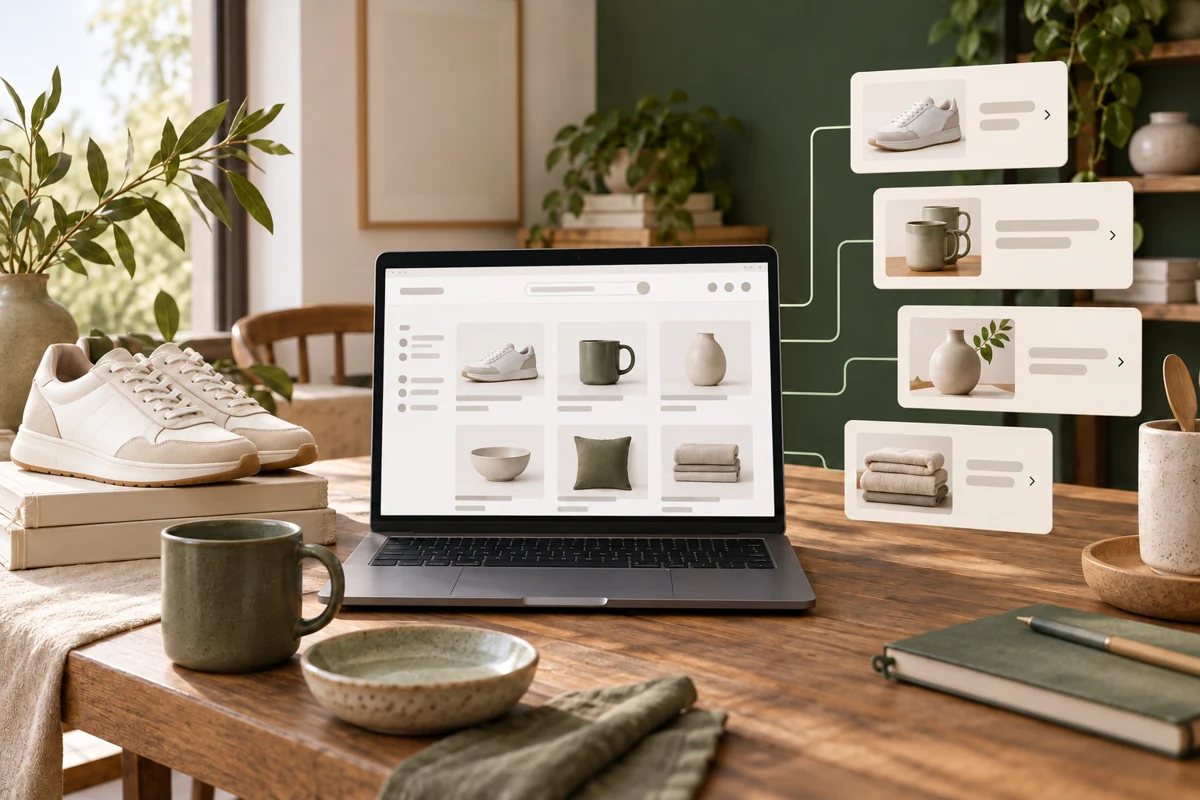
To do SEO for a WooCommerce store, build a clear route from categories to products, write product information that helps shoppers choose, keep URLs and offer data consistent, and verify which pages Google can index. Then check organic orders and product enquiries alongside search clicks. Start with an important category and its products before applying changes across the catalogue.
Niwa can help with supported WooCommerce catalogue work and answer customer questions from the store's information. Accurate variants, prices and descriptions are useful to shoppers and to that assistant. They also make the SEO work easier to verify.
Build categories around how shoppers choose
A category should group products that belong together for a meaningful shopping task. Give it a clear name, a helpful introduction and links to the relevant products. If the products are split across pages, ensure shoppers and crawlers can reach those pages.
For a fictional footwear shop, "Work Clogs" can be a useful category. Explain the choices customers need to make, such as fit, strap design or material, using verified product details. Avoid adding a long generic history of footwear above the products just to make the page longer.
Google's ecommerce site structure guidance recommends links from navigation to categories and onward to products. A product accessible only by typing into the site's search box may be harder to discover through normal crawling.
Complete the product information
For each priority product, check the name, description, photographs, price, stock status and options. Explain what the item is for and any limitations that matter to the purchase.
Use the real size or compatibility information rather than assuming the shopper knows it. Keep delivery and return information available through relevant links. Do not invent materials, certifications or performance claims to make a thin supplier description sound more persuasive.
If several products are similar, describe the actual differences. A unique paragraph with no useful distinction is still unhelpful. The Niwa WooCommerce operator can support catalogue tasks through the configured tools; specify the product and variant, review the change and check the saved record.
Handle variants and duplicate routes deliberately
WooCommerce stores can expose category URLs, product URLs, filters and variant selections. Decide which pages are useful independent destinations and which are alternate views of the same item.
Use consistent product URLs in navigation, sitemaps and canonical output. Do not change established product slugs casually. If a product needs a new URL, plan its relevant redirect and update the links that point to it.
Google's ecommerce URL guidance explains variant and parameter considerations. The right setup depends on whether variants have distinct indexable pages. Do not apply one rule blindly to every store, or let unlimited filter combinations become a substitute for useful category pages.
Verify product structured data
Check what the active theme and plugins already output before adding another schema tool. Test a representative product with Google's Rich Results Test and inspect it in Search Console.
The structured data should describe the visible product and current offer. A mismatch between displayed price and markup needs investigation. Reviews must be genuine and applicable to the item. Google's product structured data documentation explains the requirements; eligibility does not guarantee a special search appearance.
Connect useful guides to the catalogue
A sizing or care guide should link to the relevant products or category where that helps the reader. Product pages can link back to those explanations. Use ordinary crawlable links with meaningful text, not a navigation route that works only through a custom click event.
An AI-built store uses AI during creation. An AI-powered store also assists customers after launch. With Niwa's storefront workflow, the assistant can help explain the catalogue and supported product choices. Keep important product information visible on the page as well; a chat should not be the only way to learn what is being sold.
Check the purchase journey and the outcome
Open a priority category and product on a phone. Choose a real variant, confirm the displayed information and check that the customer can continue toward purchase. Use an appropriate test workflow so the check does not create an unwanted real order.
Review search clicks by landing page, then compare completed organic purchases using the measurement setup your store actually has. Note stock changes, promotions and seasonality before attributing a sales change to a rewritten description.
Existing stores can add the standalone Niwa plugin. Niwa Business is USD 150 for a custom WordPress site or migration, hosting, maintenance and AI adaptation. Send your store URL and one category you want to improve to discuss a practical catalogue and customer-assistance setup.

