

How to Write a Meta Description
Write an accurate, page-specific meta description and check it in the website HTML. See examples and understand why Google may choose another snippet.
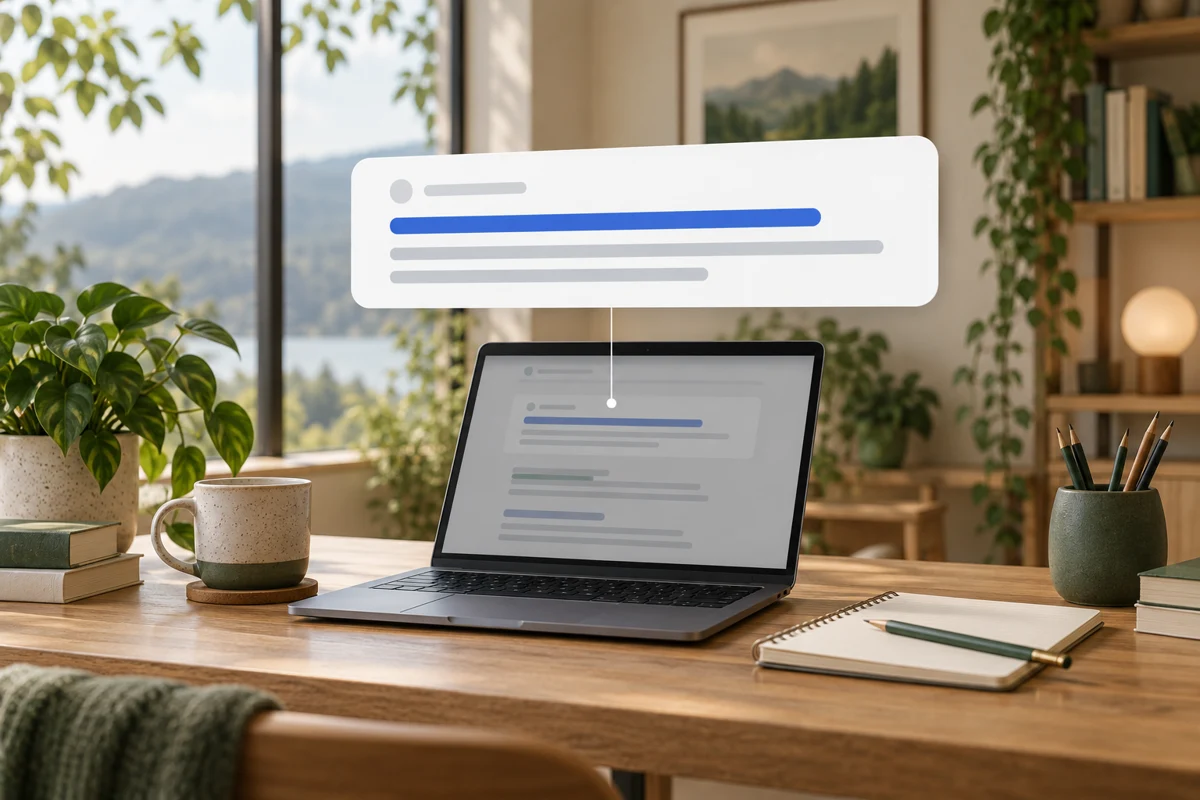
To write a meta description, summarize what a person will find on that specific page, include the detail that makes it relevant to their task, and keep the wording concise enough to scan. Save it in the page's metadata controls and verify the description tag. Google may use page content instead of your description for a particular search.
Niwa can help a WordPress owner prepare a description from approved service or product information. Review the facts first, then use the site's actual metadata workflow. A description should preview the page honestly, without promising a price, turnaround or result the page cannot support.
Begin with the page, not a list of phrases
Read the page as a potential customer. What does it provide? Who is it for? Which detail would help someone decide whether to open it?
For a service page, the answer may include scope, location and quotation process. For a product page, it may include the item and a relevant specification. For an article, say what the reader will learn or be able to check.
Google's snippet documentation explains that descriptions are one possible source for snippets. The visible page content remains important.
Write a useful summary
Consider this example for a fictional workshop that provides the stated service:
"Book bicycle servicing at Cedar Workshop in Bristol. See what the service includes, how to prepare your bike and how to request a time."
The description previews the page and a real next action. It does not claim a discount or immediate availability. If the page only accepts a quote request, replace "Book" with wording that matches that route.
For an informational page, a useful description might be:
"Learn how to check bicycle brake wear, recognize signs that need a mechanic and prepare for a repair appointment."
Use the language of the page. Do not append a pile of service names or leave the same generic company description on every URL.
Fit the page's actual scope
Avoid details that can become inaccurate quickly unless your workflow keeps them current. A changing price, stock claim or delivery promise should not linger in metadata after the page changes.
Make important distinctions explicit. A service for commercial premises should not sound like a domestic service. A guide about inspecting a problem should not promise to fix it. If the page has important eligibility limits, do not hide them behind an overly broad invitation.
There is no fixed description length that guarantees full display. Google can truncate a snippet for the device and query. Use a preview to check readability, then remove words that do not help the reader understand the page.
Save and check the description
In WordPress, open the exact page or post and locate the SEO plugin or theme field that generates the meta description. Enter the reviewed text and save it. Open the public page and inspect the description meta tag in the HTML head.
Do not confuse the WordPress excerpt with the meta description. A particular setup may use the excerpt as a fallback, but that behavior must be checked. Also verify that another component is not emitting a conflicting description.
A practical Niwa brief is: "Using only the approved information on this page, draft a concise description that explains its purpose. Identify any factual detail that needs confirmation." Then use the supported editing workflow for fields the installation exposes. Save through your metadata editor when that field is outside the available tools.
Understand a different search snippet
If Google displays another passage, first confirm that your description is correctly saved and the page can be crawled. The search engine may still select text that better matches the particular query.
Improve unclear page copy where necessary rather than continually replacing a good description. A relevant answer in the body may be a helpful snippet source. You cannot force one description to appear for every possible search.
Check performance by page and relevant queries over comparable periods. A change in click rate does not prove the description caused it; position, devices and query mix can also change. Treat the metadata edit as a recorded change, not a guaranteed ranking intervention.
Keep the next action useful after the click
Descriptions help people decide whether to visit. Once there, they need clear service or product information and a usable way forward. Niwa's business assistant can support customer questions from that site information and help owners keep approved content current.
Send your WordPress page URL and the task it should help customers complete to discuss the setup. The standalone plugin works with existing WordPress sites. Niwa Business is USD 150 for a custom site or migration, hosting, maintenance and business-specific AI adaptation.

