

How to Automate Internal Link Suggestions
Generate reviewable link proposals from the actual source passage and published destination, then approve links that help the reader continue.
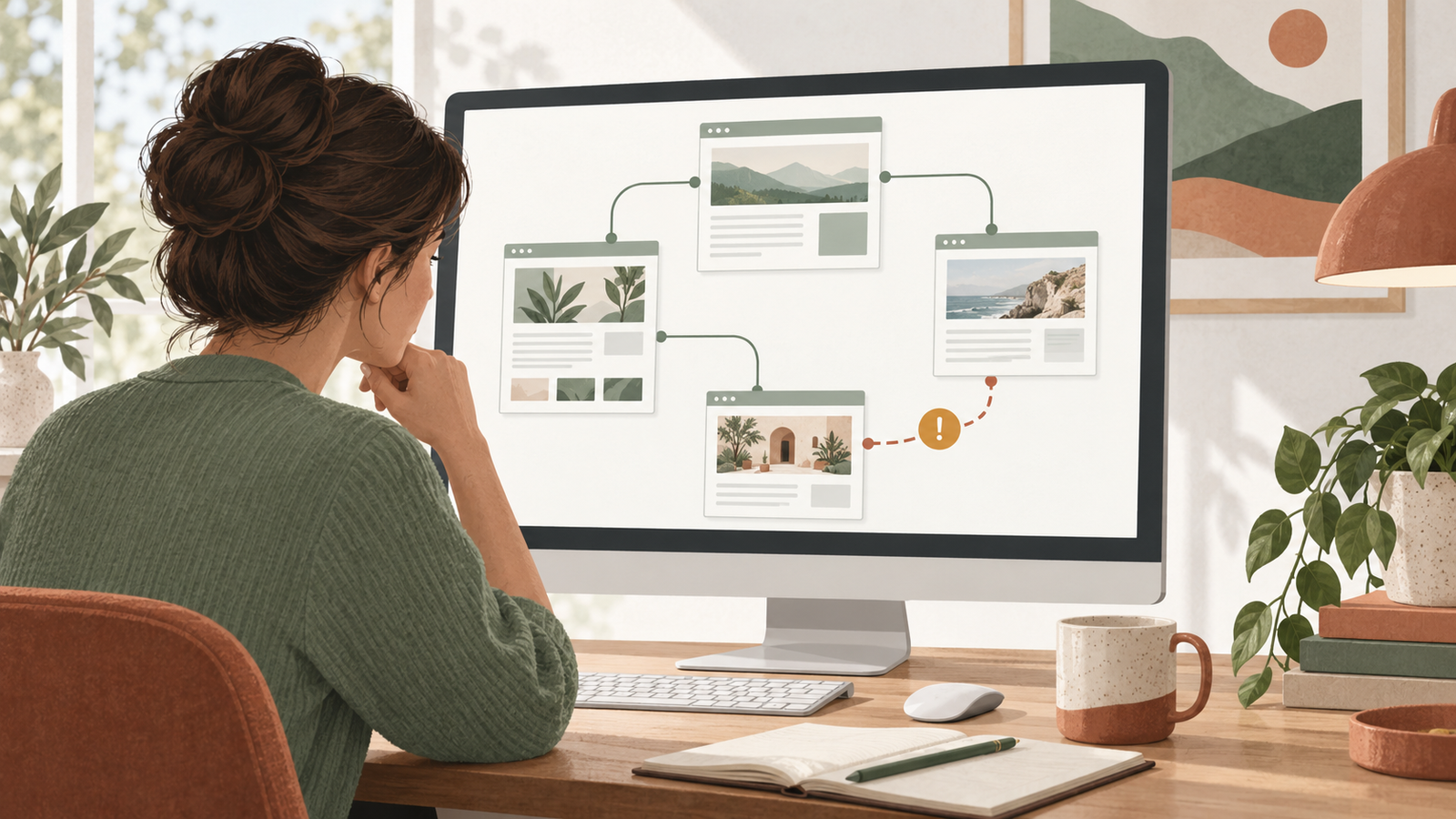
To automate internal link suggestions, give a tool or AI assistant an inventory of your published pages and the full passage you want to improve. Ask it to return the proposed anchor, a real destination URL and the reason the link helps the reader. Review those records before inserting links.
Niwa can help work on relevant internal links through supported WordPress article tools. Start with proposals for one article or service page. Do not assume that a shared word makes two pages useful destinations for each other.
Build a destination inventory
List the published pages the assistant is allowed to suggest. Include the exact URL, title, language and a short description of the question each page answers. For important candidates, provide the content itself so the assistant can check the promise behind the title.
Keep draft, private and removed pages out of the approved public destination list. Record redirects and use the appropriate current URL when possible.
This inventory can be a simple export or document. If the site is small, there is little reason to build another application just to represent twenty possible destinations. Refresh the list when the website publishes, moves or removes relevant content.
Niwa's SEO Engine describes preparing article content and relevant links. Its usefulness depends on the actual website information and tools available to the task.
Provide context around the proposed link
Give the assistant the full article or at least the complete section. Tell it what the reader is trying to understand and which next step would be useful.
For example, a paragraph about preparing for a fitting might benefit from a guide explaining what to bring. Linking the word "appointment" to any page mentioning appointments would lose that specific context.
Request a proposal in a consistent format:
- Source page URL and section.
- The current sentence containing the opportunity.
- Proposed anchor text.
- Destination URL from the approved inventory.
- A short explanation of the reader benefit.
- Any uncertainty that needs checking.
This format makes suggestions easy to review and avoids invented destinations. Require the assistant to leave a suggestion unresolved if it cannot find a suitable published page.
Use existing suggestion tools when they fit
AIOSEO's Link Assistant documentation explains inbound and outbound suggestions, including actions to add, edit or dismiss them. Confirm the product entitlement available on your site.
Link Whisper is another WordPress option for suggesting links. Read its current feature scope before choosing a workflow. Vendor descriptions establish what the product offers; they do not prove that every suggested link will fit your content.
If you already have a useful suggestion tool, review its output rather than installing overlapping systems. Automatic phrase-based linking is a different operation from proposing links for editorial approval. It should not replace contextual judgment, especially across languages.
Judge the suggested destination as a reader
Open the proposed destination and read the relevant section. Confirm that it gives the information the source paragraph leads readers to expect.
For an illustrative online store, a maintenance article might link to a cleaning guide for the specific material being discussed. A general accessories category may be less useful if it does not explain that material or identify compatible products.
Check whether the link already appears nearby. Repeated links to the same page can be unnecessary even when the destination is relevant. Also check whether an existing link already serves the next step more clearly.
For language-specific content, prefer a destination the reader can understand. A Serbian article should not send someone to an English guide without a useful reason and clear expectation. Evaluate the meaning in each language rather than matching a fixed English trigger phrase.
Make the anchor explain the next step
Google's link guidance explains crawlable links and useful anchor text. The reader should understand the destination from the sentence and linked words.
An anchor such as "appointment preparation guide" is useful if it leads to that guide. A vague instruction like "click here" gives less context. Adding a long stack of search phrases does not make the link more helpful.
Keep the existing sentence natural. If the proposal requires an awkward rewrite merely to insert a link, reject it or revise the passage around the reader's actual question.
There is no universal link count that makes every page complete. A short answer may need one supporting destination; a detailed guide may have several useful next steps. Choose each one for a reason.
Approve and save a named batch
Ask Niwa to show the proposed passage before saving through the supported article workflow. Specify the exact page and approved destinations. Keep unrelated page titles, descriptions and URLs outside the request unless they are part of the reviewed change.
Use the Niwa safety guidance when deciding who can approve edits. If you need content or layout inspection beyond the article tool, see the Website Maintenance Agent for the supported route and its access boundaries.
Save a small batch, then open the public source page. Follow every changed link, confirm the final destination and read the sentence in the actual layout. A link saved in WordPress still needs to work in the page readers open.
Repeat the proposal stage when content changes
Run the suggestion routine when you publish a relevant guide or update an important source article. Recheck destinations that moved or became outdated. Keep accepted and rejected proposals in the review record so the next run has useful context.
AI used during construction helps build a website. Using connected tools to maintain useful paths through its content is part of operating an AI-powered website after launch.
Send Niwa one article and a few candidate destination pages. Ask for contextual link proposals with reasons before approving changes. That gives you a repeatable process without filling the site with links nobody has evaluated.

