

How to Build a Website with Claude
Use Claude to draft and refine a website, export the files, and choose a practical WordPress route for business content and Niwa assistance.
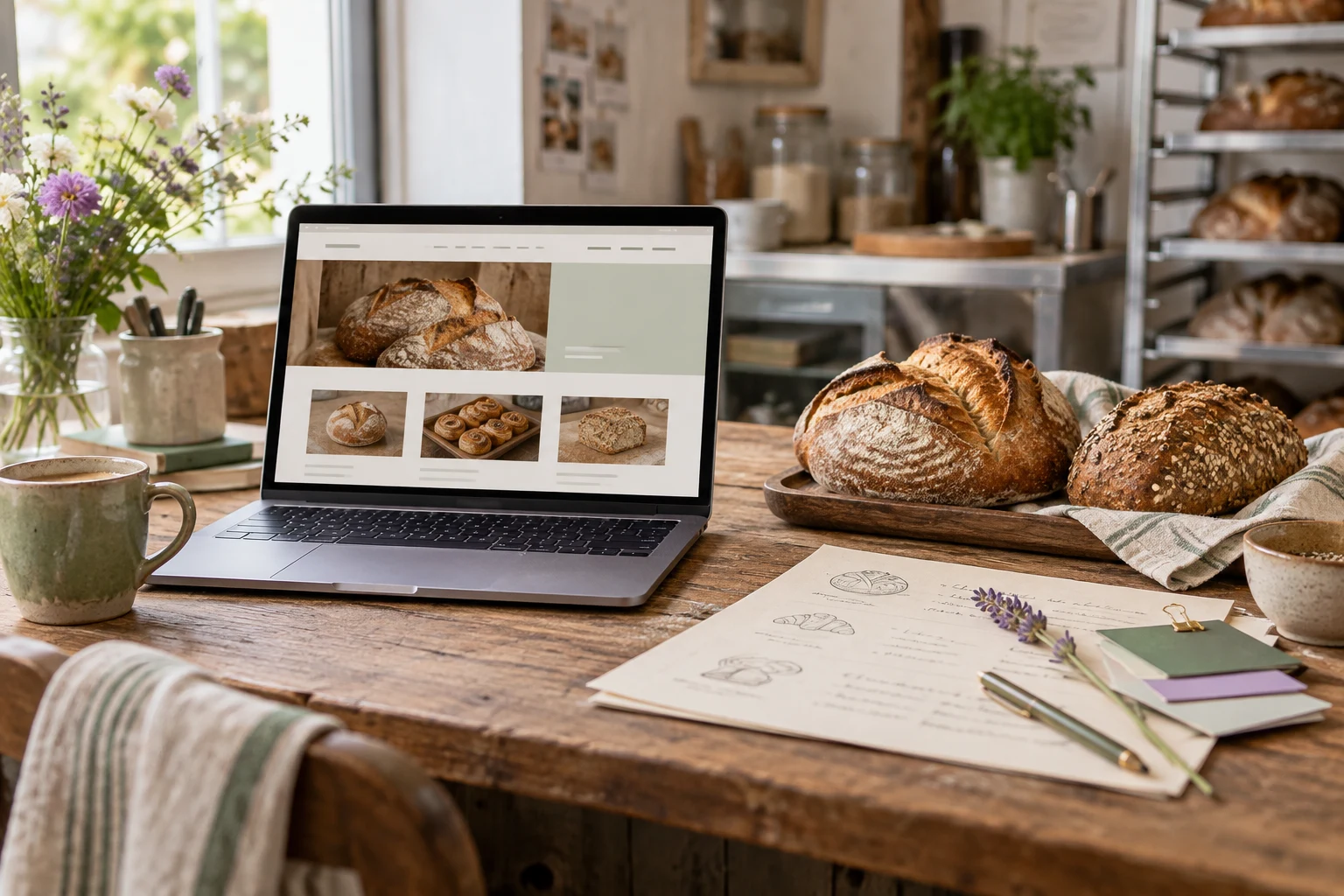
To build a website with Claude, supply your content and requirements, ask for a working page or a plan for your existing project, review the result, and publish it through a suitable host. Claude’s artifacts let you inspect and refine a visual draft. Claude Code is the route when you want the assistant to work on actual project files.
For a business that needs regular updates, decide how the draft will become an editable site. WordPress with Niwa gives the owner a content dashboard and an assistant for work after launch. Niwa can answer customer questions and help an authorized owner update the website. The Claude-generated preview is the starting design; installing and configuring Niwa is a separate step.
This guide uses a fictional neighborhood bakery to show both a simple HTML route and a WordPress handoff.
Choose between a visual draft and a project
Start in Claude’s conversation interface if you need to explore a page layout, work on copy, or produce a small self-contained site. Ask for an artifact so you can examine the result beside the conversation. Designs can be exported in formats including a ZIP or standalone HTML; legacy artifacts have their own copy and download controls. Claude’s artifact guide.
Use Claude Code when the website already has a repository, several files or a build process. It can inspect the project and make changes in that environment. Follow the installation and account instructions for your operating system, then start a session in the intended project folder. Claude Code quickstart.
A preview shared from Claude and a business website running on your domain are different deliverables. Decide whether you want a demonstration, exported files, or a maintained WordPress site before asking for the finished build.
Prepare the information the page needs
For our bakery example, gather the approved menu, opening hours, address, contact details and photographs. Choose the main visitor action. A bakery taking large cake orders may want enquiries; one selling packaged products needs a commerce workflow.
List the content that changes. If staff update the menu every week, baking the menu into generated HTML creates a recurring editing job. WordPress pages or a structured menu can make that work easier.
Tell Claude what it must not invent. An attractive draft can still contain a fictional award, an unsupported delivery promise or a picture of products you do not sell. Missing business facts should remain review items until you supply them.
Write a brief for the first artifact
Adapt this prompt to your business:
Create a responsive website draft for [bakery name]. Its purpose is to explain our products, opening hours and location, and let customers enquire about cake orders.
Use the menu, address and photographs I provide. Start with a homepage structure and identify missing information. Do not invent prices, reviews, dietary claims or delivery terms.
After I approve the structure, make a self-contained HTML page with embedded CSS and minimal JavaScript. Use accessible headings, readable contrast and keyboard-accessible navigation. Include a real email link for enquiries. Do not simulate a successful form submission.
Keep the content organized so it can later become editable WordPress sections. Describe which parts are layout and which parts staff should update.
Approve the section order before spending time on fine styling. Check that the first screen identifies the bakery and that hours, location and the enquiry action are easy to find.
If your intended destination is already WordPress, tell Claude that immediately. Ask for block-editor instructions or changes to your actual theme rather than treating a standalone artifact as the final installation.
Refine the page with observable feedback
Open the preview at a narrow width. Look for text that becomes too small, photographs that hide the product and buttons that crowd one another. Ask for a correction tied to the result you can see:
On a phone, the menu cards extend beyond the screen. Keep the approved menu text and fix the responsive layout. Return the complete updated page.
For content, give the replacement facts:
Replace the sample opening hours with these approved hours. Keep the section’s layout. Remove the claim that all cakes are available the same day.
Keep a working version before a major change. Recheck links and mobile behavior after a redesign, even when you only asked for styling. A changed component can affect the contact action or navigation elsewhere.
Do not add account registration, a database or ordering merely to make the example look complete. Add each feature when you can specify its actual job and verify the service behind it.
Export and test the actual files
Use the export or download controls appropriate to your artifact. Inspect what you received: a single HTML file, an asset folder and a framework project require different deployment steps.
For a self-contained HTML page, save the file as index.html, place the required photographs alongside it, and open it in a browser. Check that the filename has not become index.html.txt. Images referenced only by a path on your computer will need to be included in the published files.
For a framework project, read the supplied setup instructions and inspect its package scripts. Run the project’s build and publish the correct output. If the exported project needs a server, a static-file host alone will not run that server.
Follow your host’s deployment instructions and test the resulting public URL. Cloudflare Pages Direct Upload is one documented route for ready-to-serve static files. Do not upload credentials with your website assets.
Turn the approved design into WordPress content
For the bakery, put the menu, opening hours and cake-order information into content staff can edit. A developer can translate the design into a conventional WordPress theme, or you can rebuild its sections with your chosen theme’s blocks. An HTML artifact is not an installable theme by itself.
Ask Claude Code to work on a local or staging copy if code is needed:
Inspect this WordPress theme and explain where the bakery page layout belongs. Implement the approved design using editable content and existing theme conventions. Preserve unrelated files. Show the changed files and test the public page and editor before suggesting deployment.
Verify the handoff by changing a menu item yourself and opening the resulting page. That is more useful than a screenshot of a dashboard the staff never use. Our WordPress and AI website guide explains the broader hosting and development foundation.
Configure Niwa for the bakery’s ongoing work
Once the WordPress content is accurate, install the standalone Niwa AI plugin and configure the business information, supported model connection and customer chat. Follow the Niwa setup guide.
For this example, begin with questions about opening hours and the cake-order enquiry process. Keep special dietary or availability information tied to approved business facts and arrange a human handoff when staff must confirm an order.
If the bakery offers consultation appointments, configure the actual service and availability. Niwa can answer questions, offer suitable times and book the consultation directly during the WhatsApp conversation. Check the saved appointment before offering that journey to customers.
The owner can use Niwa’s WordPress assistant to help update a page, then review the published change. Keep customer assistance separate from access to edit the site.
Check the website before handing it over
Read every claim and test the contact path on a real phone. Confirm images load, navigation works with a keyboard and the business receives a test enquiry. If online ordering is included, complete a test order and verify payment and fulfillment separately.
Also test the next update. Change a menu description, publish the change and check what a logged-out visitor sees. Record who will maintain the host, website and connected services.
If you already have WordPress, add Niwa without replacing the website. If you need the Claude draft implemented or an existing site migrated, Niwa Business includes a custom WordPress website or migration, hosting, maintenance and business-adapted AI tools for USD 150.
Send Niwa your Claude draft with the export format, your current website and the content staff need to maintain. That gives the implementation a concrete starting point.

