

How to Test a WordPress Website Before Switching the Domain
Test your WordPress migration before the domain switch. Check the target server, layouts, forms, bookings, checkout, URLs and the final launch configuration.
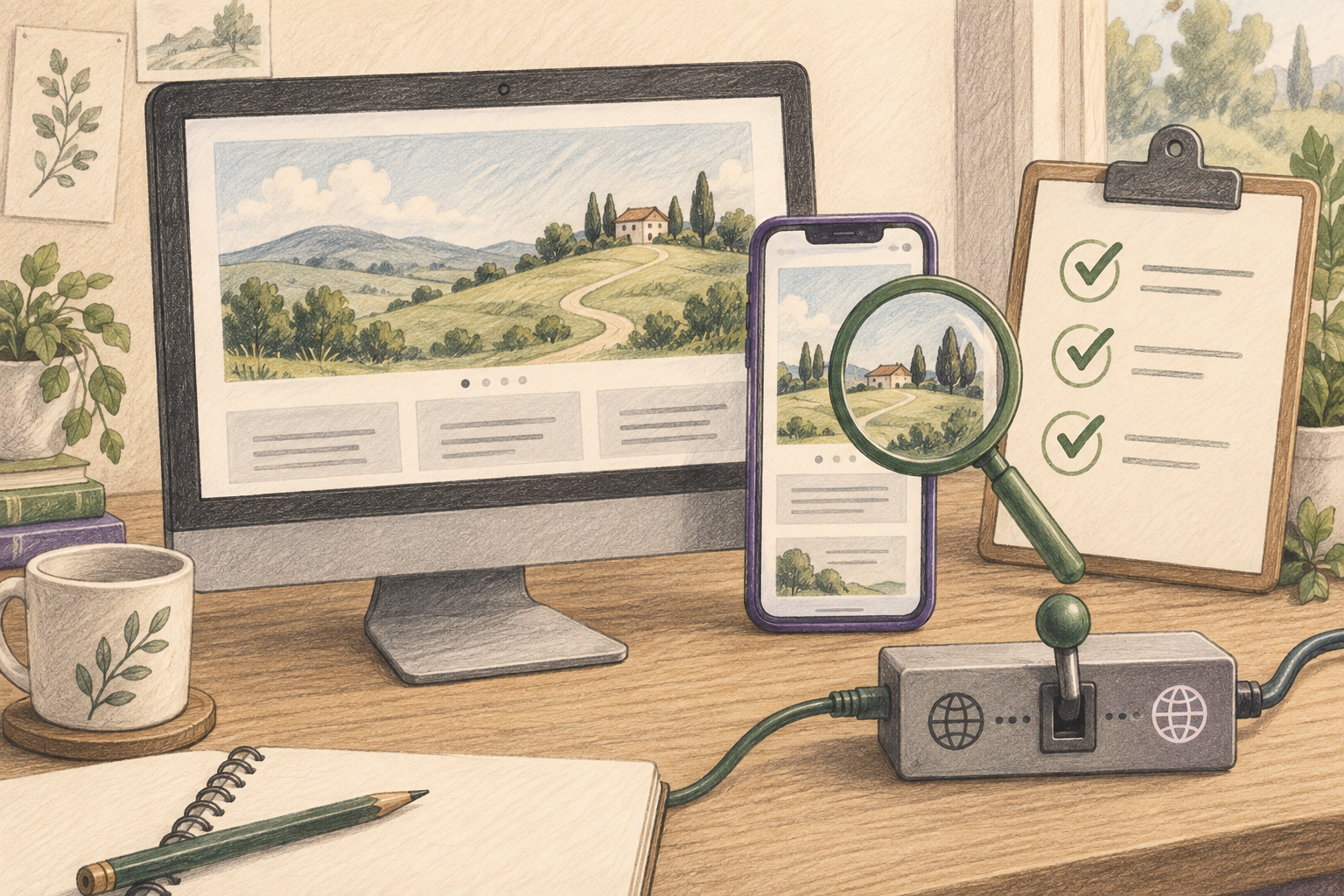
Test the new WordPress site in a separate environment while the existing website remains public. Confirm that you are reaching the new server, then check real customer journeys, page addresses and launch settings. The domain should switch only after the agreed acceptance checks pass.
For a Niwa Business migration, give the team the actions your customers must be able to complete. An enquiry, a reservation and a paid order need different checks. Arrange the WordPress move with Niwa around those journeys, rather than approving only a homepage screenshot.
Choose a test environment you can identify
Your host may provide staging, a temporary hostname or another controlled preview. A developer can also arrange a local domain override so a test computer reaches the new server while public DNS still points elsewhere. That override changes the tester's route, not the route used by every visitor or external service.
Record the test address and expected server. If the browser accidentally reaches the old website, a successful test tells you nothing about the new installation. Ask the person handling the migration to provide a reliable way to identify the destination.
Google's hosting-move guide recommends copying and testing the destination before the DNS change. WordPress.com's staging guide describes a separate copy; other hosts can implement staging differently.
Keep test activity separate from customers
Use restricted access when staging contains private or customer information. A noindex directive concerns search indexing, not access control. Google's noindex documentation explains its indexing role.
Check outbound behavior before testing. A cloned website can retain payment settings, email recipients, scheduled jobs and connected services. Configure the test environment so a test order does not charge a real customer or trigger a production process unexpectedly.
Use a controlled recipient for form and reservation messages. Identify test records so staff can remove or reconcile them during handover. For payments, use the gateway's supported test mode. WooPayments testing documentation explains why its live mode is not a substitute for sandbox testing.
Test the journeys that generate business
Write the expected result for each journey. A service-site test might start on a service page, open the enquiry form, submit a controlled message and confirm it reaches the right inbox. Opening the form alone is not the full test.
For booking, inspect availability, choose a test time and confirm that the reservation is recorded correctly. Test Niwa's WhatsApp booking inside the conversation: ask a service question, choose an available appointment and provide the required details. Check that Niwa uses the website's current business information and that the completed booking appears in the reservation records with the correct time and customer details. Test any website booking journey separately.
For a store, choose a real product configuration, check shipping and totals, complete a test payment and inspect the resulting order. Test account access if existing customers will use it. An administrator session can hide a problem that affects ordinary visitors, so include a signed-out browser where appropriate.
If the new site adds Niwa, use the setup guide to confirm the intended connection and information. Ask representative service or product questions and check the response against the approved business details.
Review pages on the devices people use
Check the homepage and each major page type on desktop and a narrow phone viewport. Review navigation, image crops, headings, text wrapping and controls. Scroll through the actual content instead of looking only above the fold.
Use long titles and realistic descriptions in the test. Placeholder copy can fit a layout that breaks with the business's real information. Check downloads and media as well as ordinary page text.
Try keyboard navigation through important controls. A visually attractive page can still make its menu or form difficult to use. Record the observed problem and the route that produced it so the person fixing it can reproduce it.
Check addresses and search-facing settings
Compare important old URLs against their intended new result. A preserved path should show the correct page. A changed path should reach its relevant replacement through the agreed redirect. Check the response and final content, not just whether something loaded.
Review title, main heading, description and canonical on representative pages. Look for staging hostnames in links, images and metadata. Check HTTPS under the intended final hostname with the correct certificate configuration; do not treat bypassing a certificate error as a successful production test.
If you are keeping the public domain, that familiar address still needs to reach the new environment after cutover. The staging address is only a preparation route.
Confirm how indexing restrictions will change for launch. Keep staging protected and remove staging-only restrictions from the intended public site. A successful private preview does not prove search crawlers can reach the final public page.
Record a launch decision and recheck after switching
Use a checklist with the test, expected result, observed result, owner and date. Define which failures block the switch. A broken payment or enquiry route is different from a minor spacing correction.
For an active site, agree how new orders, bookings or registrations will be preserved between the test copy and launch. Keep a backup and a recovery plan appropriate to the actual setup. A stale staging database should not overwrite newer business activity.
Niwa Business includes a WordPress website or migration, hosting, maintenance and AI adaptation for USD 150. Put the relevant acceptance checks into your site's scope.
After the domain switch, repeat the important checks from a normal public connection. That confirms the result customers receive, which is the final evidence the migration needs.

