

Can I Move My Website to WordPress and Keep My Domain?
Move your website to WordPress and keep your domain. See how to preserve email and page URLs, test before switching, and arrange your move with Niwa.
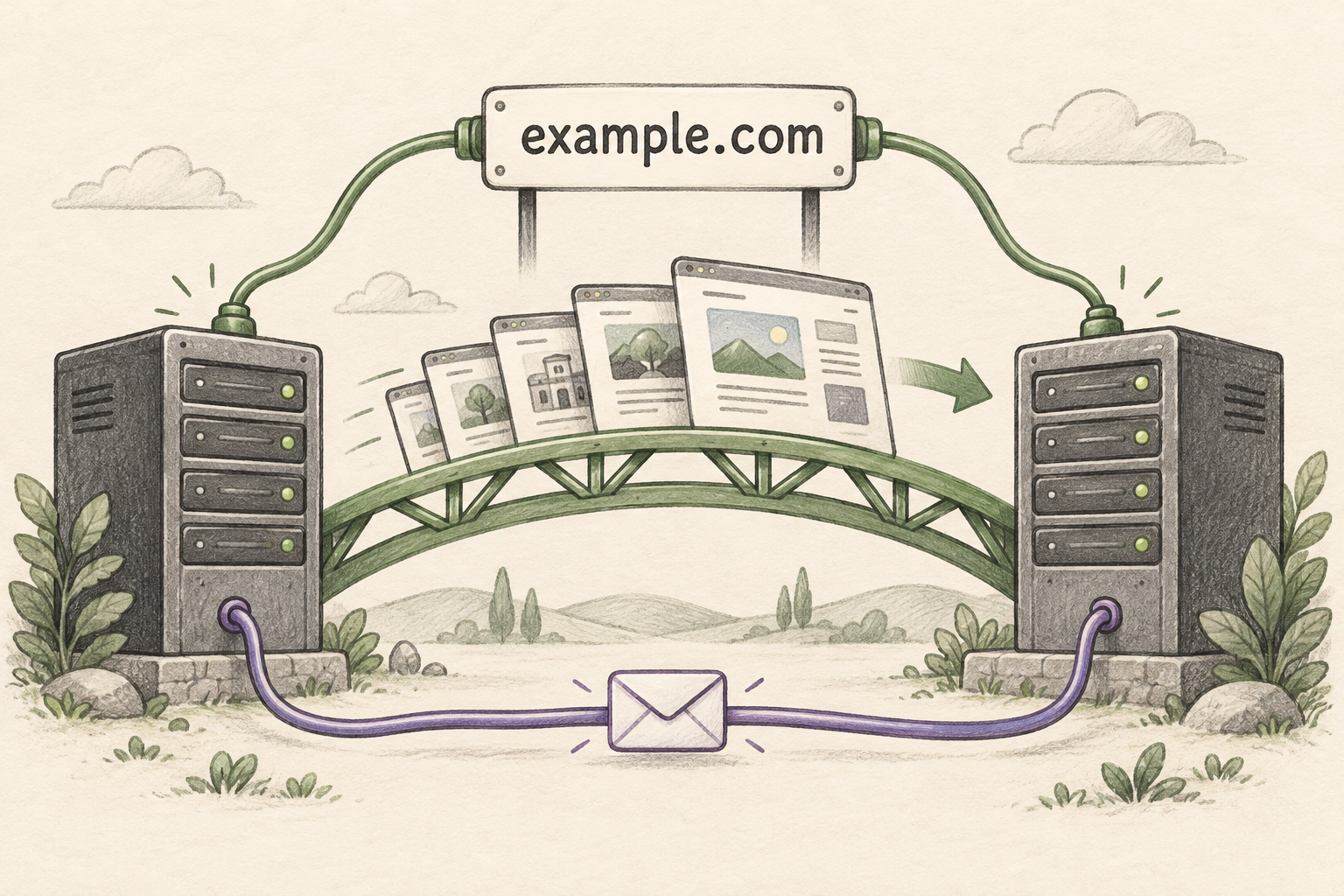
Yes. You can move your website to WordPress and keep your existing domain, provided you control its registration and DNS settings. You connect that domain to the new WordPress hosting when the site is ready. Changing website platforms does not require buying a new domain or transferring its registration.
If you want help with the move, Niwa Business includes a custom WordPress website or migration, hosting, maintenance and AI tools adapted to your business for USD 150. Start with your current website address, the features you want to retain, and the providers managing your domain and email. Discuss your WordPress move with Niwa
Your customers can continue using the address they already know. The migration work happens behind that address: bringing over the content, rebuilding what your current platform cannot export, and testing before the domain points to WordPress. WordPress domain connection guide
What changes when your domain stays the same?
A website builder may put several services in one account. They still have different jobs:
- Domain registration: Keeps your web address registered to you. Can usually stay with your current registrar.
- DNS: Directs the domain to your website, email and other services. Website records change when WordPress is ready.
- Website hosting: Stores and runs the website. Must support the new WordPress site.
- Email hosting: Runs mailboxes such as hello@example.com. Can stay with the current provider.
For example, you can keep your existing domain provider, move the website to WordPress hosting, and continue using Google Workspace for email.
Keep the domain registration active. Before cancelling the old website subscription, check whether it also supplies your domain, DNS or email. Those services must remain available or have replacements arranged.
A builder address such as yourbusiness.wixsite.com is different from a domain registered to you. You cannot take the builder's domain with you. An address you own, such as yourbusiness.com, can be connected to the new site.
Self-hosted WordPress runs on hosting you choose. WordPress.com is a separate hosting service with its own plans, including a paid-plan requirement for connecting an external custom domain. WordPress.com connection requirements
Decide what you want to bring into WordPress
An existing WordPress site can often move with its database, theme, plugins and uploads. A site built on Wix, Squarespace, a custom CMS or static HTML needs a different migration method.
A content importer may bring over pages or posts without recreating the design, forms, product options or integrations. WordPress.com distinguishes full WordPress migration from content import and explains that another platform's design does not carry over through its importer. Migration and import options
For your Niwa migration, identify what the new site needs to preserve. That might include the current design, a product catalogue, customer accounts or a booking form. Include the actions customers rely on, as well as the pages they see.
A website built with AI has the same practical requirements. Its current platform and available exports determine how it can move. AI features that continue working after launch are a separate part of the WordPress setup.
Prepare the move before changing the domain settings
1. Confirm access and save the current site
Find out who manages the domain, DNS, hosting and email. Make sure the relevant accounts are accessible.
Save the DNS records and a backup or export of the website. List important page addresses, downloads, forms and connected services. For a store, agree how products, orders and customer accounts will be handled.
This inventory gives the migration a clear scope and helps prevent a feature or service from being overlooked.
2. Build and test WordPress separately
Use a staging site or temporary address while the current website continues serving visitors. A developer can also test the new server under the real domain using a local hosts-file override.
Check navigation, enquiries, bookings, login and checkout where relevant. Review mobile layouts, images and HTTPS. If you use an external migration service, confirm how it reaches the destination: changing your computer's hosts file does not change what that service can access. WordPress migration documentation, Migrate Guru access requirements
3. Keep useful page addresses working
Keeping example.com is different from keeping example.com/services/repairs/.
Preserve existing page paths where practical. When a path changes, create a permanent redirect to the relevant replacement and test it. Redirecting every old page to the homepage will not help someone trying to find a particular service or product. Google's site-move guidance
4. Preserve the email setup
If email stays with its current provider, retain the DNS records it requires, including MX and the records used for SPF, DKIM and DMARC.
Changing only the website records can leave email routing in place. Changing nameservers moves responsibility for the whole DNS zone, so the new zone must contain the records your email and other services need.
If the old hosting account also runs your mailboxes, arrange continued email hosting or a separate mailbox migration before closing it. Keeping MX records does not keep a cancelled mailbox alive, and a website migration plugin may not move email accounts or messages. WordPress.com email guidance, Migrate Guru's documented scope
5. Connect the domain and check the live site
When WordPress is ready, apply the website DNS values supplied by the new host. Check both the root domain and www, along with any existing records that could conflict with the new setup.
DNS caches update at different times. Keep the old hosting available while you check that visitors are reaching the new server.
Test the live domain, redirects, forms and email again. Remove staging-only indexing restrictions from the public site and check Search Console for access or indexing problems. Google's hosting-move checklist
For an active store or membership site, plan how new orders, registrations and other changes will be synchronized during the switch. Yesterday's copy will not contain today's transactions.
What can Niwa do after the migration?
Moving to WordPress also gives you a place to connect Niwa to the information and tasks your business uses.
For a service business, a customer can ask about a service on the website or WhatsApp. Niwa uses the website's business information to answer questions and complete an appointment booking directly in the conversation. With WhatsApp appointment booking, the customer can choose an available time, provide the required details and receive confirmation of the recorded reservation. Configure accurate services, working hours and booking details before customers use it.
If you already have a WordPress website, you can install the standalone Niwa AI plugin. You do not need a new site just to use it. Explore Niwa AI
You can use your own supported AI subscription without additional Niwa AI usage charges or Niwa-imposed usage limits on that connection. Your AI provider's subscription limits still apply.
Questions before you make the switch
Will keeping my domain protect my Google rankings?
Keeping the domain preserves the familiar address, but search performance also depends on content, page URLs, redirects, indexing settings and page speed. Google notes that visibility can fluctuate during a move involving URL changes. Preserve what is useful and monitor the result. Google's migration guidance
Does the old site need to go offline while WordPress is being built?
No. WordPress can be prepared separately while the old site remains live. An active store or membership site also needs a plan for transferring the latest data at the final switch.
Do I still need to renew my domain?
Yes. Keep its registration renewed. Domain renewal and email hosting should be identified separately in the arrangements for your new website.
How long will my migration take?
The work depends on the current platform, content, design and features. Copying an existing WordPress website and rebuilding a site from another platform involve different tasks. Share those details with Niwa so the scope and schedule can be established for your site.
Arrange your WordPress move with Niwa
Send your existing website address and tell us what you want to keep. Include your domain and email providers, the design you prefer, and any checkout, booking or account features the business relies on.
Niwa Business brings together the WordPress website or migration, hosting, maintenance and business-specific AI setup. The first step is to establish what your site needs so the move covers the work your business depends on.

