

Can I Move an AI-Built Website to Another Hosting Provider?
Moving an AI-built website depends on its platform and export rights. Check files, databases, design, connected services and AI access before changing hosts.
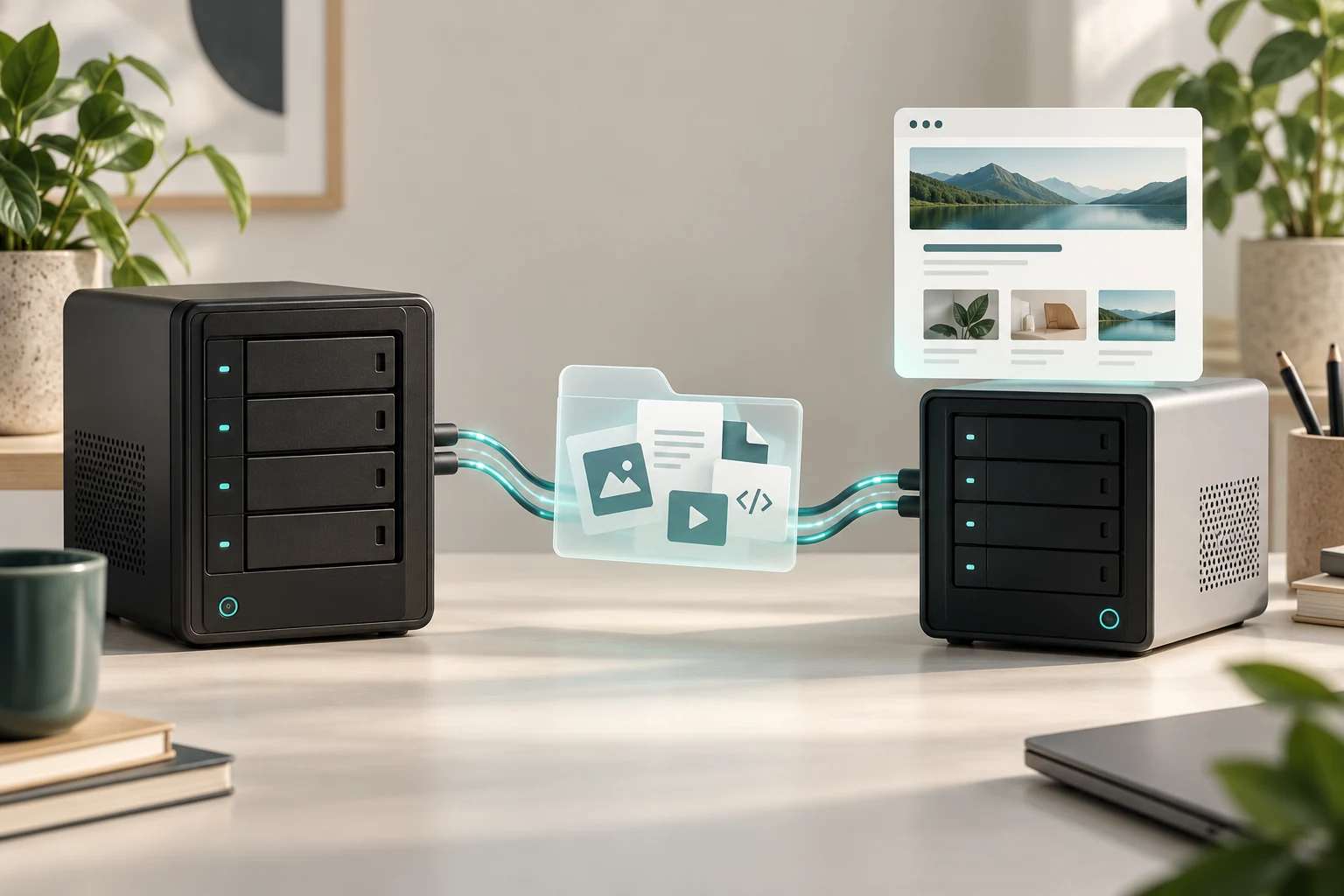
You can move an AI-built website when you have a usable copy of its software and data, the rights to run it and a compatible destination. AI's role in creating the site does not determine portability. A WordPress installation, an exported code project and a hosted builder can have very different exit options.
Before cancelling the original service, ask for the exact export and a test showing what still works elsewhere. A downloaded file or a successful content import does not prove that checkout, forms, bookings and AI assistance have moved with it.
Identify the platform behind the website
Start with what runs the finished site. Ask whether it is WordPress, a static set of pages, an application with a database or a builder that depends on the supplier's infrastructure. Also establish who controls the hosting, domain registration and accounts connected to it.
If AI helped write a WordPress page, the resulting page is still WordPress content. If it generated application code, someone must maintain that application's runtime and dependencies. If it operates an assistant after launch, the assistant needs its own working connection.
Niwa's setup guide describes an installed WordPress plugin and its AI connection choices. Moving that installation calls for a WordPress hosting assessment and a check of the connected services, rather than treating the site as a screenshot that can be copied anywhere.
A WordPress move needs more than a content export
A complete WordPress move normally includes the database and the relevant files, including uploads, themes and plugins. The destination must support the site's software and configuration. WordPress's migration documentation explains the additional considerations when the server or URLs change.
Be precise about what an export contains. WordPress.com's standard content export includes posts, pages and other content records, but excludes the design, customisations and plugins. It contains references to media rather than the media files themselves. That is useful for transferring content, but it is not a complete copy of the working website. WordPress.com export guidance.
For a shop or appointment site, ask where orders, customer accounts and reservations are stored. Confirm the proposed migration includes the required records and that it will account for changes made while the move is being prepared. A brochure page copied successfully does not answer that question.
Builder export rules vary by product and mode
Some hosted builders rely on proprietary services. Wix states that its sites need Wix's servers to operate. Registering the domain elsewhere does not change that hosting requirement. Moving away can therefore involve rebuilding the site on another platform rather than transferring the same running installation. Wix's explanation of external hosting.
Even within one supplier, export capabilities can differ. Hostinger's current AI Builder manual-mode documentation describes a content export to WordPress. It excludes layout and styles, the store, integrations, forms, collected submissions and SEO settings. A content transfer leaves work to recreate those parts. Hostinger's manual-mode export guidance.
The same supplier's agentic-mode code export produces a React and Vite project. Its documentation says integrated backend data remains separate, and edited exports cannot be imported back into the builder to continue prompting. Source code access is valuable, but it does not by itself transfer every service the application uses. Hostinger's agentic-mode code export guidance.
Read the rules for the product and mode you actually bought. Do not assume a provider's code-export feature applies to every website in its catalogue.
Check what remains connected to the old service
List the dependencies that make the site useful: the database, file storage, email delivery, payments, calendars, booking services and the AI account. For each, establish whether it moves, stays connected or needs replacement.
Credentials and licences can have account or site conditions. Ask whether moving hosting alone requires a licence update or reauthorisation. If the domain also changes, check address-dependent callbacks and links as part of the migration scope. Preserve access to the original accounts until the replacement has been verified.
For Niwa, confirm the active AI connection on the destination. A supported own-subscription connection has no added Niwa AI usage fees or Niwa-imposed caps on that connection; the provider's account conditions still apply. An API connection has its separate provider billing. Neither arrangement removes the need to verify authorisation after a move.
Request evidence from the destination before cancellation
The useful deliverable is a working site on the proposed host, with the functions your customers rely on checked. Agree the test environment, who performs those checks and the point at which new live records are accounted for. Keep a recovery plan for the original installation.
Check a public page and its images, then the relevant customer journey. For a shop, that may mean selecting a product variation and testing checkout with an authorised test payment. For booking, verify service availability and that a test reservation is recorded in the correct website schedule.
If Niwa takes a booking directly in a WhatsApp conversation, test service selection, available times and the reservation saved to the connected schedule on the destination. Check a sales conversation through its resulting order as well. A helpful chat response alone does not demonstrate that the business workflow survived the move.
Niwa's safety guide explains why functional checks and independent backups remain necessary alongside saved versions. Use them to assess the complete result, not just whether the new homepage loads.
Separate moving costs from rebuilding costs
Ask for a proposal that identifies what transfers unchanged, what needs configuration and what must be recreated. Include any overlap between hosting services and the care required after handoff. A cheap destination can become an expensive move if essential functions have to be rebuilt.
Niwa Business is USD 150 for a custom WordPress website or migration, hosting, maintenance and adapted AI tools. Confirm the billing schedule and which migration work your particular site needs. Existing WordPress owners can also ask about the standalone plugin on their chosen compatible hosting.
Ask Niwa to review your current platform. Share the website, the exact builder or WordPress setup, available exports and the functions that must keep working. That information makes it possible to distinguish a hosting move from a rebuild before you cancel the service you depend on.

