

How to Set Different Booking Times for Salon Services
Give salon services accurate appointment lengths. Plan preparation, finishing and cleanup, then test that each service fits the stylist's available schedule.
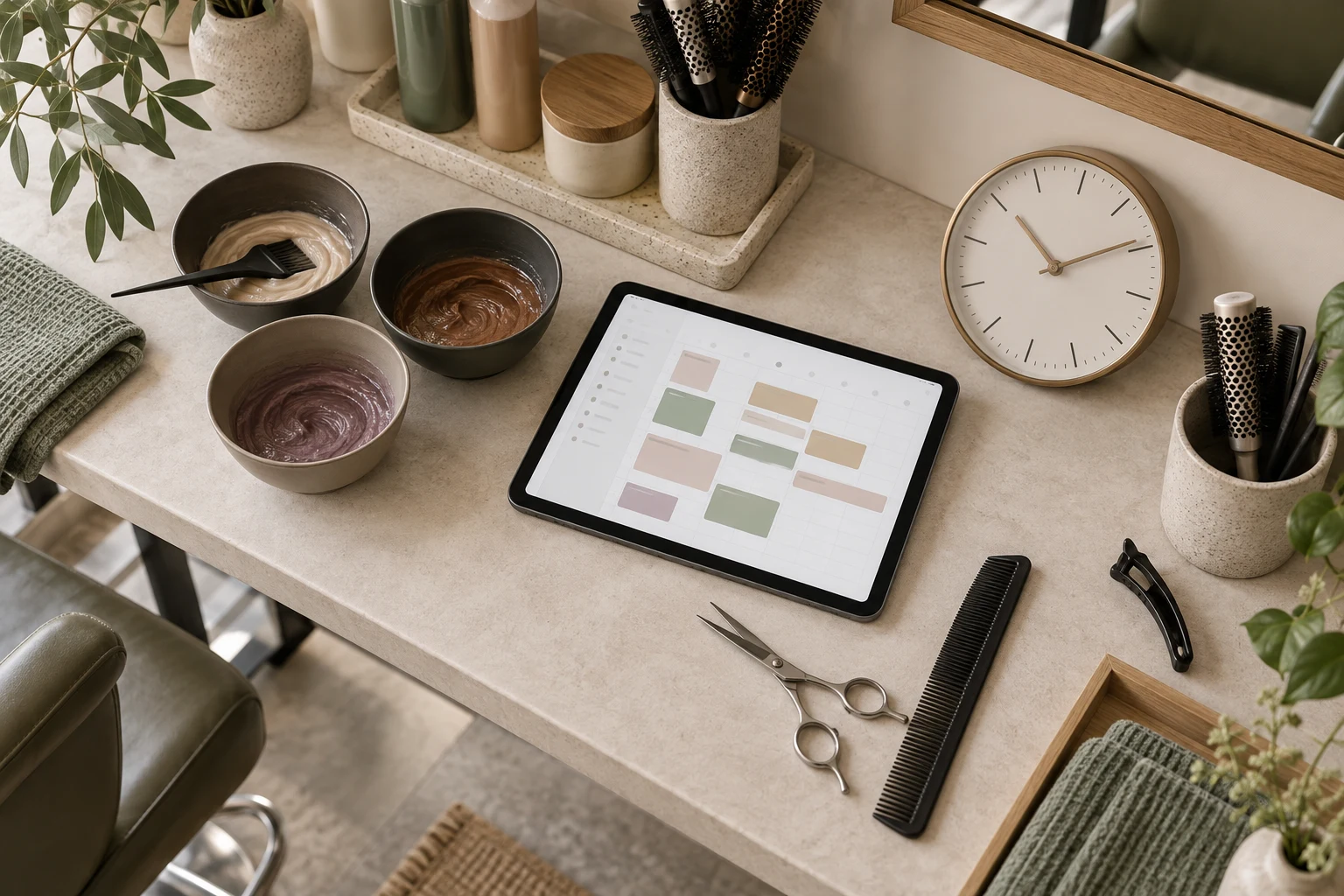
Set a separate appointment duration for each salon service, using the time needed to complete that service safely and consistently. Include consultation, preparation and finishing where they belong. Then test that your booking system offers only slots that fit the service and the stylist's working hours.
Niwa uses configured services, durations and staff availability when booking on your website or directly in WhatsApp. It can explain the service to a client, but the salon defines how much time the work needs. A trim and a first colour consultation should not inherit the same duration merely because they share a booking menu.
Measure the appointment you actually deliver
Review recent work with the team. Separate the time a client occupies a chair from the time a stylist must actively work and any preparation or cleanup needed around the appointment.
Use representative examples rather than your fastest appointment. A regular maintenance cut may differ from a new client's restyle, even if both end with a haircut. If the service varies too much to schedule responsibly, create an assessment route before treatment.
Keep a short planning note for each service: what is included, the bookable duration, who performs it and where the timing came from. This gives the next person maintaining the menu a reason for the setting, rather than a number to guess at.
Create clear services for materially different work
A service should describe a recognizable appointment. For illustration, one salon might allocate 30 minutes to a dry maintenance trim, 60 minutes to a cut and finish and 120 minutes to a defined colour appointment. These are hypothetical settings, not industry standards.
Explain the difference on the website. If the longer haircut includes a consultation and finishing, tell the client. If an uncertain treatment starts with an assessment, make that assessment independently bookable.
Avoid a menu of unexplained near-identical names. A client should not have to choose the right duration by guessing what the salon means. Niwa can help explain the service choices used in salon booking from the information you maintain.
Distinguish cleanup from processing time
Time between appointments and time during a treatment do different jobs. Cleanup may keep the stylist or station unavailable. Colour processing may leave a client in the salon while the stylist performs another task, followed by work that requires the stylist again.
Fresha's extra-time guide illustrates that distinction with blocked and processing time. Its features are provider-specific. Do not assume a duration field in another scheduler supports overlapping treatment stages.
With Niwa, configure the supported appointment duration and buffer settings for your installation. If your colour workflow depends on overlapping stages, several staff or a shared station, verify that exact resource arrangement before offering it online. Until it is confirmed, use a schedule that reserves enough continuous time for the work you have promised.
Check duration against the available window
Suppose a stylist finishes at 6 and a service takes 90 minutes. An opening at 5 does not fit, even though the diary appears empty at that moment. The final appointment must also respect any configured buffer and other booking rules.
Test gaps between existing appointments as well as the end of a shift. A short gap may suit one service but not another. An hour of visible space should not become a two-hour reservation.
Keep staff eligibility in the test. If only certain people perform the service, availability from another team member must not create a false option. The Niwa booking agent connects the appointment choice to those configured service and schedule details.
Make longer or uncertain work easy to handle
When the client's hair history or desired result changes the treatment, describe the consultation route clearly. Niwa can answer what the salon has published and explain that route. It should not estimate a complex chemical process from a brief message or photo.
If an established service regularly overruns, review the setting and the service scope. It may need a different duration, clearer inclusions or a separate appointment type. Tell the team what changes and inspect already booked appointments before assuming a new setting adjusts them.
On WhatsApp, Niwa explains the options, checks for a time that fits the service and stylist, and records the client's chosen appointment in the conversation. The same configured durations apply to website bookings, so each route reflects the salon's actual schedule.
Verify with a small set of test appointments
Test your shortest service, a longer service, an end-of-day slot and a gap that is too short. Inspect the saved duration, stylist and start and finish times. Check what the client sees before confirming.
After launch, review actual overruns and unsuitable selections with the team. Adjust based on the work being delivered, without claiming that a fuller calendar is always a better calendar.
Ask Niwa about your service timings with the menu, staff assignments and any processing or shared-resource requirements that need verification.

