

AI Booking Assistant for Hair Salons
Let salon clients ask about services, choose a stylist and book on your website or directly in WhatsApp. Use Niwa on WordPress or choose Niwa Business.
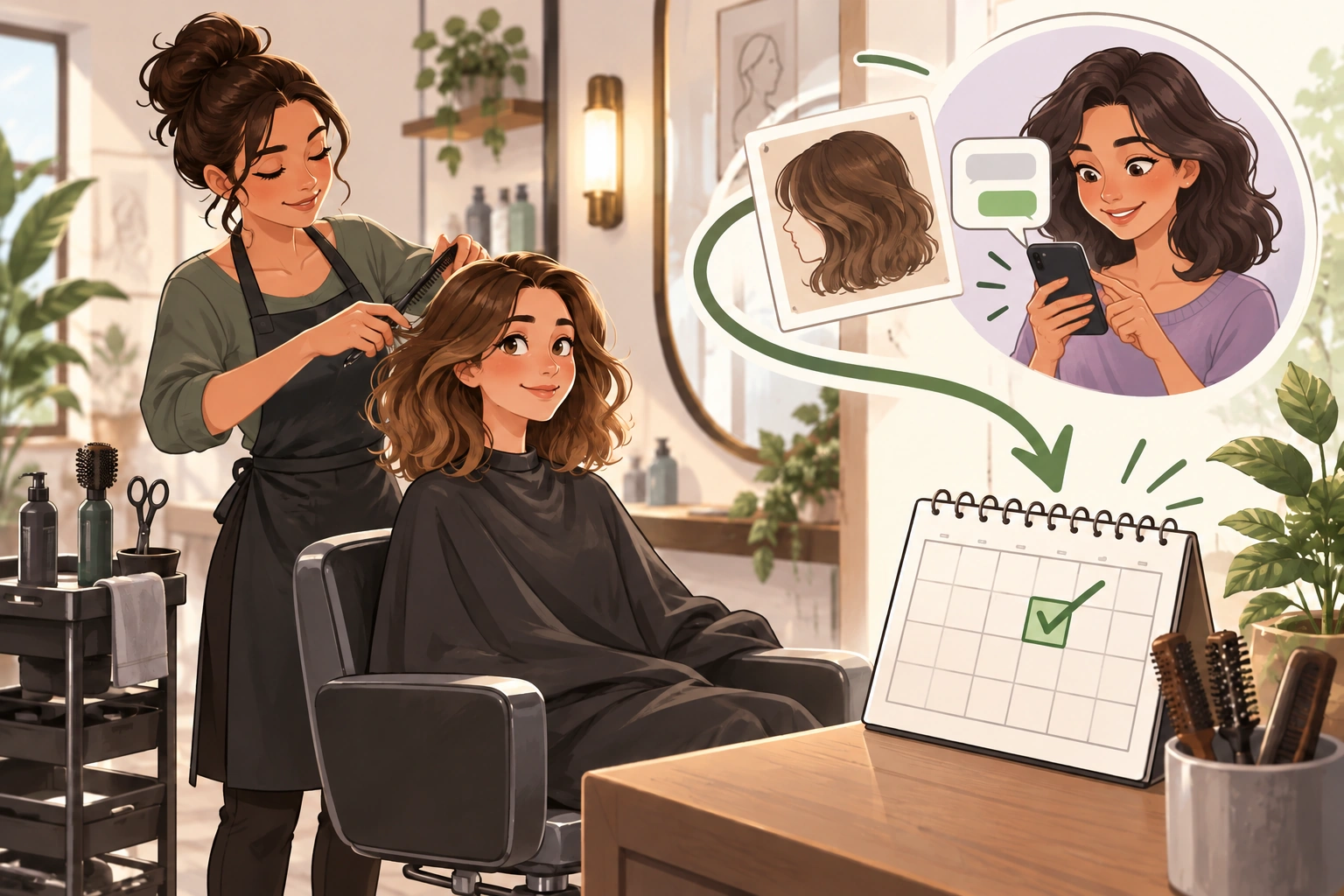
An AI booking assistant for a hair salon helps clients understand your services, choose an available stylist and book an appointment on your website or directly in WhatsApp. Niwa uses your website's business context to answer questions, check availability and record the chosen appointment. You define the services, their duration and who provides them, so appointments follow your team's schedule.
You can install the standalone Niwa AI plugin on your existing WordPress website. If you need a website or want to migrate, Niwa Business costs USD 150 and includes a custom WordPress website or migration, hosting, maintenance and AI tools adapted to your business.
Ask about booking for your salon
Help clients choose the appointment they need
A client looking at your work may be ready to book but unsure which service to select. Does a colour appointment include a cut? Should they book a restyle or a maintenance trim? Is the published price fixed, or does it depend on a consultation?
Those questions matter before they choose a time. A booking calendar can show open slots, but the client still needs to understand what they are booking.
Niwa uses the information you provide about services, prices, opening hours and policies to answer those questions. On your website or WhatsApp, a client can ask about a service, choose a team member and book an available appointment. The conversation uses your service information and schedule, so the client can complete the booking where they started.
If a colour correction needs a stylist's assessment, make that clear in your service information. Niwa can explain the consultation route. The final treatment and price remain decisions for your salon.
From a WhatsApp question to a booked appointment
Suppose a client wants a cut and blow-dry on Friday afternoon and prefers Maya. Here is an illustrative WhatsApp conversation:
Client: Can I book a cut and blow-dry with Maya on Friday after 4?
Niwa: Maya has no appointment long enough for a cut and blow-dry after 4 on Friday. Lea has a suitable opening at 5. Would you prefer Lea, or another day with Maya?
Client: Lea at 5 works.
Niwa: Please send your name and the contact details needed for the appointment.
In this example, Niwa checks the chosen service against Lea's availability, collects the required details and records the appointment directly from the WhatsApp conversation. The client receives confirmation of the service, stylist, date and time. The salon has the booking in its schedule, with the information needed for the visit.
If the client wants Maya specifically, Niwa can check another day with her instead. A preferred stylist should stay the client's choice.
Build booking around your service menu
Start with the way appointments work in your salon. Give each service a clear name, description and duration. Assign the team members who perform it, then set their working hours, breaks and exceptions.
For example, you might configure a trim for 30 minutes and a colour service for two hours. These are example settings, not standard timings for every salon. The offered appointment must fit the chosen service and stylist, with your configured buffer between bookings.
For colour processing that overlaps another appointment, shared stations or services involving several people, confirm how those resources will be scheduled. A free stylist does not necessarily mean a free chair or enough time for the whole treatment.
Before inviting clients to book, complete a test appointment and check the saved service, stylist, time and confirmation.
Choose the Niwa setup that fits your website
If your salon already has a WordPress website, use the standalone Niwa AI plugin. Add your service information, configure booking and connect WhatsApp for customer conversations. You can keep the site your clients already know.
For a new website or migration, Niwa Business costs USD 150 and includes:
- A custom WordPress website or migration of your existing site to WordPress.
- Hosting and maintenance.
- AI tools adapted to your services and business workflow.
A website built with AI uses AI during design or development. An AI-powered website also uses it after launch, for tasks such as explaining a service and helping a visitor book an appointment. Niwa's role continues when the website is open to customers.
Contact Niwa about your salon setup for the Business billing terms and the scope of your website or migration.
Keep a booking system that already works for you
You may already have a diary, payment system and client records that your team trusts. Niwa can answer service questions and guide clients to that existing booking process. If you want bookings written directly into another provider's system, confirm that specific connection as part of the setup.
With Niwa's built-in scheduling, clients choose from the services, staff and availability you configure. Google Calendar is an optional connection for teams that want to use it alongside Niwa.
Questions before you get started
Can clients choose their stylist?
Yes. Assign services to the team members who provide them. Niwa checks availability for the chosen service and stylist. If the preferred person is unavailable, the client can consider another eligible stylist or choose a different day.
Can Niwa answer questions about prices?
Niwa uses the price information your salon provides. State what is included and whether a price is fixed, a starting price or a range. When the final cost depends on an assessment, direct the client to that assessment before quoting the treatment.
Do I need Google Calendar?
No. Niwa has its own booking system. If your team uses Google Calendar, connect the calendars you want Niwa to work with and check synchronization during setup.
Can I use my own AI subscription?
Yes, through a supported subscription connection. Niwa adds no AI usage charges or Niwa-imposed usage limits on that connection. Your AI provider's subscription terms and limits still apply.
Is this suitable for a solo hairstylist?
Yes. Configure your services and working hours, then let clients ask questions and book on your website or directly in WhatsApp. If every new client needs a consultation first, offer that as the first appointment.
Ask about booking for your salon
Send your website or social profile, service list, team size and current booking method. Include any services that need a consultation or shared resources, and say whether you want to use your existing WordPress site or Niwa Business.

