

How to Move Salon Bookings from Messages to an Online Calendar
Move salon appointments into one reliable schedule. Reconcile existing bookings and let Niwa record new appointments from WhatsApp or your website.
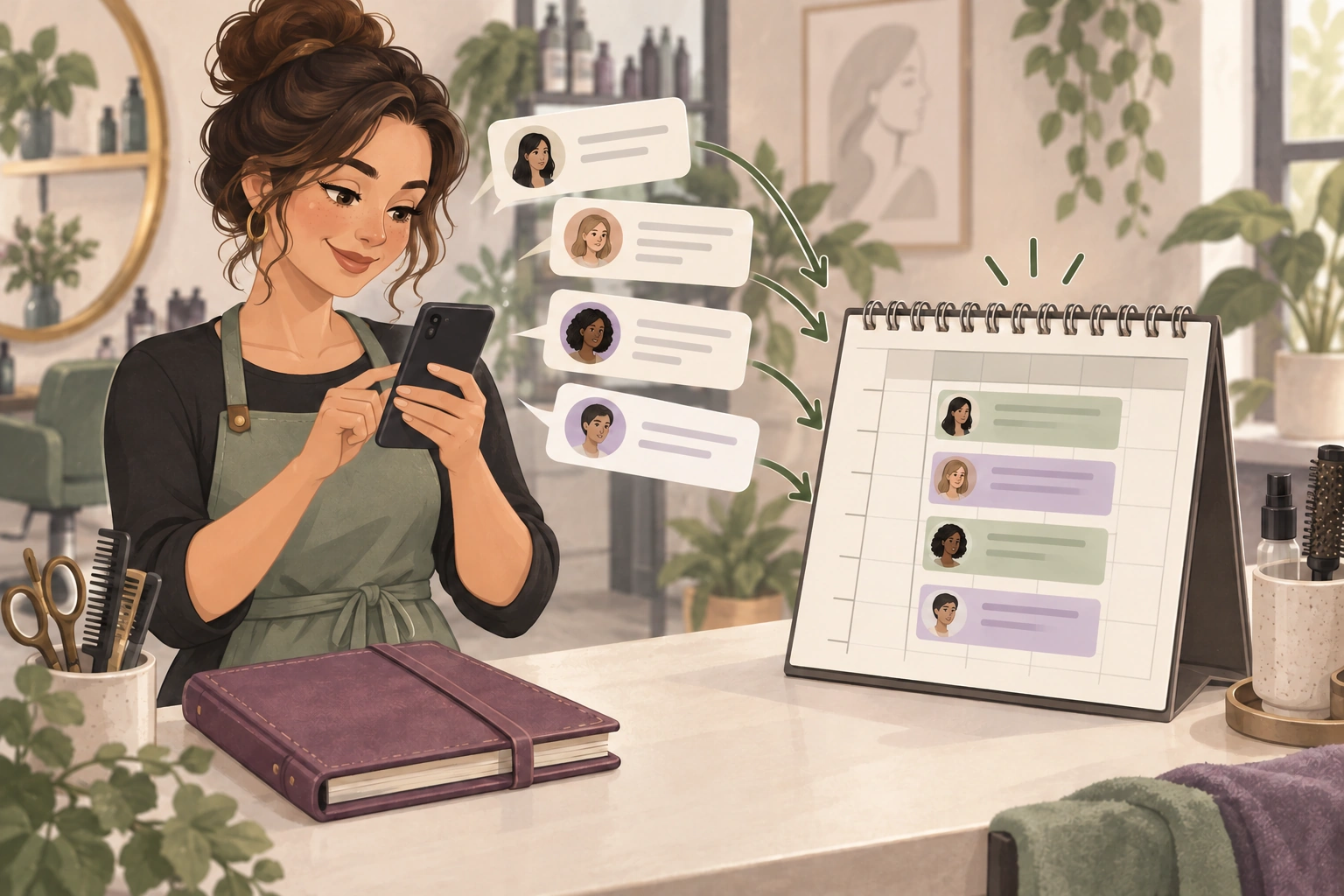
Move salon bookings from messages to an online calendar by choosing one appointment system, reconciling existing confirmed bookings and sending new inquiries through a booking flow connected to that schedule. Keep requests separate from reservations until an appointment has actually been saved.
Niwa can answer salon service questions in WhatsApp and on your website. For a new appointment, Niwa can help the client choose a service and stylist, check availability and record the booking directly in WhatsApp. Website bookings use the salon's configured schedule too, so each route produces an appointment record the team can work from.
Decide which schedule is authoritative
Choose the system staff will check before confirming or changing an appointment. It may be your existing salon booking provider or the supported booking system on your website. The important decision is where the reservation is recorded.
List the places currently holding appointment information: a paper diary, messages, a booking app and individual staff calendars. Do not assume they are synchronized because everyone can see a calendar somewhere.
If you want an external calendar connection, confirm its supported access and sync behavior separately. A calendar link does not establish that every blocked time or appointment from another provider is being checked. Keep the transition workable without an unverified integration.
Separate confirmed appointments from pending inquiries
Review the messages for the period you are moving. A question about Saturday is an inquiry. A client saying 3 would suit them is not necessarily a confirmed appointment. Look for the salon's actual agreement and any existing booking record.
Create a transition list with the client reference, service, stylist, date, start time, duration and current status. Collect only what the salon needs to identify and manage the appointment. Keep this list in an appropriate staff workspace rather than a public document.
Where a message is ambiguous, have the responsible person resolve it. Do not reserve every mentioned time as a precaution or assume that silence confirmed the last suggestion. That can occupy real availability with appointments nobody agreed to attend.
Reconcile the existing diary before opening new availability
Enter or import confirmed appointments using a supported method in your chosen system. Check whether a booking already exists before adding it. Match by the actual client, service and time, not only a similar name.
Inspect overlaps, missing durations and appointments assigned to the wrong stylist. Include leave, breaks and other occupied time that affects what you can offer online. Preserve the original record until the reconciliation is complete and checked.
For example, a message may agree a colour appointment without recording its length. The team must identify the correct service before placing it between other clients. Copying only the start time leaves the calendar unable to represent the work accurately.
Set a clear changeover point for staff
Choose when new appointments will be managed in the selected system. Tell the team which system to use and who handles exceptions during the transition.
If a stylist takes a booking by phone or message, they should inspect availability and save it in the same appointment system before confirming. Keep changes and cancellations there too. A second personal diary should not continue to accept times independently after the changeover.
Review the first few days with the team. Compare the schedule against the appointments clients actually expect. Resolve a discrepancy by inspecting the underlying records, rather than creating another reservation from memory.
Record new appointments from the conversation
Give Niwa your service descriptions, staff assignments and schedule. In WhatsApp, the agent can clarify the appointment, offer available times, collect the required details and save the client's selection. A customer who prefers the website can book through that interface instead.
For an unusual treatment or a request the online menu cannot support, explain how the salon team handles it. That manual route still ends with a saved appointment in the authoritative schedule.
See the salon booking assistant for the core question-to-appointment journey and the WhatsApp AI Agent for customer assistance. Count the appointment when the booking is saved, rather than counting every inquiry as a reservation.
Confirm that the transition has worked
Test a new website appointment, a manually handled exception and a change to an existing booking. Inspect the saved service, stylist, date and duration each time. Check that occupied time is not offered to another client.
Check that the confirmation identifies the saved appointment. Decide how the salon communicates changes and who handles delivery problems.
Once the records agree, reduce the old diary to a reference rather than another live booking source. Maintain the system the team has chosen and review any conversations that still bypass it.
Ask Niwa about moving your salon booking route with the current diary, message channels and booking provider you plan to keep. The goal is one dependable record for each real appointment.

