

How to Build a Freelance Website with AI
Use AI to build the pages of a freelance website, then test whether a prospective client can understand your services and send a useful enquiry.
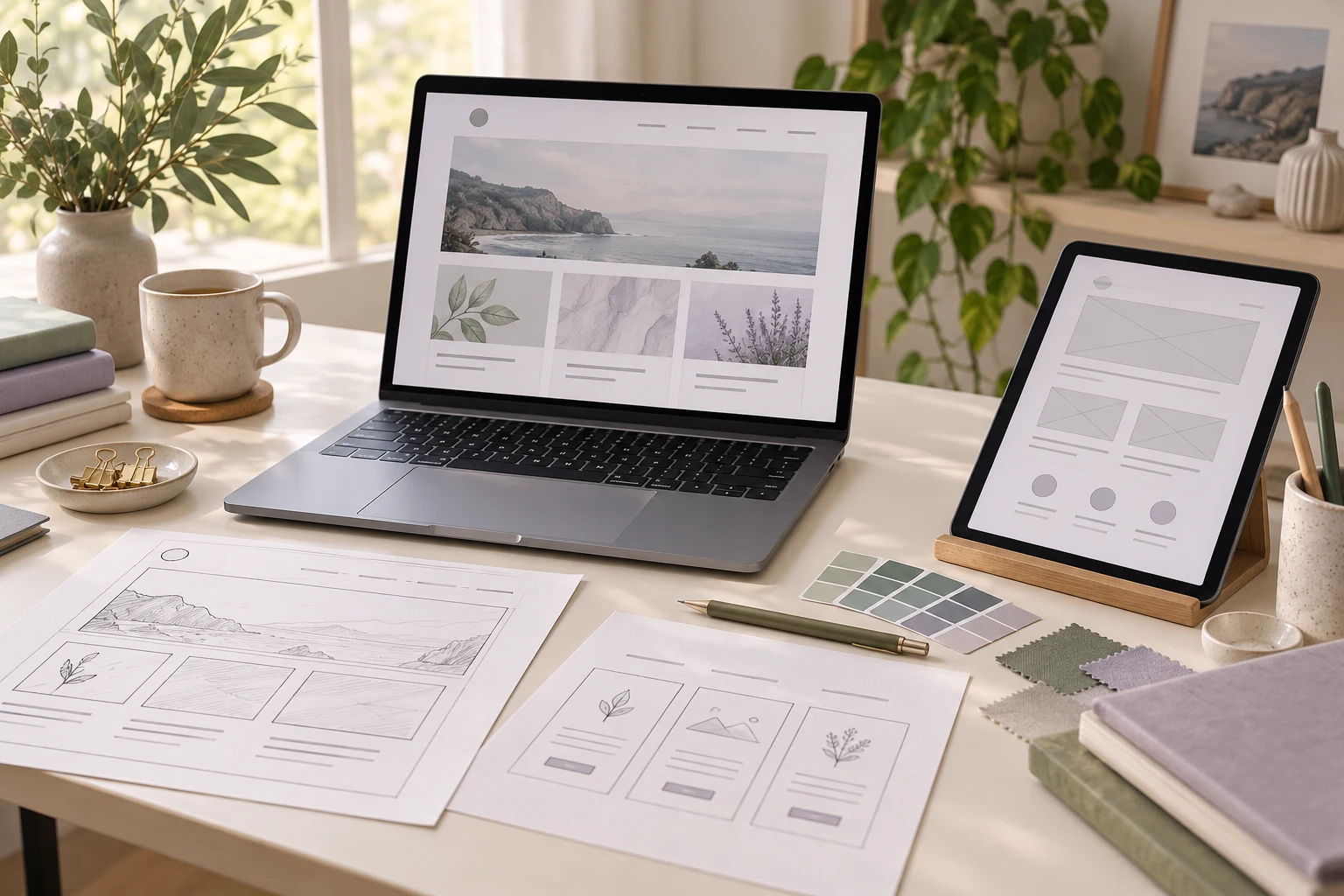
Build a freelance website with AI by giving it a clear service brief, using the output to create your WordPress pages, replacing invented details with real work and testing the enquiry route before launch. The useful result is a site that lets a prospective client understand what you do, assess your experience and tell you what they need.
Niwa Business provides a custom WordPress website or migration, hosting, maintenance and AI adaptation for USD 150. If you want to build the site yourself, the process below helps you prepare the content and check the result. After launch, the Niwa website assistant can answer service questions, collect an initial brief and book consultations on the website or directly in WhatsApp.
Write the service brief before generating a layout
Choose the work you want the site to attract. A designer offering brochure design and a developer offering ongoing WordPress maintenance need different project examples, explanations and enquiry questions.
Prepare a short source document with your intended clients, services, deliverables, exclusions, working process and contact details. Add approved prices or your custom quoting method. List the portfolio projects you have permission to show and explain your own contribution to each one.
An AI request can then be specific: create a five-page structure for an independent brochure designer serving small manufacturers, using the supplied service scope and portfolio notes. Ask for missing information to be identified rather than filled in. You remain responsible for the facts in the finished site.
Choose a WordPress setup you can maintain
You need a domain, hosting, HTTPS and access to the WordPress dashboard. Confirm who owns the domain and hosting accounts, who handles backups and which person will install updates. These decisions matter after the first attractive preview.
Select a theme with readable typography and a layout that works on phones. Use the existing editor before adding another page builder. With a block theme, shared headers and navigation are managed in the Site Editor; other themes may provide their own menu controls. Follow the controls available in your actual theme.
The WordPress block documentation explains how content blocks work. AI can suggest an arrangement, but it does not establish that an unfamiliar theme or plugin is necessary.
Build a small set of complete pages
Start with Home, Services, Work, About and Contact. One substantial services page may be enough for a narrow offer. Separate service pages make sense when clients need materially different information before enquiring.
Use Pages in WordPress to create each page and save it as a draft while you work. The official page creation guide covers the editing and publishing controls. Add the pages to the site's navigation and check that the enquiry action is easy to find.
Ask AI to draft from your source document. Then edit each page for a different job. Home introduces the offer. Services explains what the client gets. Work demonstrates relevant experience. About establishes who is doing the work. Contact explains what to send and what happens after submission.
Turn portfolio material into useful evidence
For each example, describe the client's problem, your contribution and the work delivered. Include the parts you can substantiate. A photograph of a printed brochure and a short explanation of its design constraints can be more useful than an unsupported success percentage.
Use images you own or have permission to publish. Remove confidential information. If a project is a personal exercise, label it clearly. AI-generated mockups should also be identified as illustrations or concept work rather than presented as completed client commissions.
Check image size, clarity and descriptive alt text. Review the page on a phone: a detailed desktop mockup may become unreadable when reduced to a narrow card.
Give enquiries a destination
Create an intake route that asks for the service, project goal, relevant link, timing and a reply address. Ask about budget when it affects the next step. Specify where the submitted information is stored and who reviews it.
Send a test enquiry from outside your administrator session. Check the saved response as well as any notification. A success message alone does not prove that the freelancer received the request. Keep an alternative contact method visible if the form fails.
For an existing WordPress site, the standalone Niwa plugin can support questions using the service information you prepare. Configure its website intake and booking tools for the work you actually offer. This is assistance after launch, separate from using AI to draft the site itself.
Check the whole site before making it public
Read every visible price, inclusion and commitment. Remove placeholder testimonials, invented client logos and claims the AI added without a source. Confirm the correct page title, URL, contact details and privacy information for your setup.
Follow the navigation from the home page to a service, a relevant work example and the enquiry form. Test a narrow mobile screen, keyboard navigation and the contact route. If consultation booking is enabled, verify the available time and saved appointment separately from its notification.
A common launch problem is a polished home page connected to unfinished service pages. Another is a contact form that displays confirmation while its email never arrives. Fix those practical failures before spending time on decorative details.
Keep the website useful as your work changes
Update your service scope, current availability and portfolio when they change. Give the assistant the same approved information so the conversation and page remain consistent. Custom quotes and project acceptance still belong with you.
If you want help implementing this on WordPress, send Niwa your service brief and current website address. Include whether you need a new site, migration or an assistant for a site you already have. That makes the discussion specific to the website you need to run.

