

AI Website Assistant for Freelancers
Niwa uses your service information to answer clients, gather project context and complete consultation bookings on your website or directly in WhatsApp.
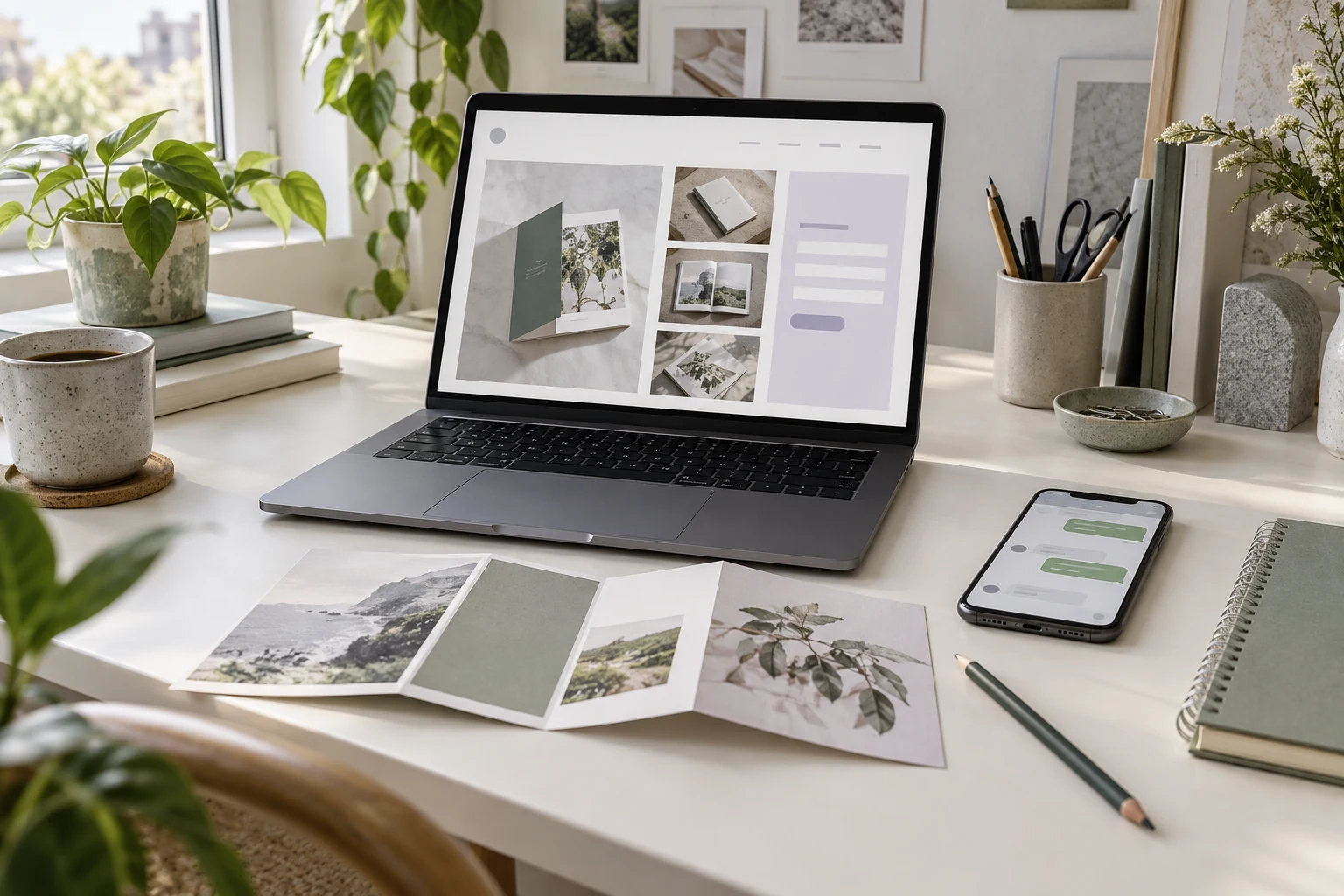
An AI website assistant helps freelancers answer service questions, collect an initial project brief and book consultations. Niwa answers clients on your WordPress website and WhatsApp, gathers project details and books consultations directly in either conversation using your service information and availability. You handle the final quote, agree the scope and decide which projects to accept.
Already have a WordPress website? Install the standalone Niwa AI plugin and adapt it to your services. You do not need a new website to use Niwa.
If you need a site or want to move to WordPress, Niwa Business is USD 150 for a custom WordPress website or migration, hosting, maintenance and AI tools adapted to your business.
Turn a service question into a project you can assess
A message saying "Can you help with my website?" leaves a lot to establish. You need to know what the client wants, what already exists and whether the work fits your services. Gathering that information takes attention away from the projects you are delivering.
Niwa handles the opening questions using the information you provide: what each service includes, how your pricing works and what a client needs to prepare. A visitor can ask on your website or through your connected WhatsApp account. They get a way to clarify the offer before contacting you with a project request.
The next step is an initial brief. Niwa's website lead forms collect the details you choose and record the responses for review. Niwa can gather project context in the WhatsApp conversation. When you want a structured website brief, it can share that form and explain which details you need. You can then assess the request or offer a consultation through Niwa booking. Explore Niwa's service and enquiry tools.
Ask for the details you will actually use
A useful initial brief usually covers:
- The service the client is considering.
- What they want the work to achieve.
- Their current website or a relevant project link.
- Their budget range and intended deadline.
- A contact address for your reply.
Keep the questions appropriate to the work. A short copy edit needs less information than a website redesign. Decide where the responses should go and explain how you will handle the enquiry.
The brief gives you enough context to choose the next step. You might ask a follow-up question, send a quote for a defined service or arrange a consultation. It also gives you something concrete to discuss when you meet.
Explain pricing before negotiating a custom scope
Give Niwa the approved prices and inclusions for your fixed packages. For custom work, provide your pricing basis and any genuine starting rate or range you want clients to see. Questions about work outside those terms come to you for a decision.
Consider a brochure design enquiry. A client asks on WhatsApp whether copywriting and printing are included. Niwa explains your published package details and asks about the page count, existing materials, budget and deadline. You can also offer the website brief when you want those answers in a consistent form.
You review those details before quoting. If a consultation is needed, Niwa offers available times and completes the booking directly in WhatsApp. The conversation starts with the actual project requirements already collected.
You still agree the final price, revisions and delivery commitments. An initial brief supports that discussion; it does not replace discovery or a contract.
Book consultations against your availability
Set your consultation service, duration, working hours and timezone in Niwa. Clients can ask about the session, choose an available time and complete their booking directly in WhatsApp or on your website. Niwa uses the same business context and configured availability. A completed booking creates an appointment record. Read how Niwa booking works.
Give each appointment a clear purpose. An introductory conversation to assess fit is different from a working consultation where you provide advice. Explain what the client should bring and what the session covers.
If you charge for a consultation, connect the payment workflow and set its payment and cancellation terms. Booking a time and collecting a fee are separate parts of the process. Calendar connections and confirmation messages also need normal account setup.
Use Niwa with your supported AI subscription
Connect your own supported AI subscription with no extra Niwa AI usage charges or Niwa-imposed usage limits on that connection. Your provider's terms and limits still apply. Choose a supported connection for the subscription you use.
Choose the setup that fits your website
For an existing WordPress site, the standalone Niwa AI plugin adds the assistant to the website you already use. Prepare your service information, brief questions and booking availability so Niwa works with your offer.
Niwa Business covers a custom WordPress website or migration, hosting, maintenance and business-specific AI tools for USD 150. It suits freelancers who need the website and its ongoing care alongside the assistant.
AI can help build a site's layout, copy or code. An AI-powered website also uses AI after launch to answer clients and complete supported tasks. Niwa brings that ongoing assistance to your freelance website. It can also help you edit WordPress content as your services change.
Keep the conversations that need your judgement
Niwa is useful when clients repeatedly ask about your services or need help moving from an enquiry to a brief or booking. If you receive only occasional enquiries, a clear services page and a short contact form may cover your needs.
Keep direct contact visible. Custom negotiations and sensitive project discussions belong with you. Review the questions clients ask, too. A clearer explanation on your services page may resolve the same uncertainty for the next visitor.
Questions before you get started
What should I prepare for Niwa?
Your service descriptions, inclusions, pricing rules and recurring client questions. Decide which details belong in the initial brief, where the responses should go and which enquiries need your attention. Add the duration and availability for each bookable consultation.
Do I need to rebuild my WordPress website?
No. You can install the standalone Niwa AI plugin on your existing WordPress site. Niwa Business is available when you also need a custom website or migration, hosting and maintenance.
Can a client start on WhatsApp?
Yes. Niwa uses your website's business information to answer service questions, gather project context and complete consultation bookings directly in WhatsApp. A client can choose an available time within the conversation. You can also offer a website intake form when you want a structured brief.
Will Niwa accept or reject projects for me?
You decide which projects to accept. Niwa collects the information and explains your stated services; you assess fit and confirm the scope and quote.
Bring one recurring enquiry to Niwa
Send your website address, the freelance service you offer and one question clients regularly ask. Include whether you want standalone Niwa AI for an existing WordPress site or Niwa Business for a website or migration with hosting and maintenance.
That gives us a concrete starting point to discuss how questions become a brief or consultation in your business, and to confirm the setup and commercial terms.

