

How to Set Up Online Booking for a Massage Business
Niwa answers massage questions and books appointments on your website or WhatsApp. Set service durations, practitioner hours and preparation gaps.
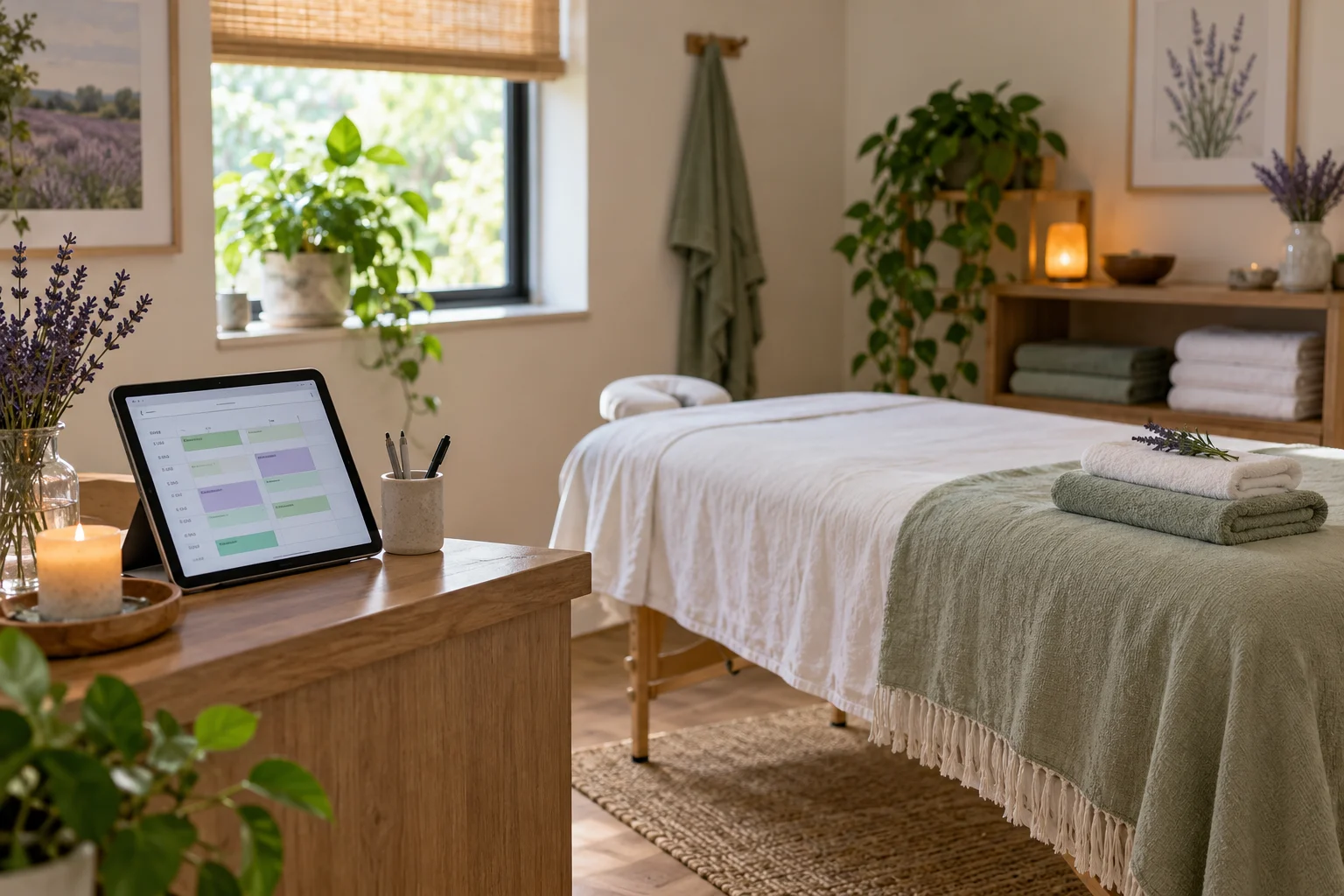
To set up online booking for a massage business, define your services and durations, configure practitioner availability and preparation time, then let clients reserve the times you can actually provide. Niwa uses your website's service information to answer questions and book through your connected appointment workflow, whether the conversation starts on your website or WhatsApp.
The schedule should represent your working day. A sixty-minute service may also need time for the client to leave, room preparation and a break before the next appointment. Simply displaying every empty calendar gap can create appointments you cannot comfortably deliver.
Create a clear service list
List the massage services you offer with their published prices, durations, location and practical instructions. If a first visit requires a different appointment length, create and explain that option separately.
Use descriptions clients can understand before choosing. Niwa can explain that information, but questions requiring an assessment or individual professional advice should go to the practitioner. Do not have an assistant infer which treatment is appropriate from a chat about symptoms.
Keep any home-visit service distinct from work at your premises. A client should know where the appointment takes place before selecting a time.
Configure the practitioner and the room
In Niwa's booking setup, assign each service to the practitioner who provides it. Set working hours, breaks and dates when that person is unavailable. Use the actual service duration and the gaps needed between appointments.
If several practitioners share one treatment room, confirm how the booking arrangement controls that room. Separate staff calendars do not, by themselves, prove that a shared resource is protected. Use a system or an agreed configuration that accounts for the room before opening those services to direct booking.
For a sole practitioner in one room, the setup can be simpler. The appointment still needs to reflect your opening hours and the time the room is occupied.
Account for limits and travel in the day
Decide how far in advance clients may book, how much notice you need and any limits on the appointments you accept. Configure the rules your system supports and verify how they appear to clients. Do not advertise a restriction that only exists in a note and is not enforced in the booking process.
MassageBook's scheduling guide illustrates considerations such as work limits and outcall travel time. These are useful questions for your setup, rather than features to assume are present in every scheduler.
For home visits, consider the actual journey between locations. If the scheduling system cannot account for a variable travel route, accept a request you review before confirming it. A visible gap between appointments should not be treated as enough time for every possible trip.
Add booking where clients read about the service
Put a booking button near each relevant service description and keep a direct route for returning clients. Niwa supports website booking links and buttons alongside the assistant.
A new client may ask about the appointment length, what to bring or how to find your premises. Supply Niwa with the service information and the policies you use so it can answer those routine questions before the client chooses a time.
On WhatsApp, the assistant can explain the service, offer available appointment times and collect the details needed to save a booking through the connected workflow. Confirm the service, practitioner, date and time after the reservation succeeds. A website booking link is still useful when the client prefers a direct calendar view.
Collect practical details without making booking cumbersome
Ask for the contact details and other fields needed to arrange the appointment. Explain required fields and use clear labels. W3C's form-label guidance helps make the direct booking route understandable.
Keep any detailed intake or practitioner assessment within your established process. The booking page should make clear whether the client has reserved the service or submitted a request for you to review.
State your actual cancellation and rescheduling instructions before the client finishes. Only describe deposits, payment collection or cancellation charges if those terms and functions are in place for your business.
Check the complete appointment record
Make a test booking on a phone and inspect the saved service, practitioner, date, time, duration and contact details. Verify the confirmation method you configured. Niwa has local scheduling; if you also use Google Calendar, check its permissions and synchronization separately.
Try a booking at the start and end of the working day and next to an existing appointment. Check that preparation gaps and exceptions produce the availability you expect. Cancel a test appointment and inspect the result using your actual cancellation process.
For home visits or shared-room work, test the resource or travel constraint specifically. If the result needs your review, use a request flow rather than presenting the appointment as confirmed.
Bring the booking setup into your WordPress website
You can add the standalone Niwa AI plugin to an existing WordPress site. Niwa Business is USD 150 for a custom WordPress website or migration, hosting, maintenance and AI tools adapted to the business. Confirm the billing terms and the scope of your scheduling setup.
Contact Niwa about your massage booking workflow. Include your service durations, practitioner hours and whether you work in a shared room or visit clients at home.

