

AI Booking for Small Businesses
AI booking for small businesses: Niwa answers service questions and books appointments on your website or directly in WhatsApp. See a practical studio setup.
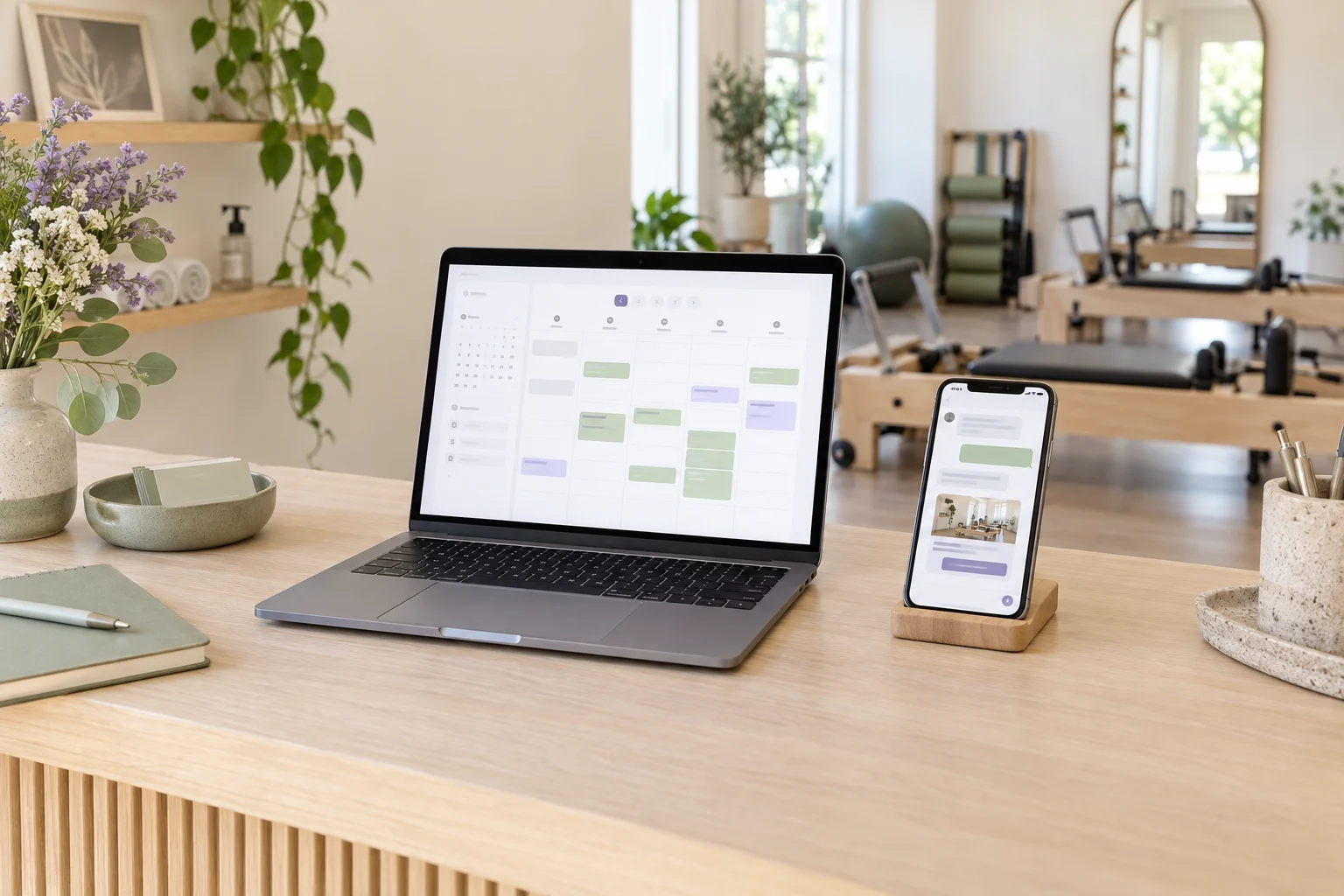
Niwa provides AI booking for small businesses through their WordPress website and WhatsApp. It uses your website's business context and availability to help clients choose an appointment, collect the required details and save the booking through connected workflows. Clients can ask about a service and continue into the booking action within the same conversation.
For a small studio, the useful part starts before a client picks a time. They may want to know which session suits a first visit, what it costs or whether they need to bring anything. Niwa can answer from the information you provide, then carry the conversation through to booking.
Already have a WordPress website? You can install the standalone Niwa AI plugin. If you need a website or a migration, Niwa Business includes a custom WordPress website or migration, hosting, maintenance and AI tools adapted to your business for USD 150. Contact Niwa about your setup.
How a small Pilates studio can use Niwa
Consider a studio with two instructors offering private introductory sessions and regular one-to-one lessons. Its website describes each service, and its WhatsApp number gives clients another place to ask questions.
A new visitor asks on the website whether they need previous Pilates experience. Niwa answers using the studio's published guidance and explains what the introductory session includes. If the visitor wants to book, Niwa checks availability for that service, offers available times and collects the required contact details. The appointment is confirmed when the booking is saved.
A client messaging the studio on WhatsApp can ask about the session there. Niwa answers using the studio's service information, checks available times and collects the details needed to save the chosen appointment through the connected workflow. A website booking link remains available for clients who prefer choosing directly from the calendar.
The owner sets the rules behind this journey: which services clients can book, who provides them, how long they last and which questions need a personal reply. A request outside that scope can be handled by the owner before an appointment is agreed.
See Niwa's appointment booking features.
Set up services and availability before taking bookings
Start with the appointments you can describe clearly. A private introductory lesson needs its own duration and booking information. A regular lesson may have different rules. Give Niwa the service descriptions, published prices, location and practical instructions clients need before attending.
Then configure the instructors who provide each service, their working hours, breaks and date exceptions. Include the gaps you need between appointments. Availability should reflect the time you can actually offer a client.
Finally, check the entry routes you offer. Test a website question followed by a booking, then a WhatsApp conversation that continues into the booking action. Choose an available appointment and confirm that the booking is saved with the correct service, instructor, time and client details. Check the confirmation method you have configured as well.
Niwa has local scheduling, so Google Calendar is optional. If you connect it, check the calendar permissions and synchronization during setup.
Group classes need their own booking rules
A private session reserves one instructor's time. A group class has a fixed start time and a limited number of places. Class passes, membership eligibility and waiting lists can add further rules.
If your studio offers both, keep the booking routes clear. Use your class booking system for class places and its capacity rules. The workflow described here covers Niwa appointment booking; connecting a separate class platform needs to be agreed for your setup.
Use a consultation when the job needs discussion
The same approach works for services that begin with a conversation. A photographer might offer direct booking for a fixed portrait session but collect a brief before agreeing a commercial shoot. A tattoo artist can offer a consultation before settling the design, final price and time required for the finished piece.
Give those services different next steps. Niwa can explain your process and help the client book a consultation. A request for custom work still needs your review where the scope has not been agreed.
Choose the Niwa option for your website
The standalone Niwa AI plugin lets you add Niwa to an existing WordPress website. Keep your current site and configure the assistant around your services and booking rules.
Niwa Business is USD 150 and includes a custom WordPress website or migration, hosting, maintenance and AI tools adapted to your business. It suits an owner who needs the website and its AI setup together. Ask for the Business details, including the billing terms and scope for your studio.
You can also use your own supported AI subscription. On that connection, Niwa adds no extra AI usage charges or Niwa-imposed usage limits. Your provider's limits still apply, and the subscription and connection must be supported.
Can clients book without chatting?
Yes. Keep a direct booking button or form for clients who already know which service they want. Niwa supports website booking links and buttons alongside the conversation.
An assistant is useful when a question comes before the booking. Returning clients can choose a time directly, while someone new can ask about the service first. A solo practitioner can offer the same choice without needing a larger team.
Is an AI-built website the same thing?
A website built with AI uses AI during design or development. An AI-powered business website uses an assistant after launch to answer questions and complete tasks such as booking appointments. Niwa adds that ongoing customer workflow to WordPress.
Tell us how clients book today
Contact Niwa about your booking setup.
Include your website, current booking tool, the service you want clients to book and one question you regularly answer before a booking. Tell us whether clients contact you through the website, WhatsApp or both. We reply by email to discuss the setup and the Niwa option that fits your business.

