

Should I Use a Booking Form or an AI Booking Assistant?
Choose a booking form for clients who know the service and an AI assistant for questions before booking. Niwa supports both routes into a saved appointment.
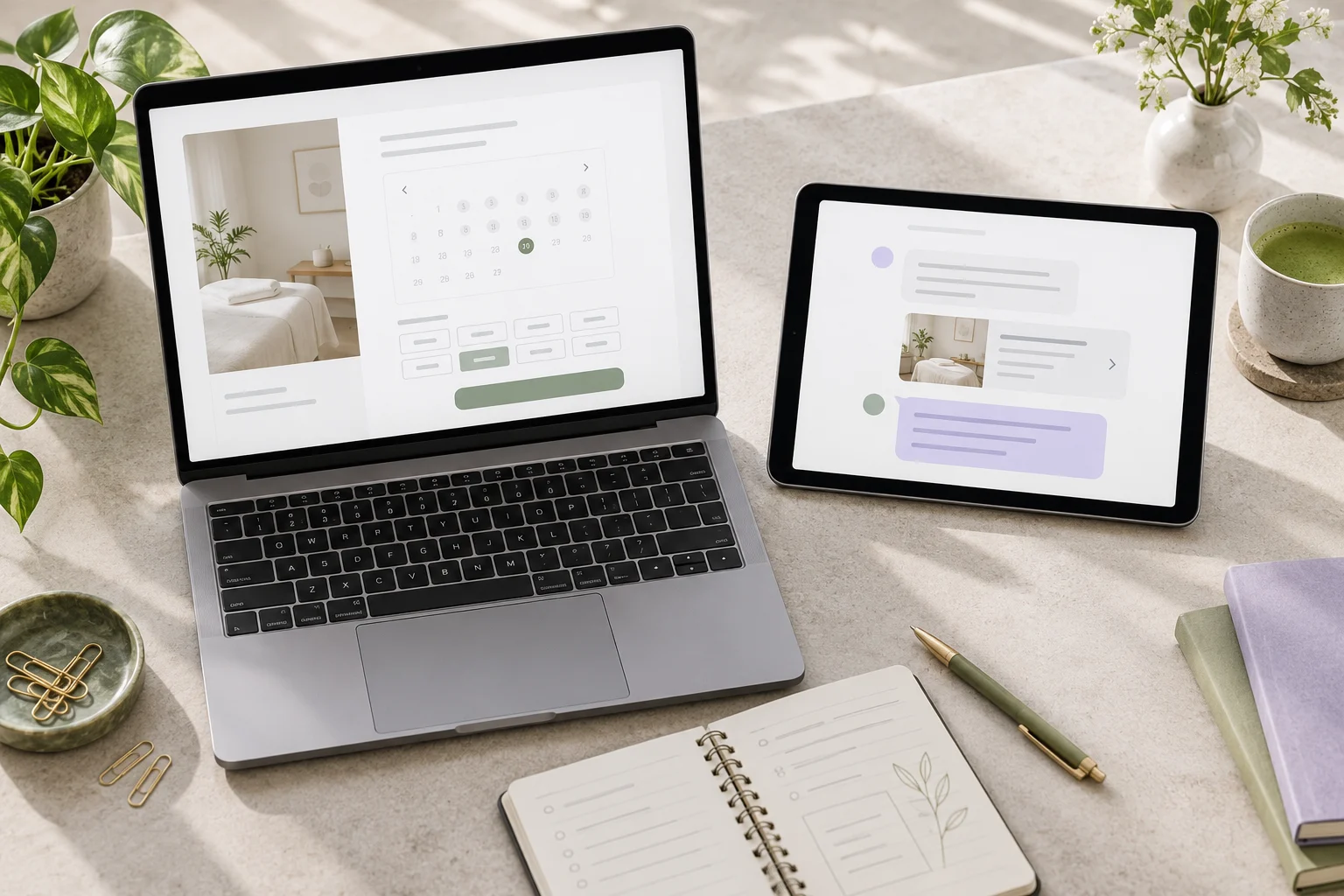
Use a direct booking form when clients already know the service they want. Use an AI booking assistant when they need an explanation before choosing. Many businesses benefit from offering both: Niwa supports direct website booking options alongside an intelligent conversation that uses your business information and performs the connected booking action.
Choose by looking at the decision your client needs to make. A returning client may want the next available appointment. A first-time visitor may need to understand the service, location or preparation before that calendar is useful.
A booking form suits a settled choice
For a service with a clear name, duration and price, a form or scheduler can provide a short route to selecting a time. Show the service information before the required fields and make the result clear.
For example, a returning massage client who wants the same published appointment may prefer to choose a time directly. Requiring a conversation first would add work without resolving a question.
Use visible, descriptive labels and explain which details are required. W3C's form-label guidance describes how labels help people understand controls. Check date selection and required fields on a phone, including any error messages.
An assistant suits questions before the choice
An assistant helps when the client needs information that sits across several website pages. Someone might ask where an introductory training session takes place, what it includes and whether evening times are available.
Give Niwa accurate descriptions, published prices, preparation instructions and appointment rules. It can understand the enquiry in context, explain the relevant offer and move into the booking workflow when the client chooses a service. The person does not need to use a special phrase to trigger the next step.
The same business context can support WhatsApp conversations. Niwa can answer the service question and perform the connected appointment action there, while the website form remains available for clients who prefer a calendar view.
An assistant should not make a professional assessment merely because someone asks which service suits a personal condition. Give those questions an appropriate owner or practitioner review route.
Check whether either route actually reserves anything
A contact form asking for a preferred date is a request form unless it creates a reservation in your schedule. An AI conversation expressing interest is likewise not a booking until the booking action succeeds.
Decide what the service permits. A fixed appointment can be confirmed automatically when the selected time is available and the required details are saved. A custom commercial shoot may need a brief and owner review before the shoot date is accepted.
Pixieset's session-type documentation illustrates how fixed photography sessions can have defined duration, availability and intake. That is a useful operational distinction even if your website uses a different booking system.
For group classes, the result must reserve a place in the class inventory and apply the relevant pass rules. Acuity's group-class guide explains fixed sessions with participant limits. Neither a general enquiry form nor a conversational interface removes that capacity requirement.
Offer both without creating two schedules
Put a direct booking button near the service description and let Niwa answer questions beside it. Connect both entry points to the same appointment inventory and rules. Otherwise, two clients could see availability that no longer reflects the same schedule.
Keep the service names, published prices and confirmation details consistent. A client who starts with a question should end with the same service record as someone who books directly.
If a request needs review, both routes should explain that review. You can let a client submit a brief in a form or provide the relevant details through Niwa's connected workflow without implying that the custom job has already been accepted.
Try the client's task before choosing a main route
Test a returning client booking a known service, a new visitor asking a practical question and someone requesting custom work. Give each route the same task and inspect the saved records.
Look at whether the client reached the intended result, how understandable the confirmation was and what the owner still needs to do. Note any fields or questions that were unnecessary. These observations help you choose which option to emphasize without inventing a conversion forecast.
Repeat on a phone. Check that the direct form is usable and the assistant can carry the answer through to an actual booking or a clearly recorded request. Keep the route that serves each task, rather than forcing every client into one interface.
Set up the booking choice with Niwa
You can add the standalone Niwa AI plugin to an existing WordPress site. Niwa Business is USD 150 for a custom WordPress website or migration, hosting, maintenance and AI adapted to the business. Ask for the billing terms and the scope of your booking setup.
On a supported own-subscription connection, Niwa adds no extra AI usage charges or Niwa-imposed usage caps. Provider limits still apply; API billing is separate. Include the actual connection and the time needed to maintain your service information when assessing the setup.
Contact Niwa about your form and assistant workflow. Share one service clients can book directly and the question new clients usually ask before choosing it.

