

AI Product Page Assistant for Ecommerce: Answer Buyer Doubts Before Checkout
Turn product-page questions into sales conversations. See how an AI assistant answers fit, compatibility, delivery and policy doubts before buyers abandon the order.
Most ecommerce product pages are built to show information, not to hold a sales conversation. They list photos, variants, delivery notes, return rules, size charts, compatibility details and reviews, then hope the shopper can connect the dots alone.
That works for easy purchases. It breaks when the buyer has one small doubt: “Will this fit my use case?”, “Is this compatible with what I already own?”, “Can it arrive before Friday?”, “What happens if it is the wrong size?” If that question appears while support is offline, the shopper does not always open a ticket. Many simply leave the product page, compare elsewhere or postpone the order.
An AI product page assistant gives every high-intent shopper a practical next step while they are still looking at the item. It is not just a chatbot widget on the corner of the site. It is a contextual sales/support layer that understands the current product, the buyer’s question, the store’s policies and when a human should take over.
What is an AI product page assistant?
An AI product page assistant is an ecommerce chat agent that answers questions directly inside the product detail page. Instead of forcing shoppers to search through FAQs, filters, PDF manuals or policy pages, it uses product data and store rules to give a clear answer in the moment.
For example, a shopper looking at a premium coffee machine might ask:
- “Does this work with oat milk?”
- “What is the difference between this model and the cheaper one?”
- “Can I get replacement parts later?”
- “Is this a good option for a small office?”
- “Can it arrive by Monday?”
A basic FAQ can answer only the questions someone predicted in advance. A product page assistant can combine product attributes, inventory, shipping rules, return policy and buyer intent into a useful response. If the answer needs a person, it captures the context and hands the conversation to the right sales or support workflow.
Why product page doubts hurt conversion
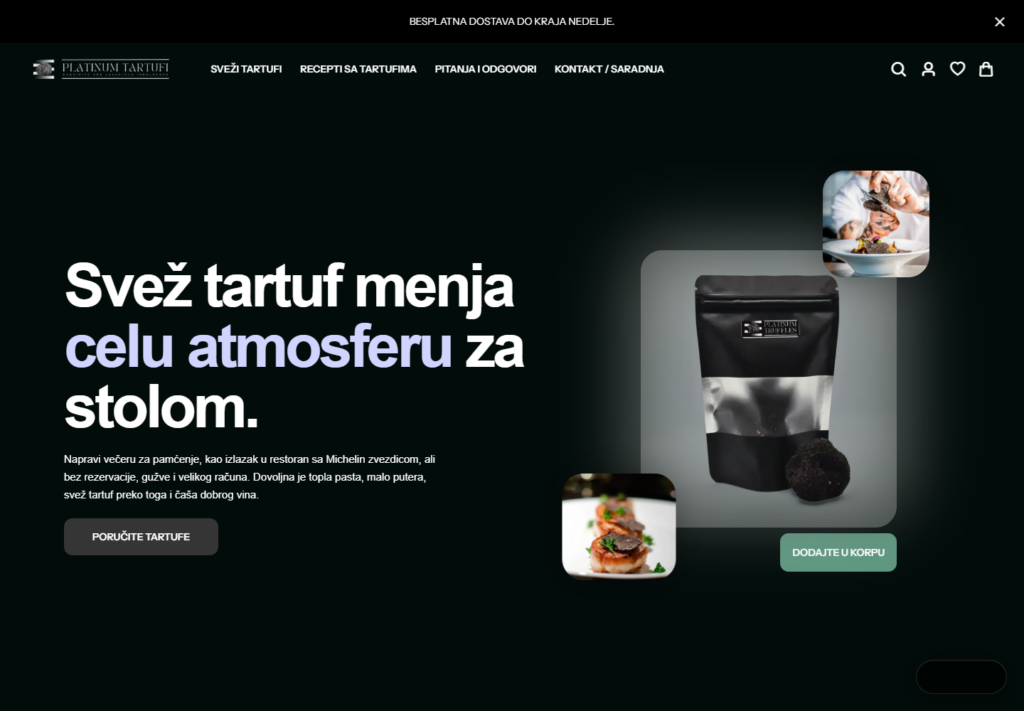
Checkout abandonment gets most of the attention, but many lost orders happen earlier. A shopper can hesitate on the product page long before they reach the cart. If the product is expensive, technical, personalized, size-sensitive or bought as a gift, one unanswered detail is enough to stop momentum.
The late-stage risk is still very real. Baymard’s 2026 cart abandonment benchmark reports an average documented online shopping cart abandonment rate of 70.22%. That number is a reminder that buyers already drop off heavily near purchase. If the product page sends uncertain shoppers into checkout with unresolved questions, the cart has to fight a battle that should have been solved earlier.
Customer expectations are also moving faster. Zendesk CX Trends 2026 states that 74% of consumers now expect customer service to be available 24/7 and 88% expect faster response times than they did a year ago. On a product page, that means “we will reply tomorrow” can be too late for a shopper who is ready to buy now.
Where a product page assistant creates revenue
The goal is not to answer every possible question with a long generic reply. The goal is to remove the specific doubt that blocks the next step. A good assistant focuses on commercial moments like these:
1. Compatibility questions
Compatibility is a classic conversion killer. Electronics, replacement parts, beauty products, supplements, furniture, B2B equipment and accessories all create “will this work for me?” questions. The assistant can ask one or two clarifying questions, then point to the right product or warn the shopper when the item is not a fit.
Example: “This charger is compatible with Model A and Model B. If your device is Model C, choose the 65W version instead.” That answer protects the order and reduces returns.
2. Size, fit and variant selection
Variant hesitation is not limited to fashion. It appears in mattresses, pet products, sports equipment, furniture, packaging, industrial supplies and anything with dimensions. The assistant can guide the buyer through measurements, use case, weight, room size or skill level.
Example: “For a 180 cm dining table, choose the 240 cm rug if you want all chair legs to stay on the rug when pulled out.” That is more useful than “see size chart.”
3. Delivery and deadline anxiety
Some shoppers do not need a discount. They need confidence that the order will arrive in time. If the assistant can explain shipping cutoffs, location limits, pickup options or express delivery rules, it can move the buyer from uncertainty to action.
Example: “If you order before 14:00 today, this item can ship today. For delivery before Friday, choose express shipping at checkout.”
4. Product comparison
Comparison tables are helpful, but they rarely explain which option is better for a specific buyer. The assistant can compare two products in plain English and connect the recommendation to the shopper’s use case.
Example: “Choose the Pro model if you need daily use and replaceable filters. Choose the Standard model if this is for occasional home use and budget matters more.”
5. Return policy and risk reversal
Return questions often appear before purchase, not after. A product page assistant can explain the relevant policy without sending the shopper to a legal page. It can also flag exceptions: personalized items, hygiene products, opened consumables, damaged packaging or final sale products.
Example: “You can return this item within 14 days if it is unused and in original packaging. Personalized engraving is not refundable unless the item arrives damaged.”
What the assistant should know before it answers
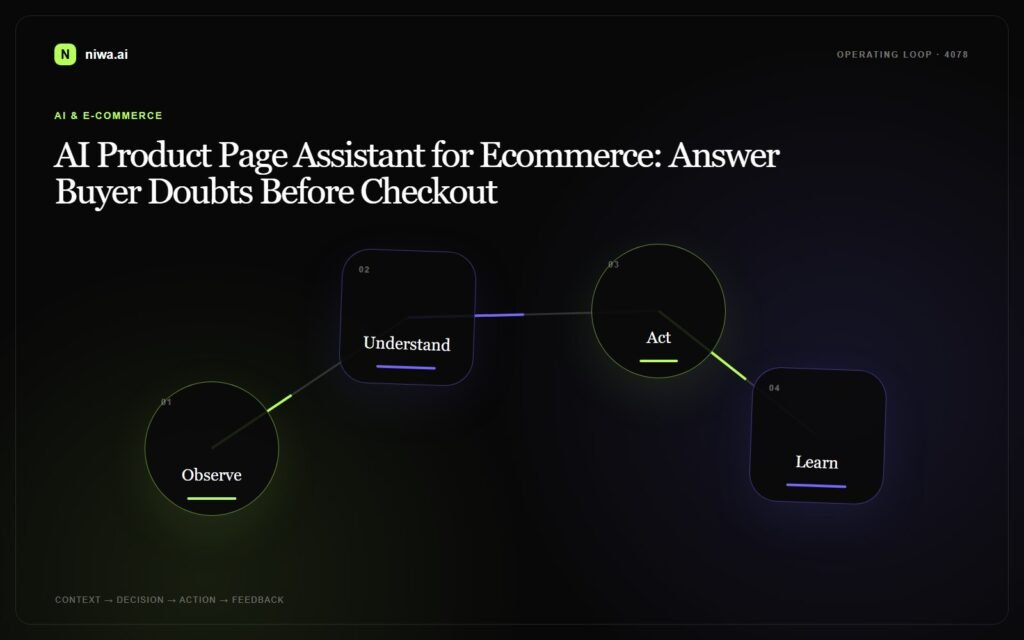
A product page assistant is only useful if it has clean context. Connecting it to a generic AI model and hoping for good answers is how stores create confident but wrong replies. Before publishing answers live, define the sources it is allowed to use.
- Product catalog: names, descriptions, specs, variants, inventory and related products.
- Store policies: shipping, returns, warranty, payment, discounts and order changes.
- Commercial rules: when to recommend bundles, accessories, upgrades or safer alternatives.
- Escalation rules: when the assistant should stop and hand over to a human.
- CRM context: previous conversations, lead status, customer type and open issues when available.
For stores with sales teams, CRM handoff matters. HubSpot describes CRM software as a way to centralize engagement across marketing, sales and service. In practice, that means the assistant should not leave a useful product conversation trapped inside chat history. It should pass the buyer’s question, product, budget, urgency and next step into the system where the team actually works.
Human handoff is part of the conversion system
The strongest AI product page assistant does not pretend every issue is self-service. Some conversations should become sales calls, quotes, WhatsApp follow-ups or support tickets. The important part is that the handoff is not vague.
Weak handoff sounds like this: “A team member will contact you.” Strong handoff sounds like this:
- “I will send this to our sales team with the product, quantity and delivery deadline.”
- “You are asking about compatibility; I will route this to technical support.”
- “This looks like a bulk order. I will prepare a quote request with the items and preferred delivery date.”
- “You need this before Friday, so I will mark the request as time-sensitive.”
That level of context helps the team reply faster and makes the shopper feel that the conversation is moving somewhere. It also gives the store better data about what product pages are missing: unclear sizing, weak comparison copy, shipping uncertainty, missing warranty details or confusing bundles.
How to measure whether it is working
A product page assistant should be measured as a conversion layer, not only as a support automation tool. Useful metrics include:
- Product-page conversation rate: how often shoppers ask questions on specific products.
- Add-to-cart rate after chat: whether answered shoppers move forward.
- Assisted conversion rate: orders where the assistant influenced the purchase path.
- Escalation quality: how many handoffs include product, question, urgency and contact details.
- Question clusters: repeated doubts that should be fixed in product copy, images or policy snippets.
- Return reasons: whether better pre-purchase answers reduce avoidable returns.
One useful rule: if the same product question appears every week, do not only train the assistant. Fix the product page too. The assistant should reveal friction, not hide it forever.
What Niwa AI can do on product pages
Niwa AI is built for ecommerce and business sites where conversations should become revenue, not just chat transcripts. On product pages, Niwa can help shoppers choose, compare, clarify and move to the next step without waiting for a human reply.
For a store, that can mean:
- answering product-specific questions from catalog and policy context;
- recommending the right variant, accessory or alternative;
- capturing high-intent leads from complex products;
- routing quote, bulk order or support requests to the right team;
- turning repeated buyer questions into better product-page content.
If your product pages get traffic but buyers still hesitate, the problem may not be traffic quality. It may be that the page is asking shoppers to make the final decision alone.
Book a Niwa AI demo to see how an AI product page assistant can answer buyer questions, recover hesitant shoppers and hand sales-ready conversations to your team. Start here: Book a Niwa AI demo.

