

How Much Does an AI Website for a Real Estate Agency Cost?
Niwa Business is USD 150 for a WordPress website or migration, hosting, maintenance and AI adaptation. Check listing connections and provider costs separately.
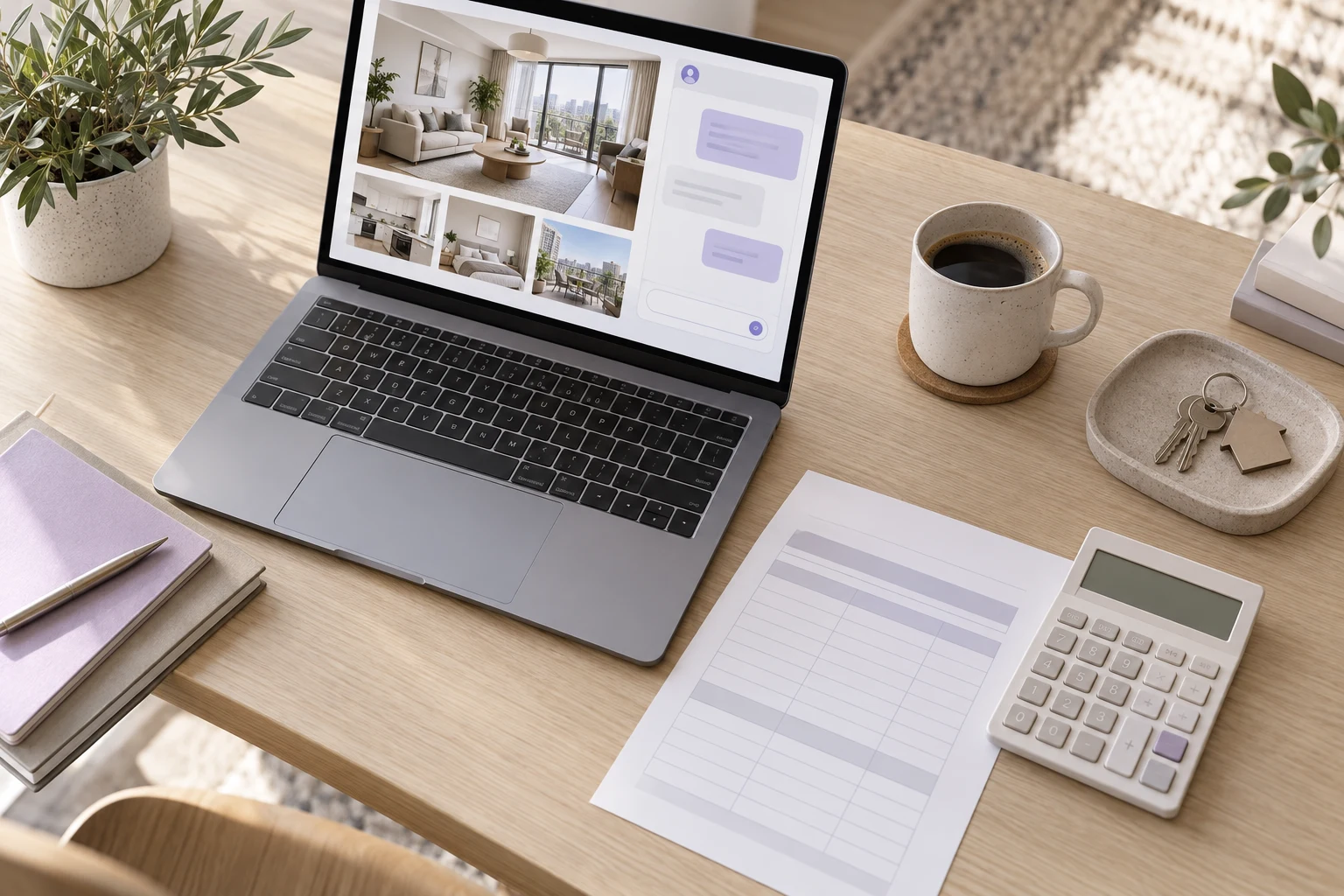
Niwa Business is USD 150 for a custom WordPress website or migration, hosting, maintenance and AI tools adapted to your agency. If you already have a WordPress site, you can add the standalone Niwa plugin instead of replacing the website. The full cost of your setup also depends on the listing connection, any external services and the AI provider route you choose. Confirm payment terms and the exact scope before comparing this offer with another quotation.
The price needs to describe the work your agency requires. A brochure website with a chat assistant and a site connected to a licensed property feed are different setups.
Separate building the website from powering its daily work
A website built with AI uses AI during design, coding or writing. That describes how it was produced. An AI-powered website uses an assistant during everyday customer enquiries, such as answering a property question, collecting requirements and guiding a buyer to website booking.
Your quotation should make clear which of those services it includes. Ask for the property pages, enquiry process, viewing setup and maintenance responsibilities you need. The Niwa real estate workflow explains the customer-facing task so you can compare the intended outcome rather than the "AI website" label alone.
Use Niwa Business when you also need the website
The USD 150 Niwa Business offer includes a custom WordPress website or a migration, hosting, maintenance and business AI adaptation. Discuss the existing site, property content and requested workflow when agreeing the service.
Confirm what will be migrated, which pages and property templates are needed, and who supplies or maintains the listing content. Review the payment schedule, taxes where applicable, domain arrangements and any external-service charges in the actual proposal.
A migration also needs an inventory of the current content and URLs. Establish how the site will preserve useful property pages, contact routes and enquiry forms while the new setup is tested.
Consider the standalone plugin for an existing WordPress site
If the website already works for your agency, ask about the standalone Niwa plugin and its licence rather than paying for a replacement you do not need. Review the licence price and validity in the offer you receive; the Business website price does not establish every standalone plan's terms.
Allow for setup and testing of agency information, listing access, intake questions and the website booking service. A plugin installed on WordPress does not establish that your property custom fields or external feed are connected.
Use a small sample of real listings to agree the connection before expanding it across the catalogue.
Check which AI connection you will pay for
You can connect your own supported AI subscription. On that connection, Niwa adds no extra AI usage fees or Niwa-imposed usage limits. The provider's terms and limits still apply, and compatibility needs checking for the account and connection you intend to use.
Niwa adds no token markup to your provider's AI usage charges. An API connection uses the provider's billing; a supported subscription connection follows that subscription's terms. Niwa's setup guide distinguishes the connection modes so you can price the route you will use.
If you choose API billing, estimate the expected conversations and typical message length using a representative test. Use the provider's current pricing and your actual usage records rather than an invented cost per buyer.
Identify external costs before accepting a quote
Ask whether your listing supplier charges for feed access or permits the planned AI use. A licence may restrict text, photos or fields. RESO's guidance directs users to check acceptable use with their vendors and data providers; a data standard does not remove those commercial conditions.
List any property-plugin licence, external CRM connection, specialist calendar service or messaging service involved. State whether it is required, optional or already paid for by the agency. Avoid counting an existing expense again as a new charge unless the setup changes it.
Include the listing fields, data-use permissions and connection work your agency needs in the quotation. That makes the property workflow and its cost scope clear.
Compare quotations using the same scope
Give each provider the same brief: website or plugin-only, number and type of property pages, current listing system, enquiry channels, viewing arrangements and maintenance needs. Ask each to identify included work, external charges, support responsibility and the period covered by its price.
Then test the promised customer task. Can the assistant answer from a current listing? Can an agent receive the right enquiry context? Can Niwa offer available viewing times and save the buyer's chosen reservation in the website or WhatsApp conversation? A cheaper quotation that omits the required connection is not a comparison of the same service.
Niwa can be added to your existing WordPress site or included with the Business website offer. Send your website and listing-system details to establish the appropriate route and written cost scope for your agency.

