

How to Book Cleaning Jobs Through WhatsApp
Niwa uses your cleaning service information and availability to answer questions and complete appointment booking directly on WhatsApp.
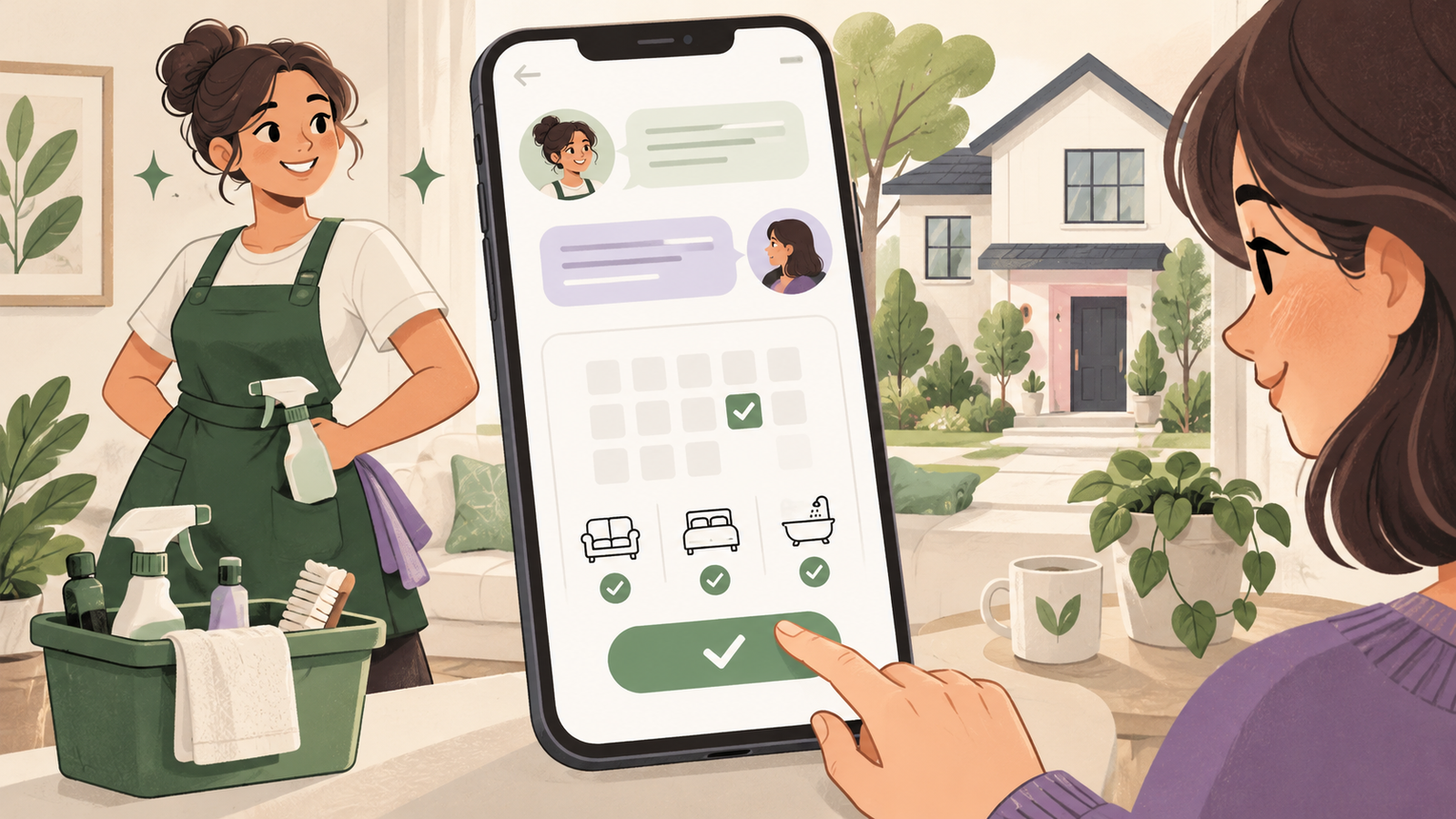
To book cleaning jobs through WhatsApp with Niwa, connect the assistant to your cleaning service information and booking availability. Niwa answers questions, clarifies the job, offers available times and records the appointment the customer chooses in the conversation. If the property needs inspection, the appointment should be an assessment visit.
The useful distinction is between agreeing that a customer wants Friday and saving a real appointment. Your team should be able to find the booking record before planning the visit.
Decide which cleaning jobs customers can book
Start with a service whose scope and duration you can define. Explain the rooms or tasks included, exclusions and any extras. A routine cleaning package for an accepted property may be suitable for online booking. A commercial contract or unfamiliar property may need an assessment first.
Put those boundaries in your service information. A customer requesting builders' dust removal should not be guided into an ordinary maintenance clean without review. When a question falls outside your published scope, give the team a way to take over.
This guide concerns deciding which cleaning appointment is suitable and completing the booking in WhatsApp. General channel installation is a separate task covered by the Niwa WhatsApp agent setup.
Prepare location and access questions
Ask for the town or postcode and enough property detail to establish whether you can assess the job. Confirm that the work is within your area before encouraging the customer to reserve a cleaning slot. Nearby addresses can still require different travel or parking arrangements.
Discuss whether someone can provide access and whether work must happen outside occupied hours. Keep keys, alarm codes and similar instructions for the agreed secure handover after acceptance. A quote conversation does not need them.
Niwa uses your business information to answer service questions and clarify the request. A final cleaning price should come from your defined package or your team's assessment, rather than an invented estimate based on a few messages.
Set availability for cleaning and assessment visits
Set up the services, durations, staff hours and exceptions in the Niwa booking system, which supports appointments from your website and connected WhatsApp conversations. Include time for the whole visit. If the team needs travel time between properties, allow for it when setting available working blocks or reviewing the schedule.
An empty calendar does not prove that a team can reach every address shown by a customer. Avoid treating a booking calendar as a dispatch or route-planning engine. Decide which jobs need your approval before the customer is promised a visit.
Give each appointment type a clear description. Niwa should distinguish a cleaning visit from an assessment when explaining the available service in the WhatsApp conversation.
Complete the appropriate appointment in the conversation
A hypothetical customer asks for a deep clean before guests arrive. Niwa explains the published deep-clean scope and asks about size, condition, location and extras. If the work fits a bookable package, Niwa offers available cleaning appointments and asks the customer to choose a time.
If you need to inspect the property, Niwa offers an assessment appointment instead. The customer selects a time and supplies the contact details needed to complete the reservation on WhatsApp. Your team then confirms the cleaning scope and price after assessment.
Niwa uses your website's business context to keep the service explanation connected to the booking. Confirm the service, customer and selected time, then use the saved appointment record when preparing for the visit. Customers who prefer the website can also book there.
Check the saved appointment and confirmation
Complete a test booking in WhatsApp. Inspect the saved service, date, time and customer contact, and verify the configured confirmation. Test an unavailable slot and a customer who ends the conversation before completing a reservation.
Your team should be able to distinguish a conversation, an unfinished request and a saved booking. Avoid sending a cleaner because a customer merely said a time would suit them.
For changes or cancellation, give the customer the contact or management route you actually support. A WhatsApp message asking to cancel does not itself prove that the schedule has been updated.
Keep the conversation useful after launch
Read requests that needed human handling. Clarify recurring misunderstandings in your service pages and keep coverage and availability current. Someone who needs a quote should reach the quoting team; someone with a suitable standard job should be able to complete the booking in WhatsApp and have the appropriate appointment recorded.
Show Niwa the cleaning services you want customers to book, along with your existing website and WhatsApp enquiry process. Existing WordPress owners can add the standalone plugin without replacing their site.

