

How to Book Clinic Appointments Through WhatsApp
Niwa answers clinic questions, offers available appointment times and saves the patient's chosen booking directly through a WhatsApp conversation.
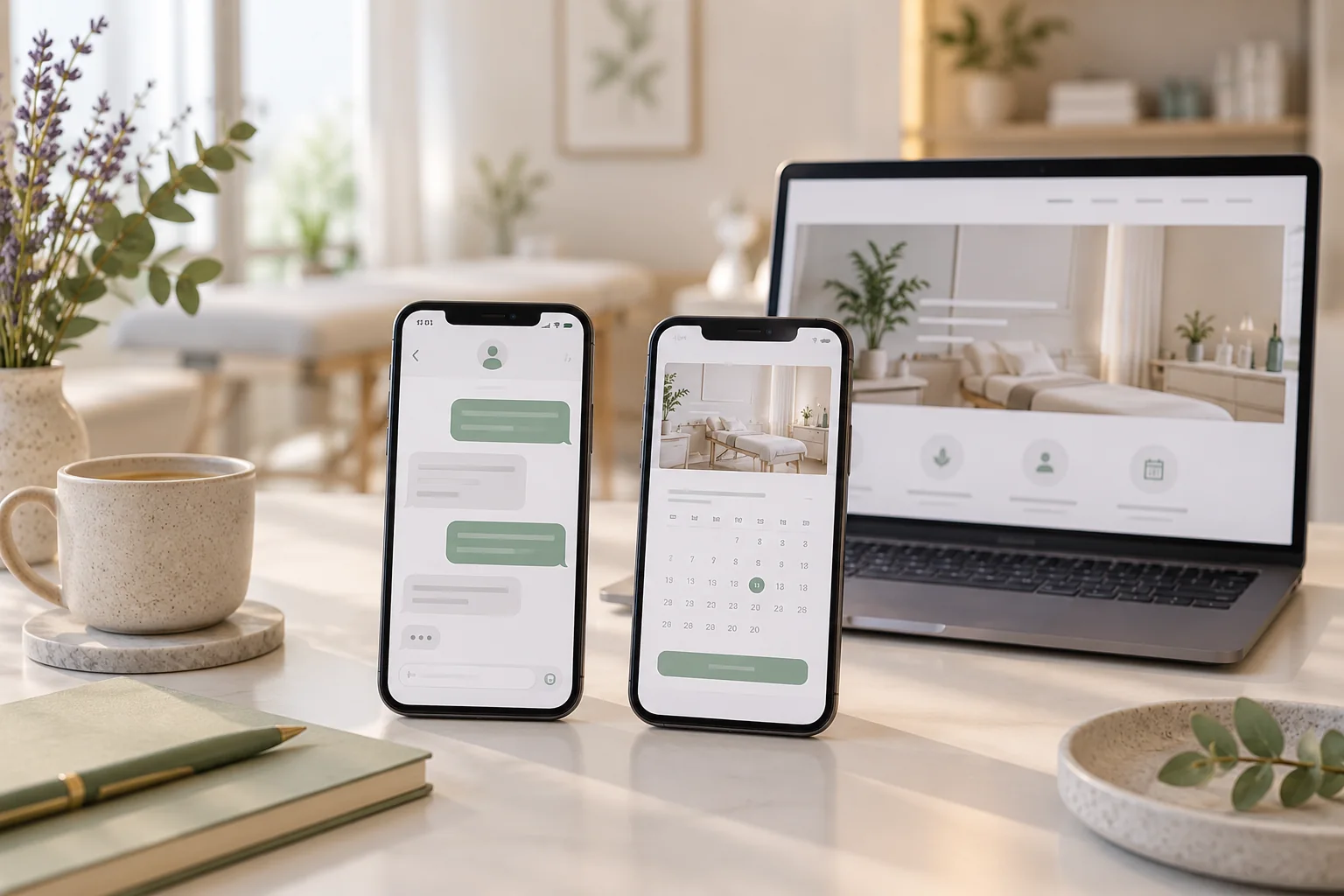
Book clinic appointments through WhatsApp by connecting Niwa to the clinic's messaging account and appointment schedule. A patient can ask about an approved service, choose an available time and provide the required contact details in the conversation. Niwa saves the appointment in the connected schedule and gives the patient the booking details.
Niwa uses your website's clinic information to explain services, published fees and locations before performing the booking action. Reception can then work from the recorded visit rather than asking the patient to repeat the same enquiry by phone.
Choose the schedule reception will use
Decide where staff will find the completed appointment. Niwa provides a booking system with services, staff availability and appointment records. If the practice uses an external scheduler, define its supported booking connection or use that scheduler's approved booking link.
Keep one authoritative appointment schedule. Two separate calendars do not share availability merely because a chat or website links to both. Account for visits arranged by phone and at reception when preparing the availability patients can reserve.
Some clinics allow immediate reservations; others require staff to approve particular visit types. Configure that distinction around the clinic's process. A request awaiting approval should give the patient the expected next step, while a saved reservation should show the chosen appointment details.
Prepare the services patients can reserve
List the appointments the clinic permits people to book themselves. Give each a public name, description, duration, location and eligible staff. Set working hours, breaks, closures and the clinic's timezone.
A physiotherapy practice might publish an initial visit and a follow-up already requested by a clinician. Reception and the clinical lead should approve those definitions. The assistant can explain them using the website's service information without deciding which treatment a patient's symptoms require.
Choose the contact details needed to save the appointment and communicate with the patient. A name and one contact method may fit some processes; use the clinic's actual requirements rather than asking for every available field.
Connect WhatsApp for patient conversations
Follow the current Niwa installation and WhatsApp setup guide for your WordPress installation and receiving account. Its WhatsApp Web route describes enabling the connection, generating the QR code in WordPress and scanning it through Linked devices on the account's phone.
Use customer or lead access for patient conversations. Keep WordPress administration and other owner permissions with authorised staff. A patient needs the ability to ask about services and arrange a visit, not permission to edit the website or change the clinic's schedule rules.
After connecting, test with the access a patient will actually use. Check that incoming enquiries reach the correct clinic account and that the agent has the approved service and booking information for that location.
Let the agent use the clinic's website context
Keep service pages, published fees, addresses and attendance information current. Niwa can use that business context in the WhatsApp conversation, so a patient asking what a first visit includes receives the clinic's explanation before choosing a time.
Supply reception response hours and the contact process for questions requiring staff. If locations have different services or timetables, make those differences clear in their pages and booking configuration.
Individual medical assessment stays with the clinical team. When choosing a visit depends on an assessment, Niwa should offer the practice's approved staff route rather than request a symptom history and select a treatment.
Follow an appointment from question to saved record
Here is an illustrative routine booking for a clinic that permits first visits to be reserved directly:
- A patient asks on WhatsApp what the clinic's published first visit includes and whether Saturday appointments are available.
- Niwa explains the service, location and published fee using the clinic's website information.
- It checks the connected schedule and offers eligible available times.
- The patient chooses a time and supplies the contact details required for the appointment.
- Niwa saves the chosen service and time, then provides the booking details in the conversation.
- Reception can find the appointment in the configured schedule.
The patient can finish this booking within WhatsApp. A website booking entry remains useful for people who prefer a form or for a practice using an external scheduler's booking link. Explain that route when it is the clinic's selected process.
Keep personal information focused on arranging the visit
Someone asking about a fee or location does not need to provide medical history. For booking, collect only the administrative details the clinic needs to arrange the visit.
An appointment type can itself reveal health context. Review the messaging account, retained conversation material, booking records, AI connection and staff access together. Use the practice's approved clinical-intake system when detailed health information is necessary.
Publish a staff contact for booking changes and cancellations. For any action the clinic enables in conversation, check the affected record and give the patient details that match the saved result.
Check the recorded appointment before offering the service
Use fictional contact details controlled by the practice for an authorised setup test. Ask about a service on WhatsApp, select an available time and complete the booking in the conversation. Inspect the appointment from reception's side, including the service, location, provider, time and contact details.
Check any enabled notification separately. A saved appointment and a delivered message are different results. Also test an unavailable time, a service needing approval and a question that requires clinical staff.
If an appointment exists but its confirmation has not arrived, investigate the notification path without creating another reservation. If the account disconnects, restore the connection and verify patient access again. Keep the website booking entry and reception contact available as other ways to arrange a visit.
Plan the setup around the clinic's existing website
The standalone Niwa AI plugin can work on an existing WordPress site. Niwa Business is USD 150 for a custom WordPress website or migration, hosting, maintenance and AI tools adapted to the clinic. The proposal sets out the booking scope and billing terms.
Discuss your clinic's WhatsApp booking workflow. Bring the receiving account, approved services and the schedule reception uses, so the setup can connect the patient conversation to the recorded appointment your team needs.

