

How to Book Dental Appointments Through WhatsApp
Patients can ask practice questions, choose an available time and book an eligible dental appointment directly in WhatsApp with Niwa.
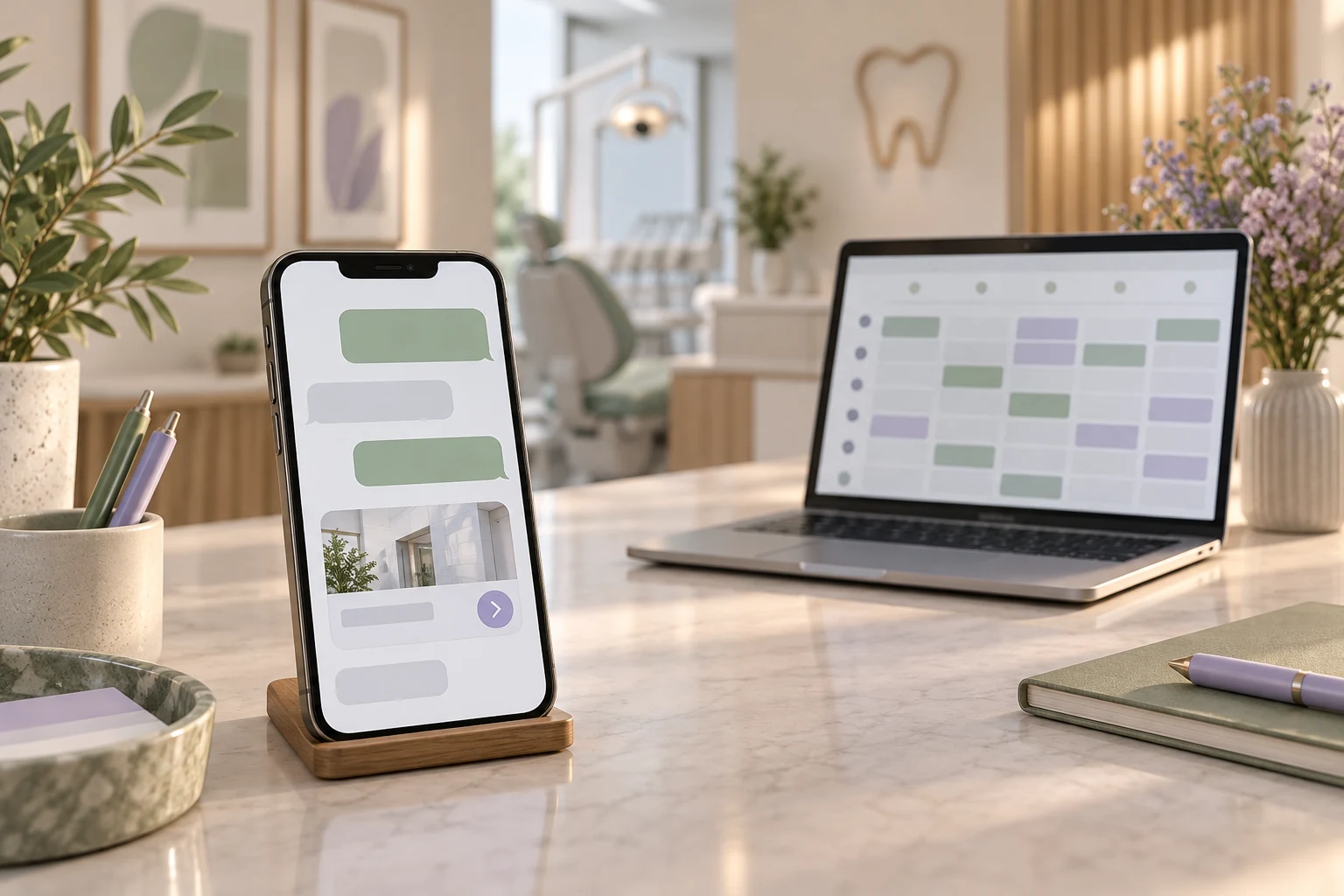
With Niwa, patients can ask about your practice and book an eligible dental appointment directly in WhatsApp. The agent uses your website's business context, configured services and availability to explain the visit, offer suitable times and save the selected reservation. Reception has a recorded appointment to work with, and the patient can arrange it without leaving the conversation.
Start with a visit reception is comfortable offering for direct booking. Configure its duration, provider availability and required patient details, then complete a test conversation through to the saved appointment. The practical result is a consultation in the schedule, rather than another message for staff to turn into a booking later.
Prepare the visits reception can offer directly
Choose the appointment types patients can book directly. Write clear descriptions and accurate durations, assign the people who provide them and configure their working hours, breaks and exceptions. Do not treat every open time as appropriate for every dental procedure.
A first-visit consultation might be suitable for direct booking. A visit linked to a treatment plan may need reception to check the clinician's instructions or equipment before agreeing a time. In those cases, Niwa can collect the enquiry for reception and explain the practice's response arrangements instead of reserving an unsuitable appointment.
Niwa has its own scheduling system and can connect with Google Calendar. Identify the authoritative diary and check the actual arrangement with your existing dental software. A Google Calendar connection does not itself establish Dentrix, Eaglesoft or Open Dental integration.
Configure the schedule behind the conversation
Set up the Niwa booking system with the services and availability the practice wants to offer. Give each service an accurate description so the agent can explain which visit the patient is arranging. Keep the local timezone and required contact details consistent with reception's working schedule.
With test details, ask for an available time and complete a reservation. Find the saved record and verify the service, provider, attendee and local date and time. Separately check the configured confirmation delivery. If a confirmation fails to arrive, inspect the existing booking before asking the patient to repeat it.
Try a closed day and a time that is already unavailable. Niwa should offer valid alternatives or use the practice's agreed reception route. The same schedule can support the website booking interface as well; a patient may choose that option without making a website visit compulsory for WhatsApp booking.
Connect the practice's WhatsApp channel
Use the practice's business account and follow the current Niwa WhatsApp setup, alongside the WordPress installation guide. Keep account access with authorized staff and agree who takes over conversations requiring a person.
Keep the website's practice information accurate: services, opening hours, location, published fees and appointment arrangements. Niwa uses that business context in WhatsApp, so the patient can ask about a service and continue to a booking in the same conversation. Include the route for requests reception must arrange and review who maintains those instructions.
Give customer conversations the permissions needed for patient assistance and booking. Keep website editing and other owner administration with authorized staff. Connecting the channel should let a patient arrange a visit without giving them access to change the practice's content or booking rules.
Write the conversation around the patient's next action
Consider a prospective patient asking whether a consultation is available on Friday afternoon. Niwa can explain the practice's first-visit arrangements, offer available times and ask for the details needed to book. The patient selects a time in WhatsApp, and Niwa saves the consultation in the configured schedule.
The final reply should identify the service and agreed date and time from the saved appointment. If the patient returns to chat asking about the confirmation, reception can inspect that record. A question about Friday availability and a completed Friday booking remain separate stages of the same conversation.
For a service that requires reception, explain that a preferred time is a request. Give the patient the approved next step and the practice's actual response arrangements. A message acknowledging their enquiry should not pretend a staff member has already reviewed it.
Keep urgent and clinical questions with the team
Publish the practice-approved urgent contact instructions in a visible place, including the after-hours arrangements. Do not require a patient to complete chat intake to find them. The ADA's emergency treatment guidance supports a defined contact and contingency plan.
Niwa handles administrative questions and booking. Diagnosis, deciding whether a symptom can wait, prescribing and individual treatment advice are clinical responsibilities. The assistant can refer the patient to the team's approved contact route without trying to resolve the medical question.
Use the practice's approved intake system for detailed histories, photographs or clinical documents. WhatsApp conversations and appointment records can contain sensitive information. Review your hosting, AI, messaging and scheduling providers, access and retention together; Niwa's data-processing explanation helps identify those connections.
Test the complete route from a patient's phone
Send a routine service question to the connected practice account. Check the answer against the website's approved information, choose an available appointment in the conversation and complete the booking with test details. Find the resulting record with reception and check the confirmation sent to the patient.
Also test an unavailable service, a fully booked period and a request needing staff. Have a staff member confirm how an unresolved conversation reaches reception. If you use multiple patient languages, review the service names, instructions and confirmation meaning in each language.
Count completed WhatsApp bookings and requests that reception successfully follows up. Keep ordinary replies, saved appointments and attended visits separate. These records show whether patients obtained a suitable next step and where the practice needs to improve the process.
Discuss dental appointment booking through WhatsApp with Niwa. Send the website address, current scheduling system and appointment types so patients can receive practice answers and arrange eligible visits directly in the conversation.

