

Fresha Alternative for Salons
Explore Niwa as a Fresha alternative for direct WhatsApp booking and WordPress work. Compare salon requirements and plan clients, records and a switch.
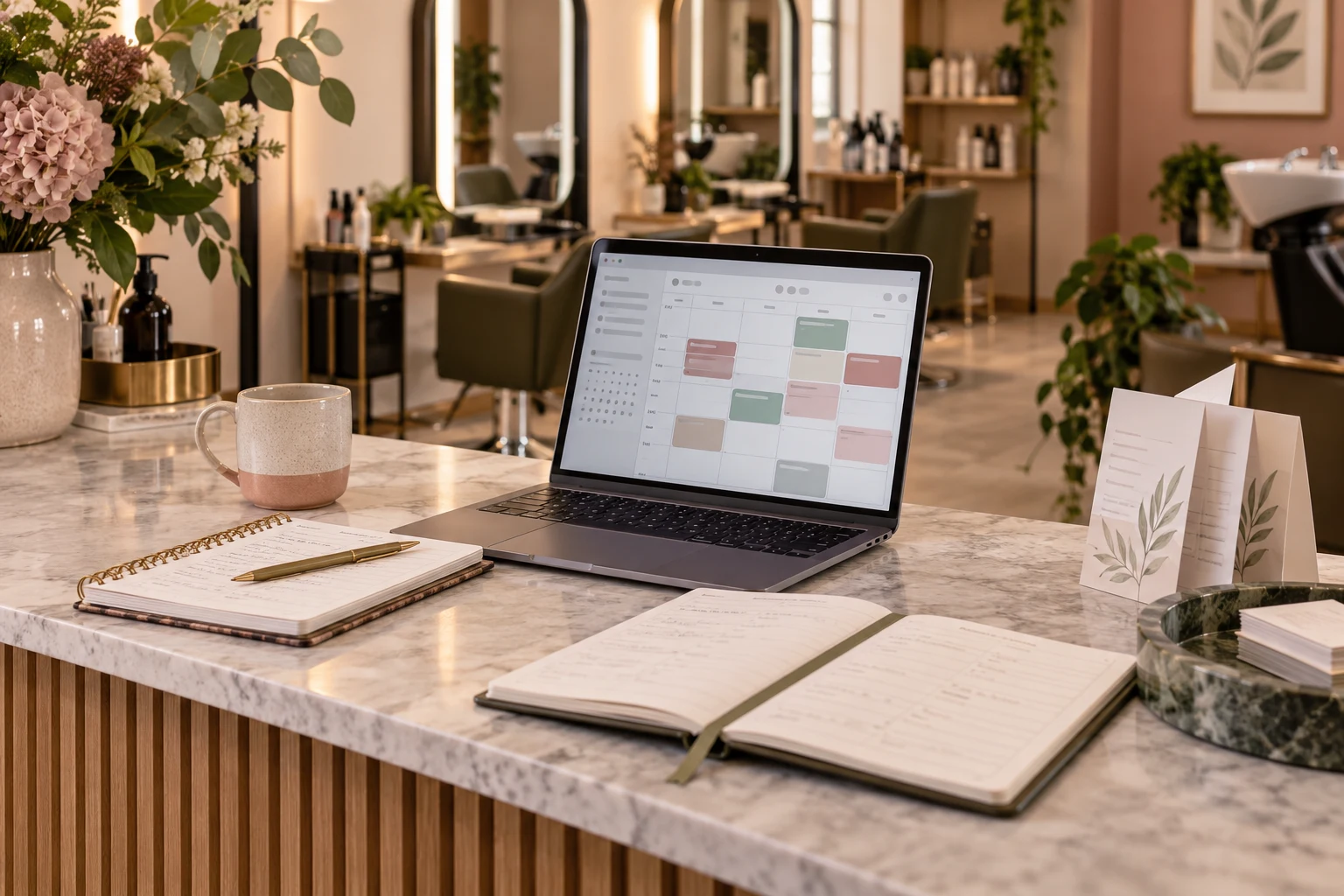
Niwa is a Fresha alternative for a salon that wants direct booking through WhatsApp or website conversations. Its intelligent agent uses the website's business context to explain services, book appointments and support sales workflows, while helping the owner maintain WordPress. Before replacing Fresha, check the calendar, payments, client records and marketplace bookings your salon depends on, then plan where each will live.
A successful move is not simply a new booking button. Clients need a working route, staff need one reliable schedule and existing obligations need to remain visible. You can also retain Fresha for specific work while introducing Niwa around your website. The right choice depends on what you want to change and what should keep working.
Identify the reason for changing systems
Write down the problem in business terms. Perhaps clients keep asking which service to choose, while your website provides too little guidance. Perhaps updating prices and descriptions requires too much owner time. Or you may want to compare the cost of your current subscription and client-acquisition channels.
Niwa connects the salon's website information with direct booking and sales actions in customer conversations. Fresha combines salon scheduling with client and commercial tools, and its marketplace can bring people who have not visited your own website. If that discovery supplies useful clients, replacing the appointment software does not automatically replace the demand.
For the head-to-head feature and price discussion, read Niwa vs. Fresha. This article concentrates on choosing a replacement and managing the transition without losing track of the salon's work.
Build a shortlist around the business you run
Niwa belongs on the shortlist when the salon wants an agent that understands its services and completes bookings through WhatsApp or website conversations. The standalone plugin can work on an existing WordPress website. It is also relevant when the owner needs help maintaining service content and connected business tasks.
Square Appointments is worth evaluating if payment and point-of-sale operations are central to the salon. Its current plan page shows what belongs in each package. Acuity is another option when appointment configuration and intake requirements matter; use its official plan comparison to check calendar and feature needs.
You may also decide that Fresha still fits. Its current pricing, checked October 9, 2026, listed USD Independent at $19.95 monthly and Team at $14.95 per bookable team member monthly. Eligible new marketplace clients carried a one-time 20% acquisition commission with a $6 minimum. Direct booking links were free; payment processing and add-ons were separate. Check country and account terms.
These are options with different scopes, not a ranked claim that one replaces every function of another. Choose two or three candidates that can handle your actual appointment and staff requirements, then investigate the functions you use after booking as well.
What the Niwa customer journey looks like
A client asks on WhatsApp whether a colour appointment needs a consultation first. Niwa answers using the salon's website and service information and brings in the team when an individual assessment is needed. It can offer available times, collect the necessary details and book the appointment directly through the conversation.
The Niwa booking setup needs accurate services, durations and staff availability. Your service pages should explain the choice customers are making. Niwa can help the owner update that WordPress content, so the site continues to support the booking journey after launch.
If you keep Fresha, the assistant can instead point clients to your Fresha booking link. Those appointments remain there. There is no native Fresha-to-Niwa synchronization or full automatic migration being promised in this alternative.
Separate client export from a full migration
Fresha documents an Excel or CSV client-list export. Exporting that list gives you a file to inspect. It does not establish that future appointments, payment information, outstanding packages or every note can be transferred into a new system automatically.
List those records separately. Check the supported export and destination import for each category before promising your team a complete transfer. Keep access to the records needed to serve clients and reconcile the existing bookings. This article does not claim a Niwa importer for a Fresha export.
Avoid changing the meaning of a client's marketing preference during a software move. Review how contact information will be used and keep the relevant permissions and communication choices visible. A copied contact file alone is not a new instruction from the customer.
Make the change with one agreed calendar
Configure the candidate system using a representative service, then test its availability and booking steps. Compare the completed appointment with the client's confirmation and the staff view. Resolve duration, service selection and unavailable-time problems before switching the public route.
Agree on a cutover point for new bookings. Staff should know where existing appointments remain and where new appointments will be recorded. Update website buttons and the booking links your business actually shares. Keep a way to restore the previous route if a practical check fails.
Use a small, controlled set of tests rather than directing customers to two independent calendars for the same staff time. After the change, check ordinary mobile booking and the team's process for changes and cancellations. The transition is finished when the people delivering the service can use it reliably.
Discuss the website and booking scope
The Niwa setup guide covers the existing WordPress plugin option. Niwa Business is USD 150 for a custom WordPress website or migration, hosting, maintenance and AI adaptation. Your own supported AI subscription connection has no extra Niwa AI usage charges or Niwa-imposed usage caps, while provider terms and limits still apply.
Send Niwa your salon requirements: website, staff count, services and the Fresha functions you need to preserve. Include whether you want to leave Fresha or improve your own website while retaining it. That makes the next step a concrete replacement or coexistence plan, rather than a promise that a new assistant will recreate the entire salon platform.

