

How to Get Cleaning Leads from Your Website
Help visitors see whether you serve their property and give them a clear way to request a cleaning quote.
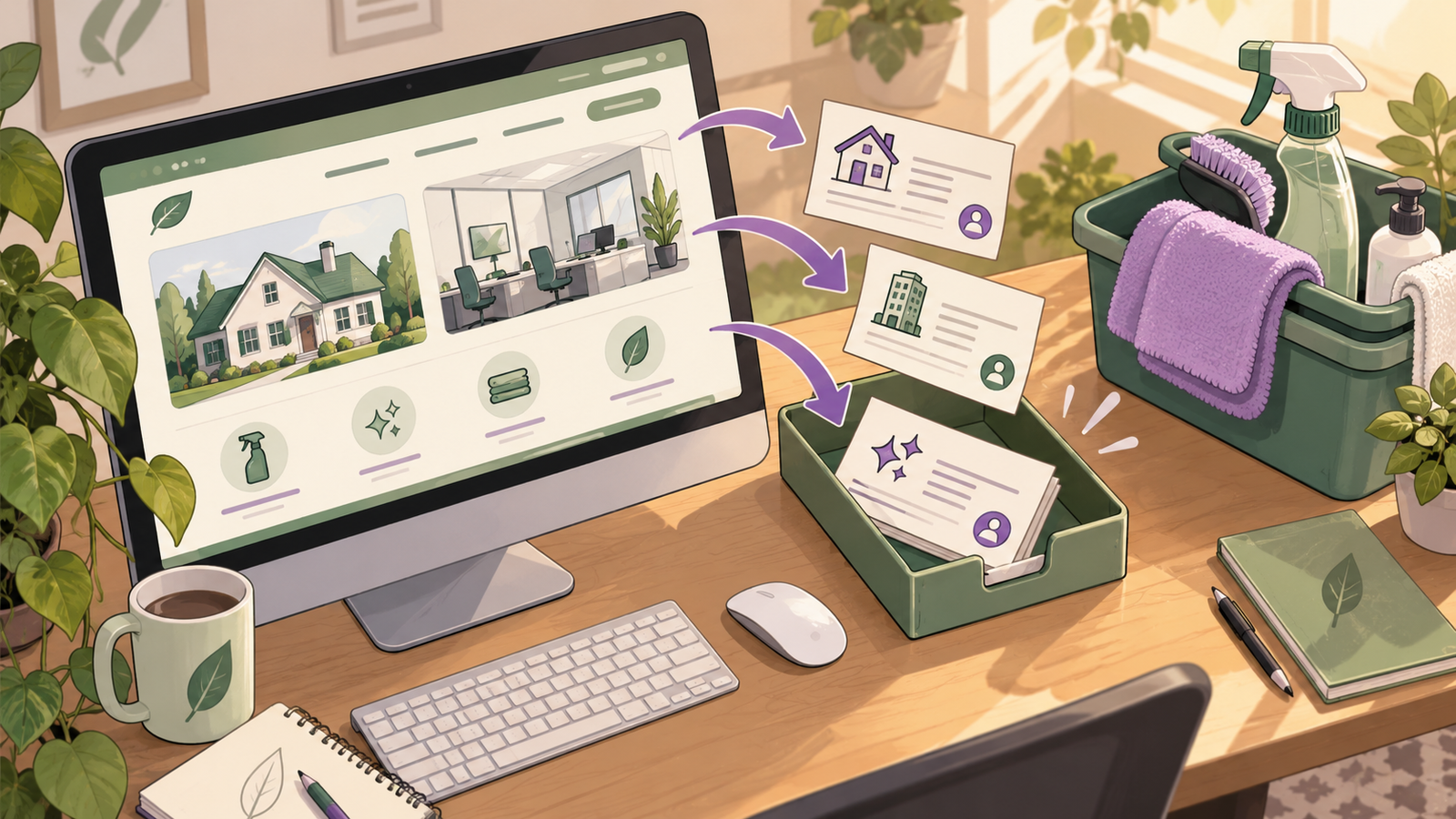
To get cleaning leads from your website, show which properties and areas you serve, explain the work you offer and make requesting a quote easy. Then check that each enquiry reaches someone who can respond. Niwa helps visitors understand your cleaning services and gathers the details your team needs to assess a request, on your WordPress site or WhatsApp.
The website needs both relevant visitors and a useful next step. An assistant can help a person already considering your service. It does not create local demand or guarantee a position in Google.
Start with the cleaning work you want to attract
Write a service page around an actual job: regular house cleaning, a move-out clean or an office cleaning contract. Explain what is included, what needs a separate quote and where you work. A visitor should be able to decide whether their property fits before sharing contact details.
For a move-out page, useful details might include whether the property should be empty, which appliances are included and whether you offer a walkthrough. For office work, explain the premises you accept and how you arrange a site assessment. Use photographs of your own work where you have permission, and genuine reviews with clear attribution.
Avoid publishing near-identical pages for every suburb. A separate location page should contain information that helps someone in that area, such as real coverage or relevant work examples.
Bring local prospects to the right page
Check the website link in your business listings, email signature and referral material. Send someone asking about office cleaning to that service page, where the next step fits a commercial enquiry.
For Google Business Profile, keep business information accurate and complete. Google's local ranking guidance identifies relevance, distance and prominence as factors. A cleaning company that visits customers should also follow the service-area rules, including hiding an address where customers are not received.
These checks help you present the business accurately. They do not guarantee traffic. If relevant visits are scarce, examine how people discover you before changing the quote form repeatedly.
Offer a useful first conversation
Place a clear quote request beside the service description. Ask first for the service, area and approximate property size. Explain that the team may need more details or a visit before confirming a price.
The Niwa website assistant can explain the published scope and help a customer describe their request. Supply current service information, coverage, exclusions and the route to your team. A visitor asking about a deep clean should receive an explanation relevant to that job, rather than a general sales paragraph.
Keep a visible form or contact option for people who prefer it. Do not make opening a chat the only way to enquire.
Make the handover measurable
Choose where quote requests will be saved and who checks them. Test the destination used by your setup, whether it is an existing form inbox or your chosen lead workflow. Confirm that the record contains the customer's contact details and service request. A message saying a request was sent is not enough on its own.
Tell customers what happens next without inventing a response deadline your team cannot meet. Where an assessment is appropriate, Niwa can use your booking availability to offer and reserve an assessment visit on the website or WhatsApp. A request for a quote should not be presented as an accepted cleaning job.
Count useful enquiries and accepted work
Review relevant page visits, submitted enquiries, suitable quote requests and accepted jobs over the same period. Keep the definitions consistent. A person opening the assistant has not yet become a lead; a form submission is not automatically a sale.
For example, a hypothetical month with 200 service-page visits and 12 valid enquiries has a 6% enquiry rate. If four become accepted jobs, record that separately. These illustrative numbers show the calculation, not a Niwa performance claim.
Read the unsuitable requests too. Repeated enquiries outside your area may mean coverage is unclear. Requests for a service you do not offer may mean the page needs a better scope description.
Check the path on a phone
Open the service page on a mobile connection, request a quote and confirm the saved record. Try an incomplete request and a customer outside your area. Check that the customer can find a person when the assistant cannot resolve a question.
If you need a new site, Niwa Business is USD 150 and includes a custom WordPress website or migration, hosting, maintenance and AI adaptation. Existing WordPress owners can use the standalone plugin. Send Niwa your website and the cleaning work you want to attract to discuss the enquiry flow.

