

How to Add UTM Parameters to an Ad Link
Build a UTM-tagged ad link with source, medium, campaign and creative labels. Test redirects, existing parameters and private-data mistakes.
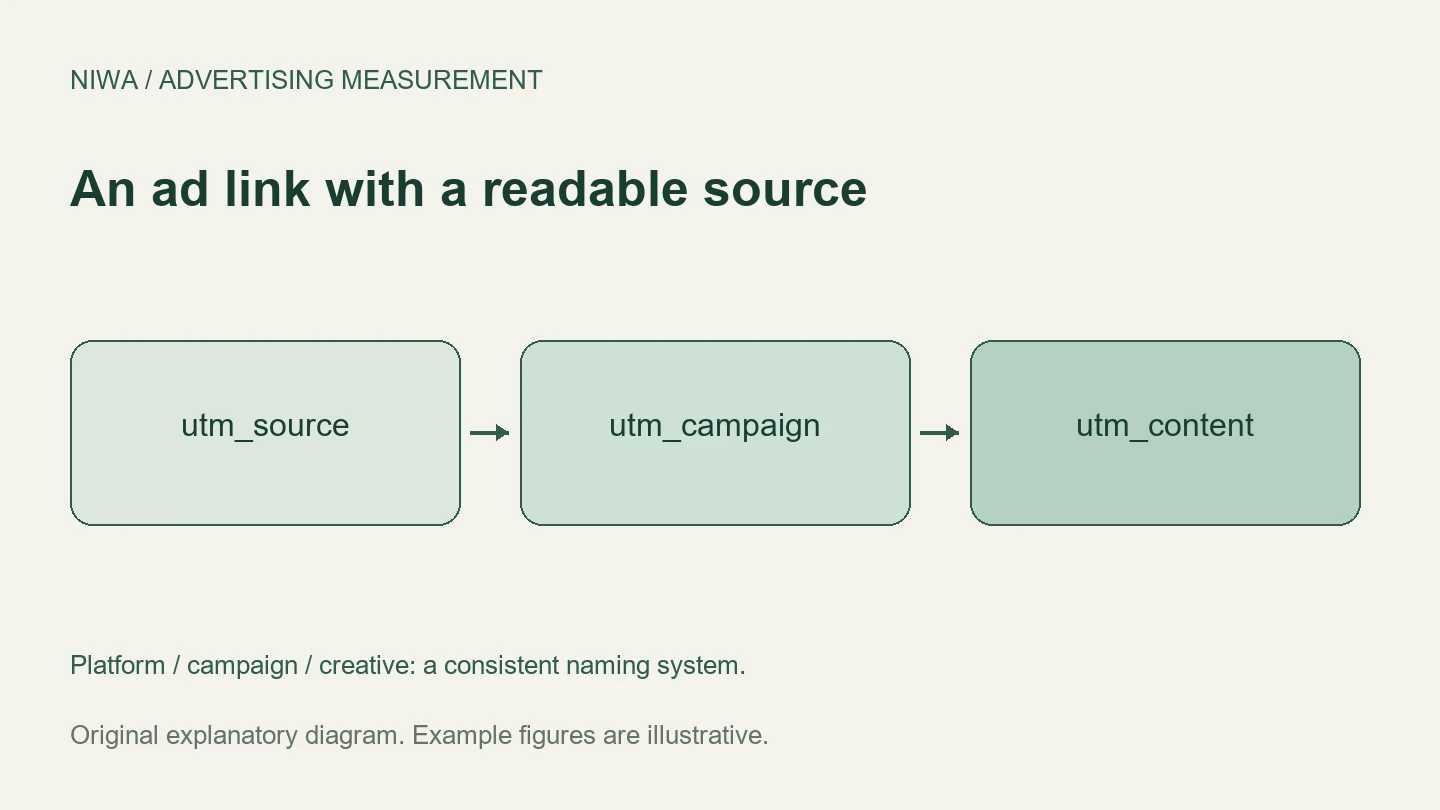
Add UTM parameters to an ad link by entering the destination URL in a campaign URL builder, setting the source, medium and campaign, and copying the resulting URL into the ad’s destination or supported tracking field. Add a content label when you need to distinguish creatives. Test the finished link before sending traffic.
The parameters identify the traffic; they do not create analytics tracking or prove a sale. On a Niwa-powered WordPress site, a visitor can ask a product or service question after arriving. Your measurement setup must retain the source as that visitor moves to an enquiry, purchase or booking. See the Niwa customer journey to choose the outcome you want to connect to the link.
Choose the destination first
Use the actual public landing page that opens correctly on mobile and desktop. Follow any existing redirects before constructing the link, so you start with the final intended destination. Avoid putting an admin, preview or private customer URL into an ad.
For this example, the destination is https://example.com/services/. This is an illustrative URL, not a live Niwa customer page.
Fill in the source, medium and campaign
Google’s campaign URL guidance recommends including all three core fields. Agree on a naming system before generating many links.
| Parameter | What it identifies | Example value |
|---|---|---|
utm_source |
The platform or referring source | facebook |
utm_medium |
The traffic type | paid_social |
utm_campaign |
The campaign | autumn_service |
utm_content |
A creative or link variation | video_01 |
Use utm_term only when you have a clear keyword or other agreed reporting purpose. A campaign ID in utm_id can help match a campaign to imported cost data when the implementation calls for it.
Keep values consistent and case-sensitive. Facebook and facebook can become separate report values. Decide once how to represent each platform, traffic type and campaign, then keep a register that everyone uses. The platform labels are reporting data, not language-based rules for detecting customer intent.
Build the complete URL
The resulting example is:
https://example.com/services/?utm_source=facebook&utm_medium=paid_social&utm_campaign=autumn_service&utm_content=video_01
The first query parameter follows a question mark. Further parameters are joined with ampersands. If the original URL already has a query string, add the UTM fields to it with an ampersand rather than introducing a second question mark.
For example, a destination ending in ?service=cleaning becomes ?service=cleaning&utm_source=facebook.... If a URL includes an anchor such as #pricing, the query string belongs before that anchor.
Use a URL builder or the platform’s supported interface to encode values containing spaces or special characters. Do not hand-edit a long string until it only looks plausible. Open it and confirm that the intended service, product or page still loads.
Place it in the right advertising field
For a simple ad platform, the tagged URL may be the final destination. Other platforms separate the final URL, tracking template and final URL suffix. Follow that platform’s current field instructions so the base URL and query string are not repeated.
If a working Google Ads account uses auto-tagging, preserve it and its click identifiers. Manual UTM labels can serve a separate reporting need, but they should not replace the existing click-to-conversion match. Dynamic parameter syntax also differs between platforms. Preview the actual resolved values instead of copying another platform’s macros.
Do not put UTM campaign labels on ordinary internal links from one page of your own site to another. Those links do not represent a new advertising source and can muddy the journey you are trying to understand.
Test the redirect and the result
Open the completed link in a fresh browser session. Check the final address after redirects. Confirm that the campaign values reach your analytics or lead-capture implementation. In GA4, manually tagged campaign data appears in acquisition reporting; a live diagnostic view can help confirm collection before standard reports finish processing.
Next, complete the intended test action. A tagged landing page visit is not enough if the form, checkout or external booking step drops the source. Verify the saved record rather than relying on the browser address alone.
If source values are missing, check redirects and whether the analytics code is allowed to run in the chosen consent state. If reports split one campaign across many rows, inspect inconsistent spelling or capitalization. If an ad sends visitors to the wrong service, fix the destination before interpreting conversion rates.
Keep private details out of the link
A campaign label should describe a campaign or creative. Do not include a customer’s name, email address, phone number or private enquiry in a UTM value. URLs can appear in browser history, logs and shared links. Google’s Analytics PII policy also prohibits sending identifying personal data in ordinary Analytics collection.
For a WordPress workflow with Niwa, use the setup guidance to prepare accurate answers and the next customer step. Existing sites can use the standalone plugin. Niwa Business is USD 150 for a custom WordPress website or migration, hosting, maintenance and AI adaptation. Contact Niwa with your destination page and intended customer action to discuss the workflow you need to track.

