

How to Increase Conversions on a WordPress Website
Improve the route from a WordPress page to a received enquiry, booking or purchase with clearer information, usable forms and relevant help.
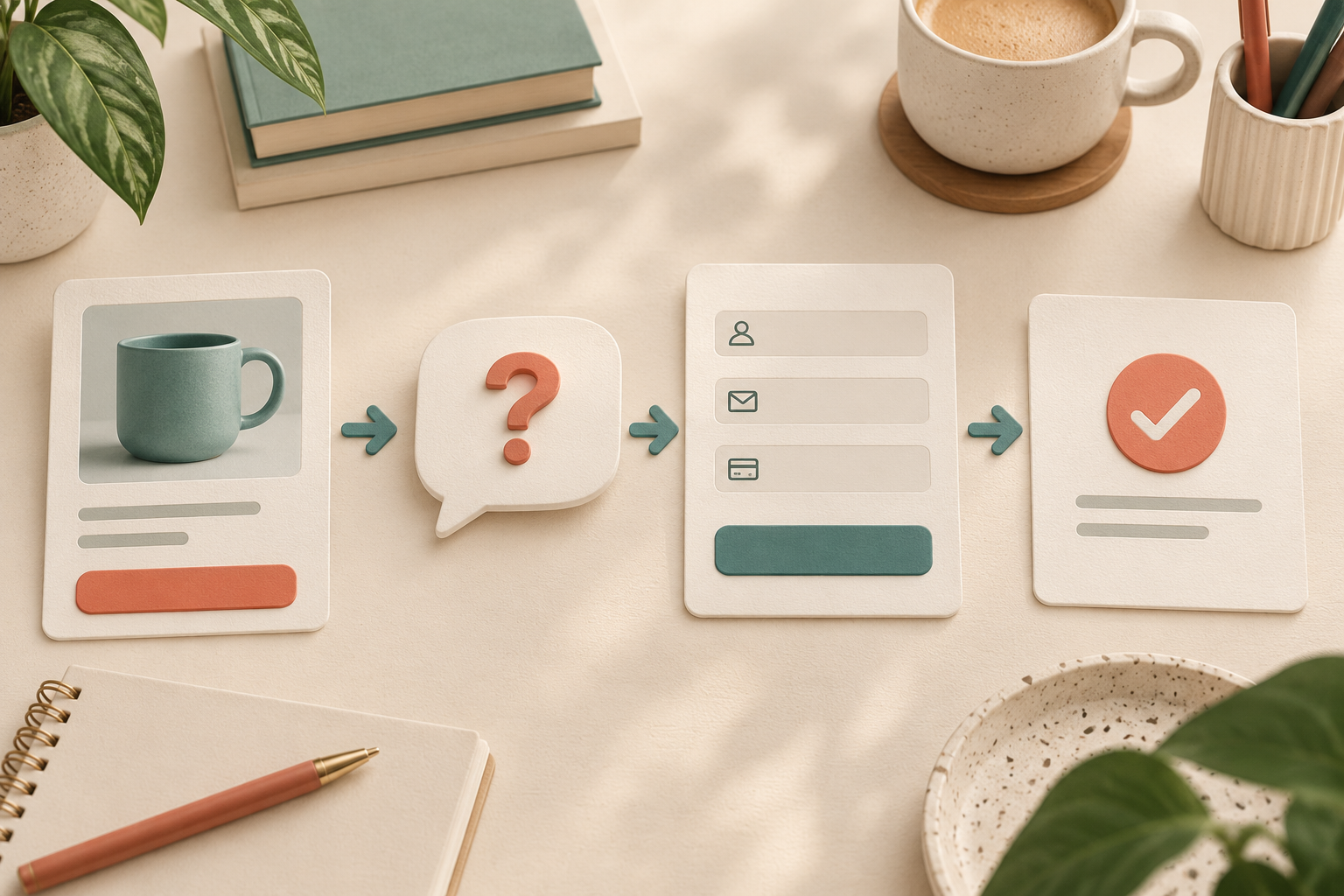
Increase conversions on a WordPress website by giving each important page a clear job, answering the questions that block a decision, and making the next action easy to complete. Start with the route from a visitor's entry page to a confirmed enquiry, booking or purchase. Extra traffic will not repair a confusing offer or a form that fails on a phone.
For businesses that receive questions before a sale, Niwa's storefront AI assistant answers from the product catalogue and business information, explains the relevant options and directs a visitor to a useful page. Connect that help to the action the page is designed to support.
Decide what the page should help someone do
Choose a primary action for each page before changing its design. A service page might aim for a suitable enquiry; a product page should help someone choose an available item and buy it. A booking page needs a completed reservation, rather than a count of people who opened the calendar.
Write the action in plain language. "Request a quote for office cleaning" tells the reader more than "Submit." Put it beside the information needed to make that decision. Navigation can offer other routes, but competing buttons should not give equal prominence to unrelated actions.
In the WordPress editor, update the heading, opening paragraph and main button together. Check that the button points to the intended destination after saving. If a page builder controls the page, make the change there so its next save does not overwrite it.
Put decision information beside the action
A visitor should be able to understand what you provide, who it suits and what happens next without searching the footer. For a service, explain the area covered, the work included, any information needed for a quote and the contact process. For a store, show the product's relevant dimensions, price, availability and delivery conditions.
Use real evidence where you have it: photographs of the work, a named case study you have permission to publish, or a review attributed to its source. Avoid replacing missing evidence with claims such as guaranteed results or invented customer totals.
Read the page as a new customer. If you must open three other pages to answer a normal question, move a concise answer closer to the decision. Keep the detailed policy linked for anyone who needs the full terms.
Repair the form or checkout before adding more prompts
Complete the primary action yourself on a desktop and a phone. Use an approved test payment route for a store. For an enquiry, check both the visible confirmation and delivery to the person responsible for responding. A thank-you message alone does not prove the enquiry reached the business.
Keep form fields relevant to the first conversation. An email address and a short description may be enough to start a quote; a delivery address usually belongs later. Use visible labels, explain required information and put errors beside the affected fields. The W3C forms guide provides practical guidance on labels and feedback.
For WooCommerce, review account requirements and test the shipping and payment methods your customers can actually use. Guest checkout is a native setting when your products and business model permit it. Subscription or membership purchases may need an account.
Offer help where a real question interrupts progress
Consider a visitor comparing two products. A useful assistant can ask about the intended use, explain a documented difference and link to the relevant item. A generic invitation to chat is less useful if the assistant cannot access the information behind the choice.
Connect Niwa to accurate WooCommerce product records and approved business information. Its workflow overview shows how product explanations lead to a next step on the website. Test a real variant, an unavailable item and a policy exception. If a fact is missing, provide a contact route and update the source before offering that answer.
Repeated questions can also reveal a page improvement. If people keep asking whether installation is included, answer that directly on the product or service page. Help should reduce the need to repeat the same conversation.
Keep the mobile route usable
Open the page with the phone keyboard showing and with the chat panel expanded. Check that the button, form error and checkout total remain visible. Remove overlapping sticky elements and oversized images before adding another overlay.
Measure loading, responsiveness and layout movement with Core Web Vitals, and inspect the actual page on a phone. A fast first screen is not enough if the form freezes when someone submits it. Compress oversized images using your existing media workflow and remove unnecessary widgets rather than installing several competing optimisation plugins.
Check the result that matters to the business
Record completed orders or valid enquiries, along with enough context to know which page they came from. Keep button clicks as supporting information. For a service business, a rise in enquiries that are outside its service area can create work without improving sales.
For example, an office-cleaning page could show its covered area beside a short quote form, explain what details the team needs, and offer Niwa assistance for questions about the service. The useful result is a received enquiry the team can act on. This is an implementation example, not a claim about a measured customer result.
Do I need to rebuild my WordPress website?
Often, changes to the existing page, information and contact route are enough to begin. Niwa has a standalone plugin route for existing WordPress owners. A rebuild should solve an identified limitation, rather than become a prerequisite for every improvement.
What if conversions still do not improve?
Verify that the action succeeds and the incoming visitors match the offer. Then investigate the specific point where the route fails. Avoid changing every page element at once, because you will lose the ability to understand what helped.
Discuss the route you want to improve
Contact Niwa with the page URL, the action customers should complete and the questions they ask before doing it. Niwa Business is USD 150 and includes a custom WordPress website or migration, hosting, maintenance and business-specific AI adaptation. Confirm the billing terms and project scope before ordering. Existing WordPress businesses can discuss the standalone plugin instead.

