

What Should a Medspa Booking Form Ask?
Ask for the medspa appointment and contact details needed to arrange a consultation. Use clear labels and keep medical-history intake in the approved clinic process.
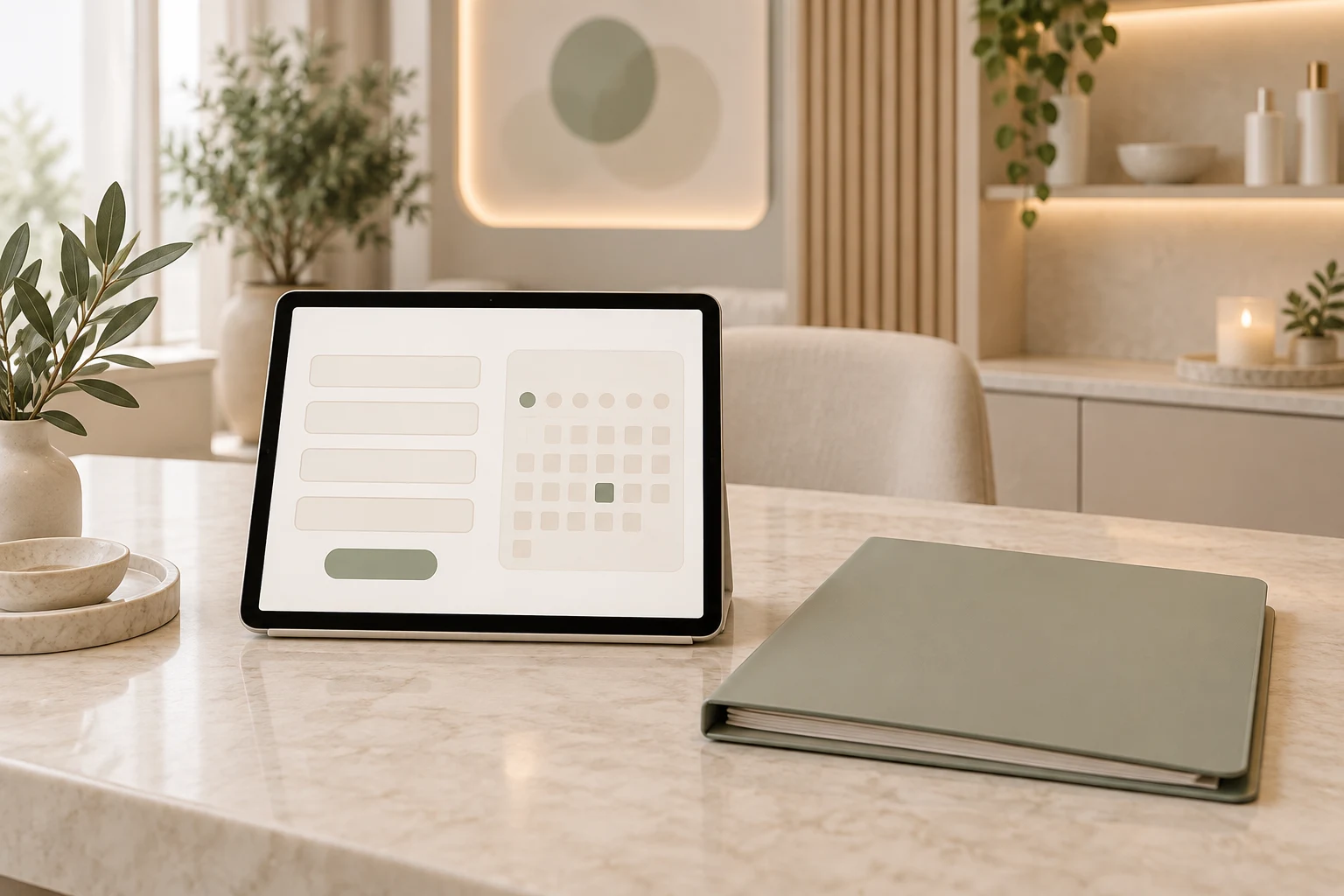
A medspa booking form should establish the consultation being reserved, the selected date and time, the patient's name and the contact details needed to arrange the visit. Ask for additional information only when it serves that booking purpose. Keep medical history, treatment suitability and clinical consent in the clinic's approved intake process.
Niwa's website booking system lets you configure consultation services, staff availability and required name, email and phone fields. Its assistant can explain the visit before the form opens. Niwa also uses the clinic's website context and schedule to collect the required contact details and complete reservations directly in WhatsApp.
Establish the appointment before collecting contact details
Show the consultation service, location, selected time and relevant staff assignment clearly. These are appointment details, even when the person selects them through calendar controls rather than typing into form fields.
Use a patient-facing service name. Someone exploring skin treatments should be able to book the clinic's consultation without having to decide on a procedure before assessment.
If the process sends a request for staff approval, make that clear before submission. A preferred time is not a reserved appointment until your workflow confirms it. When the service is immediately bookable, the confirmation should reflect the actual saved service and time.
Choose a useful contact requirement
Collect the name reception needs to identify the booking. Decide whether email, phone or both are required for the way your clinic communicates. Explain any formatting requirement, such as entering a phone number with its country code.
Do not make every possible contact field compulsory without a reason. If email is sufficient for your appointment process, consider whether reception really needs a phone number at that point. Conversely, do not remove a field the team needs to arrange the visit.
For example, an initial consultation might use the selected service and time, the patient's name and the clinic's chosen contact method. That is a booking record. Any later request for medical history belongs in the approved intake workflow.
Keep the form usable on a phone
Give fields visible labels, identify what is required and explain errors beside the affected input. Placeholders alone disappear as someone types and should not carry the whole instruction.
W3C's forms tutorial covers labels, instructions and controls that people can understand and operate. Check keyboard access as well as touch input. A person should be able to correct an email error without reselecting the appointment or retyping every detail.
Show a short explanation of how the submitted information will be used, with a relevant privacy-notice link. If you also ask for marketing permission, keep that separate from arranging the appointment and use the requirements relevant to your jurisdiction. Do not describe a marketing opt-in as medical consent.
Separate clinical intake from reception booking
Avoid adding a default upload field for facial photographs, medical records or prescriptions to the booking form. Your clinical team may need some of these later, but that is a different purpose and handling process.
For UK clinics, the ICO's data-minimisation guidance says information should be adequate, relevant and limited to what is necessary. Its health-data guidance also explains that some appointment details can reveal health information. An administrative-looking form still needs appropriate handling.
For US clinics where HIPAA applies, HHS guidance on cloud services and ePHI addresses the relevant provider arrangements and safeguards. These are jurisdiction-specific considerations, not a claim that every medspa or appointment form has the same obligations.
Test the submitted record, not just the appearance
Use an isolated test reservation with your team. Check a valid booking, an incomplete contact detail and a time that has become unavailable. Read the saved appointment in the authoritative schedule and compare the service, staff member, time and contact fields.
If the journey begins in chat, test it from the first question. A person can ask Niwa what the consultation involves and then book on the website or directly in WhatsApp by choosing an available time and providing the required information. Verify the record rather than treating a button click as a reservation.
Review which fields reception actually uses and which cause avoidable errors. Optional access or communication needs should have a clinic-approved contact route. Do not use an unrestricted medical free-text field simply because it might collect useful information someday.
Put the booking form in a complete enquiry journey
The medspa booking assistant connects practical answers with a consultation reservation. Existing WordPress owners can use the standalone Niwa AI plugin without rebuilding their site.
Niwa Business is USD 150 for a custom WordPress site or migration, hosting, maintenance and AI adaptation. Bring your current form and explain which details reception needs to discuss a consultation booking setup. An AI-built site concerns production; an AI-powered site continues helping patients complete these practical steps.

