

How to Handle Medspa Enquiries After Hours
Answer medspa questions and book consultations on your website or WhatsApp after reception closes. Give questions needing a person a clear staff contact route.
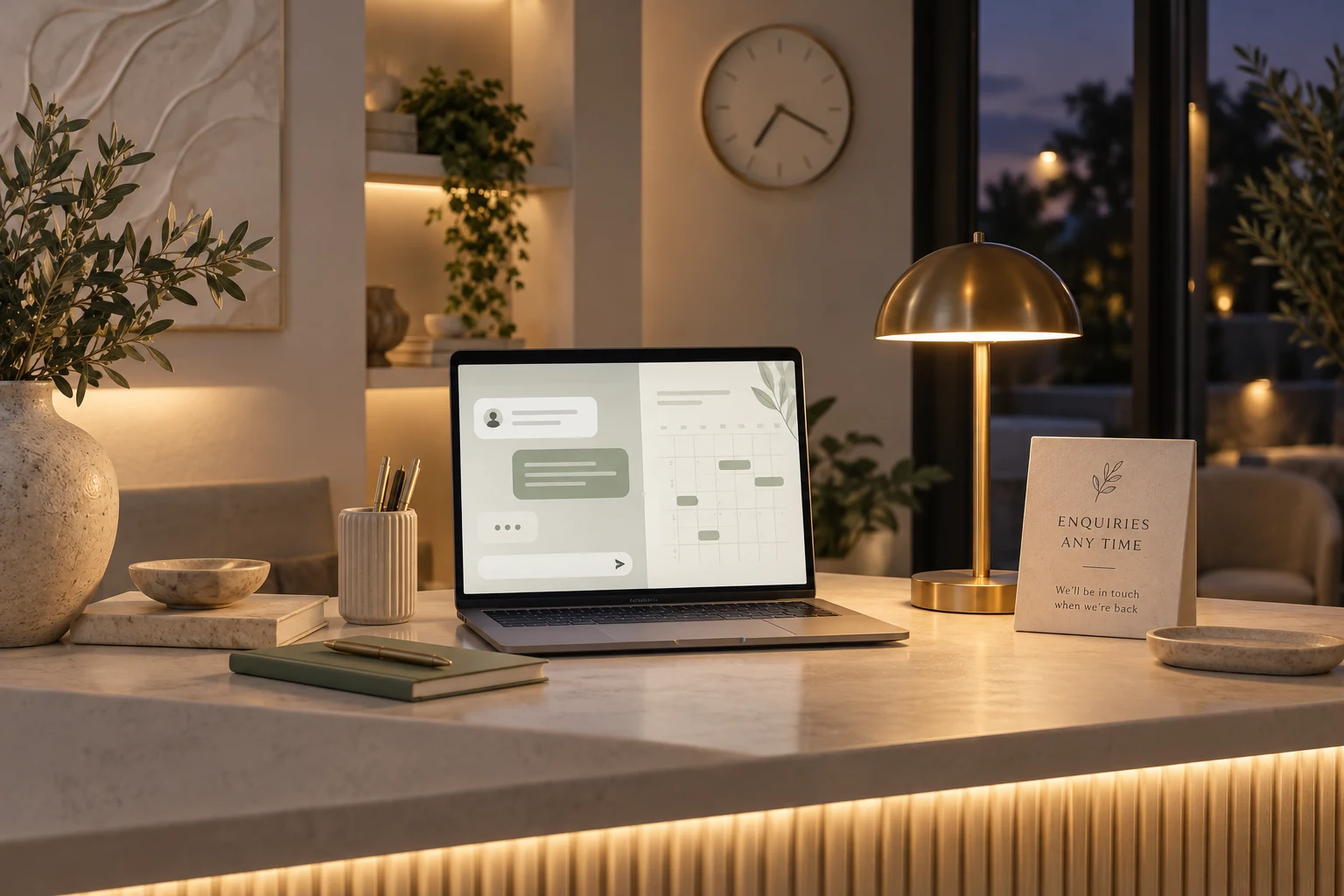
Handle medspa enquiries after hours by answering routine service and appointment questions, offering available consultations on the website or WhatsApp and stating when a person will respond. Keep the clinic's approved clinical and urgent-contact instructions visible for questions that cannot wait for normal reception hours.
Niwa can answer from your clinic information on the website and WhatsApp while reception is closed. It can check availability, collect the required contact details and complete a consultation booking directly in WhatsApp, as well as through your website. Availability of reception assistance should be described separately from availability of a practitioner.
Publish the hours for each kind of help
Your clinic's opening hours, appointment availability and staff response hours may differ. Make all three understandable. A person can book a future consultation in the evening without expecting a practitioner to be online that evening.
State who checks enquiries requiring a person and when that check happens. Use a specific working pattern your team can maintain, such as reception reviewing messages during its published hours, rather than promising an immediate human reply.
Display the clinical contact route on the website and in patient aftercare material where appropriate. Patients should not need to navigate a chat to find information the clinic has already approved for them.
Keep routine answers ready when staff are away
Supply Niwa with current opening hours, consultation services, published fees, location and booking policies. Review exceptions such as holidays or a temporary location change before they affect visitors.
An evening question about parking can receive the approved practical answer. A question about whether a medication makes treatment suitable should go to the practitioner route. The requested help determines the next step: practical clinic information or a personal clinical decision.
Do not advertise telephone coverage unless it is part of the service you have actually configured. Website and WhatsApp customer assistance are specific channels with their own connection and response checks.
Let the visitor reserve a real appointment
Create consultation services, appointment lengths and staff schedules in the booking system. Reception needs to maintain breaks, leave and schedule exceptions so that an evening visitor sees usable future appointments.
If another scheduler controls your clinic, use its verified website booking route. Do not run two independent calendars as though they share availability. If staff must approve a request, explain that it is awaiting confirmation rather than calling it booked.
For example, a visitor messages at 9 p.m. asking about the fee for an initial consultation. Niwa explains the published fee using the clinic's website context and offers available consultation times. The person selects a Friday appointment and supplies the required contact details in WhatsApp. Niwa saves the reservation in the schedule and confirms it in the conversation.
Reception can then check the appointment during its next working period. The patient has a recorded visit, without a promise that a clinical question received an overnight assessment.
Give clinical concerns a direct route
Have the practitioner approve the wording for treatment questions, aftercare concerns and urgent contact. Personal assessment and advice remain with the clinical team. AmSpa's guidance on a safe med spa visit discusses consultation and follow-up as parts of patient care.
Do not turn every routine enquiry into an emergency warning. Make the relevant directions easy to find and use them when the context calls for them. For example, FDA guidance on fillers explains why discussion of benefits, risks and individual suitability belongs with a qualified provider.
Avoid inviting patients to send medical-history documents or photographs into an ordinary reception chat. Direct those materials to the clinic's approved clinical-intake process if the team needs them.
Check what happens when the answer is incomplete
Test an evening service question, a missing price, an unavailable appointment and a request for staff. Confirm that the assistant gives the correct destination and realistic response hours.
Also check the fallback contact route when chat or booking is unavailable. A published reception number or contact page gives the visitor another way to continue. Test the chosen route without using a real patient's private information.
At the next reception review, identify questions still waiting for a person and check saved appointments. Measure resolution and accurate reservations separately from the number of automated replies. If a visitor repeatedly asks an unanswered practical question, improve the source information.
Set up the evening journey around your clinic
The standalone Niwa AI plugin works on an existing WordPress website. An AI-powered website continues handling useful enquiries after launch; being built with AI does not by itself provide that assistance.
Niwa Business is USD 150 for a custom WordPress site or migration, hosting, maintenance and AI adaptation. Bring your reception hours, consultation menu and staff contact procedures to discuss after-hours enquiries. Start with the questions your team wants visitors to resolve before reception reopens.

