

Can I Use Meta Pixel Without a WordPress Plugin?
Use Meta Pixel without a WordPress plugin through maintained site code or an existing tag manager. Understand consent, event setup and update-safe maintenance.
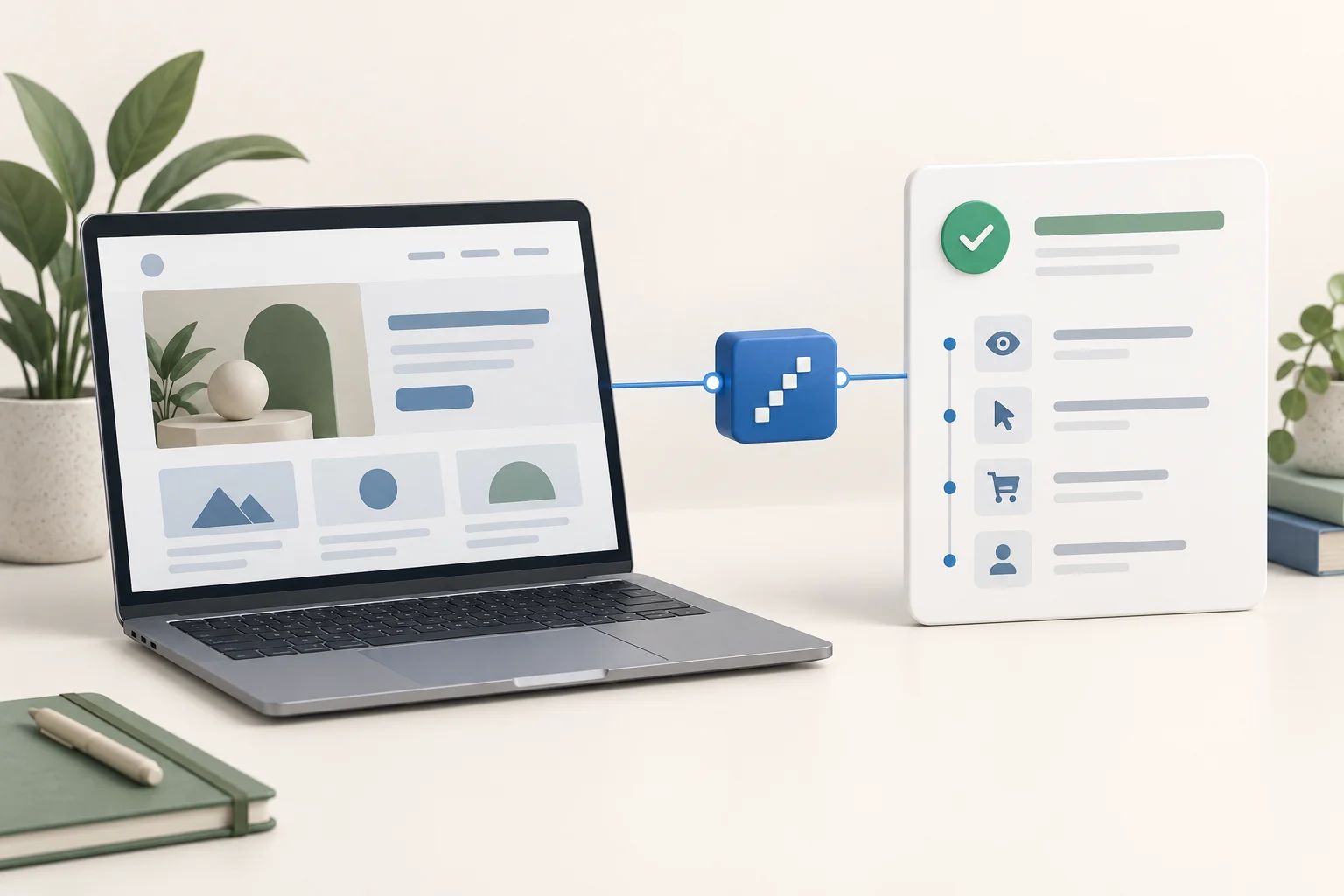
Yes, you can use Meta Pixel without a WordPress plugin. You can install Meta's base code through maintained theme or site code, or manage it in a Google Tag Manager container already connected to the website. You still need consent-aware loading, conversion triggers and someone responsible for testing the setup after changes.
A plugin is one installation method. Avoiding a tracking plugin does not make the Pixel automatically faster, more accurate or compliant. The useful question is which route your team can maintain reliably.
Option 1: use your maintained website code
Copy the base code from your own Meta Events Manager source. Check its numeric ID before using it. Meta's installation instructions recommend the persistent page head and also support tag-manager solutions.
On WordPress, a developer can add the code through an existing child theme or owned theme implementation. The wp_head hook is a native way to print code in the front-end head where the theme supports it.
Use this implementation sequence:
- Identify the active theme and the existing consent mechanism.
- Keep the modification in maintained child-theme or owned site code, with a recorded file and version.
- Connect Meta's base loader to the consent system's approved advertising-loading path.
- Ensure the same intended ID is used wherever the loader or any image fallback sends data.
- Load the public site and verify PageView under the accepted consent state.
- Repeat with advertising consent declined, then test your conversion.
Do not paste tracking directly into a parent theme file you cannot maintain through updates. Do not put an executable script in an ordinary content block and assume it will cover all pages.
WordPress theme structures differ. A classic header template and a block-theme setup do not necessarily expose identical files or controls. Use the actual theme's supported code path instead of blindly looking for an old tutorial's header editor.
Option 2: use an existing tag manager
If your website already has a maintained Google Tag Manager container, use that container rather than installing a second one.
For a new container connection, Google's web-container installation guide explains the code placement and installation test. This connects the container to the website; it does not install Meta Pixel by itself.
Inside the container, configure a Meta base-code tag using your intended Pixel ID. Connect its firing conditions to the consent state your site supplies. Add separate event tags for supported success signals when needed.
Use the container's Preview mode to see whether tags fire, which trigger causes them and which values they receive. Google documents that process in its preview and debugging guide.
After verifying the reviewed configuration, publish the container version. Then test the public version again. A tag working only in your preview session does not prove the published configuration works for visitors.
The base code does not create every conversion
A manually installed loader can record PageView. Contact forms, bookings and store purchases require their own success signals.
For a form, use the plugin's accepted-submission callback. For a booking, confirm the reservation was saved. For WooCommerce, supply the real order data and purchase definition. The Meta conversion guide explains standard and custom event calls.
Do not attach every conversion to a button click merely because a tag manager makes that easy. Invalid forms and failed checkouts can still involve clicks.
If Niwa helps customers understand the business, measure the relevant result after the conversation. With Niwa website booking, that is the completed website reservation, not a request for an available time.
Preserve consent through both routes
For UK visitors, non-essential advertising tracking requires consent. See the ICO's cookie guidance.
A manually pasted script can load before a banner gets a chance to block it. A tag-manager tag can also fire too early if its trigger ignores consent. Test the actual script behavior, not only the banner text.
Inspect the fallback path too. An image request that sends tracking before consent can defeat a JavaScript-only control. Connect the complete implementation to the appropriate rules.
Decide who will maintain it
Choose manual code when your developer owns the implementation and can check theme updates, event logic and consent changes. Choose your existing tag manager when someone already maintains its versions and data layer.
A dedicated tracking integration can be more practical when the business needs commerce events and has nobody maintaining custom code. Removing one plugin while creating several unmanaged scripts is not necessarily a simpler setup.
Keep a record of the installation location, Pixel ID, event owners and successful tests. Check those after a theme change, checkout update or consent-tool replacement.
Add customer assistance separately
A plugin-free Pixel installation is still measurement code. It does not make the website an AI assistant.
An AI-built website uses AI during construction. An AI-powered website, such as a WordPress site using Niwa, continues helping customers with product or service questions and supported business actions after launch. Existing owners can install the standalone Niwa plugin even if they manage the Pixel through code.
Niwa Business is USD 150 for a custom WordPress website or migration, hosting, maintenance and business-specific AI adaptation. Contact Niwa about your current website and customer workflow if you want that assistance around the site you already maintain.

